GitHub Copilot Remote Control: work from your phone
GitHub has launched Remote Control for Copilot in general availability. Developers can now start coding in VS Code or via CLI, then continue right from their iP
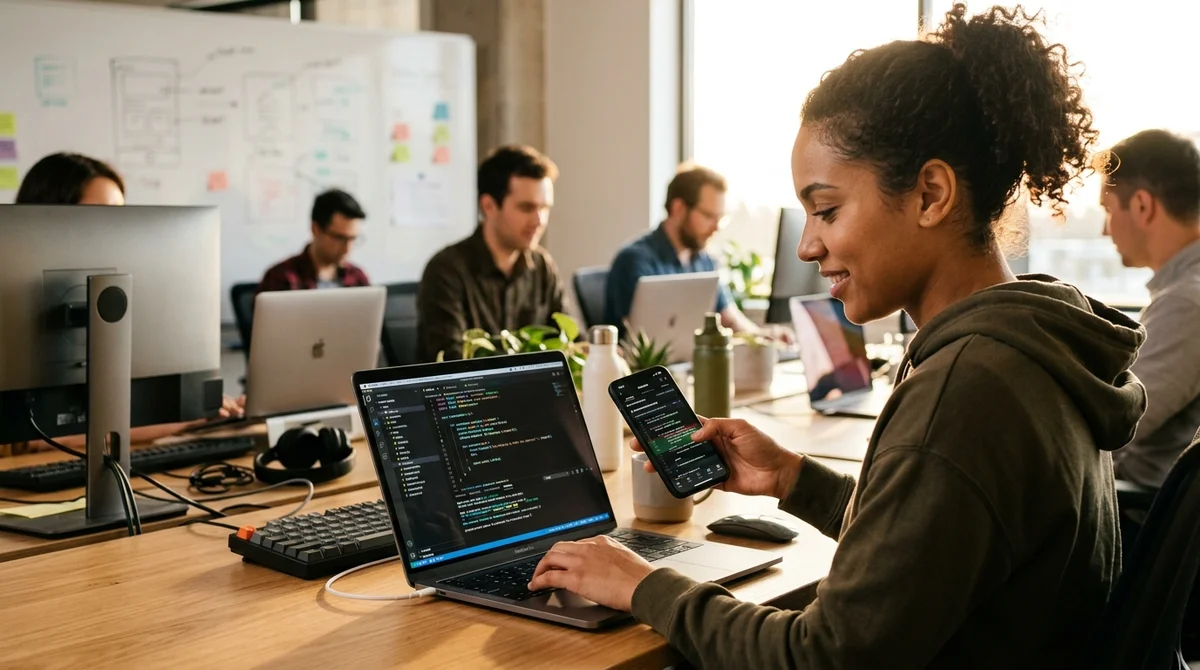
GitHub has launched Remote Control for Copilot in general availability — now developers can synchronize their coding sessions between local tools and mobile devices. This means you can start in VS Code on your laptop and finish on your smartphone while commuting.
How Remote Control Works
The new feature lets you start work in VS Code or through GitHub CLI, then continue it right on iPhone or Android smartphone via GitHub Mobile or the web version at github.com. The session is saved automatically and fully synchronized — you see the same context, the same history, all the same Copilot suggestions as in your main IDE.
When you switch from your laptop to your mobile, your entire interaction history with the AI assistant transfers completely. If Copilot suggested a solution on your work machine, it will remain in the context on your phone. This allows you to work continuously, continuing your thought rather than starting over.
This is especially convenient for working on the go, reviewing code on mobile (no need to dig out your laptop), or quickly responding to critical errors. Developers are no longer tied to a desktop — coding logic moves with them.
Supported Platforms
- VS Code (local IDE)
- GitHub CLI (command line)
- GitHub Mobile (iOS and Android)
- GitHub.com (web browser on any device)
- JetBrains IDE (support being added)
Synchronization works in real time — when you switch between devices, all session information updates on the fly. Sessions are stored in GitHub's cloud with all security and privacy standards maintained.
Who This Is Useful For
The feature is especially relevant for freelancers and remote developers who frequently change their workspace. You can start a code review in the office, continue it in a café, and finish at home — the context is fully preserved. For those working with multiple projects, this means you don't need to switch between tabs each time.
This is not just transferring code.
This is transferring the entire work session, including the history of interaction with Copilot.
There are also more critical scenarios. You're on the road, and an alert comes in about a production issue. Previously, you had to wait until you got back to your laptop. Now — you pull out your phone, open GitHub Mobile, and the session is restored right where you left off.
What This Means
GitHub continues to blur the boundaries between local and cloud development environments. Remote Control is not just convenience, it's a philosophy: tools should adapt to the way developers work, not the other way around. Hybrid development is no longer an exception — it's the norm, and GitHub has recognized this.