Koda releases koda-cli 0.3.1: the assistant can now run inside your IDE
Koda has released koda-cli 0.3.1 with improved Agent Client Protocol support. The assistant can now connect to compatible IDEs and be used through a built-in interface instead of the terminal. The protocol uses a client-server model over HTTP, WebSocket or JSON-RPC, so the integration is not limited to one editor. Any software that supports ACP can use it.
AI-processed from Habr AI; edited by Hamidun News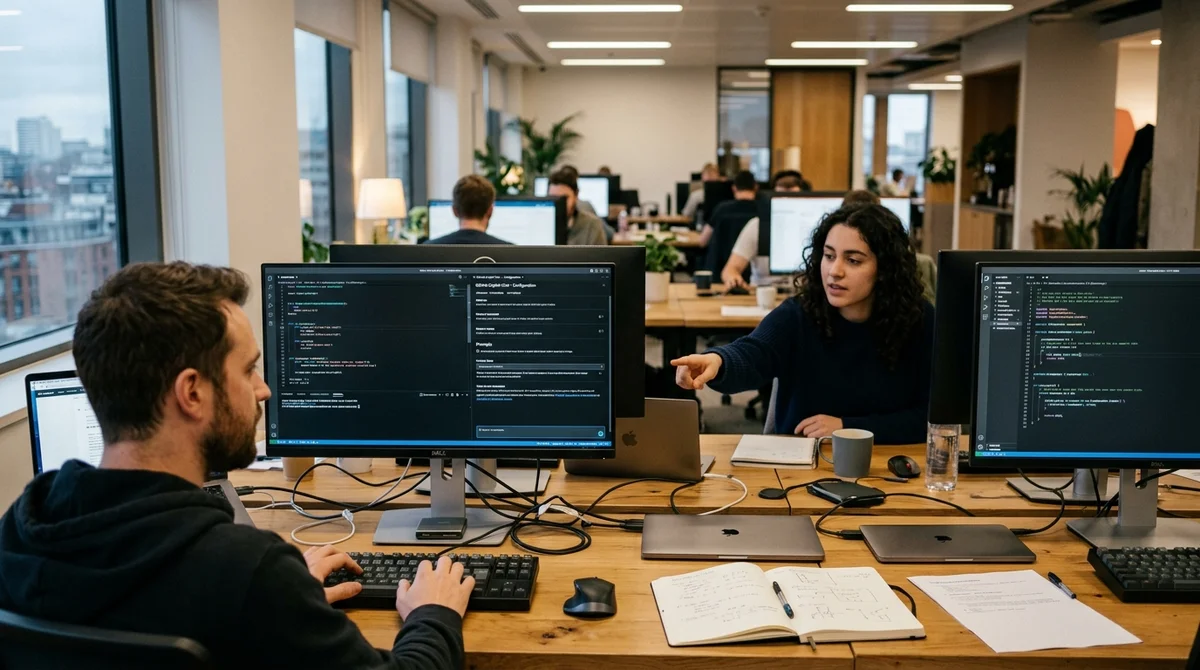
Koda has released koda-cli 0.3.1 with improved Agent Client Protocol support. The main idea of the update is to move work with the AI assistant out of the terminal and into the interface of a compatible development environment, where developers already spend most of their day.
What was updated
In the new version, the Koda team refined ACP support and showed how to connect the assistant to popular IDEs. This does not mean abandoning the command line entirely: you still need the terminal for the first installation of koda-cli. After that, the workflow changes. The assistant can run in the background from the development environment, and you talk to it through the built-in interface. You no longer switch windows every time you need to ask about code, edit a file or step through a multi-step agent flow.
For koda-cli, this is an important shift in positioning. Previously, the very word CLI implied that the main experience would revolve around the terminal. Now Koda shows a different route: the CLI remains the engine and the installation point, while daily work moves to the client's GUI. This makes the tool easier to grasp for teams where developers, analysts and tech leads want to use the agent next to the code rather than in a separate console.
How ACP works
Agent Client Protocol is built as an ordinary client-server setup. The assistant starts in the background, and the development environment acts as the client, talking to it over HTTP via WebSocket or JSON-RPC. In practice, the chat, the agent's actions and the whole task execution process appear inside the IDE, while the assistant itself keeps running as a separate service. For the user, this feels closer to a native integration than to running a script from the terminal.
The entire agent flow is shown in the IDE interface, not in the terminal.
Koda stresses that this principle is not tied to a single application. If your favorite editor or IDE already supports ACP, you can use koda-cli there too. If support is missing or the integration has bugs, the team asks users to report problems through issues. This is an important signal for the market: around AI assistants, a layer of compatible protocols is gradually forming alongside the set of models, reducing dependence on a single vendor and a single interface.
What changes in practice
For everyday development, the update removes one of the most irritating small annoyances: constant jumping between code and terminal. When the assistant's interface lives in the same environment where the project is open, it is easier to keep context, read answers next to the files and check results faster. This is especially noticeable in tasks where the agent does not just reply with text but performs several steps in sequence and has to show progress as it works.
- Discussing code and edits inside the editor, without a separate console
- Running agent scenarios in the background from a compatible ACP client
- Using one assistant across different software, as long as it understands the protocol
- Easier onboarding for teams that find the terminal interface inconvenient
The update does not, however, remove the basic role of the CLI. Installation and initial setup still have to go through the command line, and only then do you connect a client with ACP support. In other words, Koda is not abandoning its original architecture but extending it. It is a pragmatic path: keep the flexibility of the CLI for experienced users while offering a more familiar entry point to those who want to work with the agent from an IDE window.
What this means
Koda is betting on compatibility through a protocol rather than on a closed interface. If ACP keeps gaining new clients, koda-cli will be able to live in several development environments at once without rewriting its logic for each of them. For the AI tools market, this is a good sign: competition is shifting from a polished shell to the quality of the assistant, the speed of integration and how easily it fits into a real workflow.
- Nov 2, 2026DeepSeek open-sources Super-agent prototype: p95 task completion time of 15.7 minutes vs. 29.5
- Nov 2, 2026Bun creator uses Claude Code to port 750K lines from Zig to Rust in 11 days
- Nov 2, 2026Microsoft releases 4B model Mage-VL-Cowork, which solves 66.0% of OSWorld-Verified tasks
- Nov 2, 2026Meta's Muse assistant keeps dossiers on loved ones and gets root on Ubuntu by default
Key Questions Answered
What was updated?
In the new version, the Koda team refined ACP support and showed how to connect the assistant to popular IDEs. This does not mean abandoning the command line entirely: you still need the terminal for the first installation of koda-cli. After that, the workflow changes. The assistant can run in the background from the development environment, and you talk to it through the built-in interface. You no longer switch windows every time you need to ask about code, edit a file or step through a multi-step agent flow. For koda-cli, this is an important shift in positioning. Previou
How ACP works?
Agent Client Protocol is built as an ordinary client-server setup. The assistant starts in the background, and the development environment acts as the client, talking to it over HTTP via WebSocket or JSON-RPC. In practice, the chat, the agent's actions and the whole task execution process appear inside the IDE, while the assistant itself keeps running as a separate service. For the user, this feels closer to a native integration than to running a script from the terminal. The entire agent flow is shown in the IDE interface, not in the terminal. Koda stresses that this princ
What changes in practice?
For everyday development, the update removes one of the most irritating small annoyances: constant jumping between code and terminal. When the assistant's interface lives in the same environment where the project is open, it is easier to keep context, read answers next to the files and check results faster. This is especially noticeable in tasks where the agent does not just reply with text but performs several steps in sequence and has to show progress as it works. Discussing code and edits inside the editor, without a separate console Running agent scenarios in the backgr
Test Frontier LLMs & Autonomous Agents in One Workspace
Run Claude Opus 5.5, GPT-6, Gemini 3.1, and DeepSeek side-by-side in Nomad AI (nomadnet.ai) — unified model routing, deep research, and multimodal workflows under one subscription.
The AI world, distilled — once a week
Seven stories that actually mattered, hand-picked. No noise, no reposts, no press releases.
Done! Check your inbox for a confirmation.