Canva upgrades its AI assistant: it now builds editable designs from a text prompt
Canva has updated its AI assistant. It can now call the platform's tools and assemble editable designs on its own from text prompts. The user only needs to describe the task: the assistant picks the right tools and produces a finished result. It is one of Canva's most significant steps toward agentic AI in design tools.
AI-processed from TechCrunch; edited by Hamidun News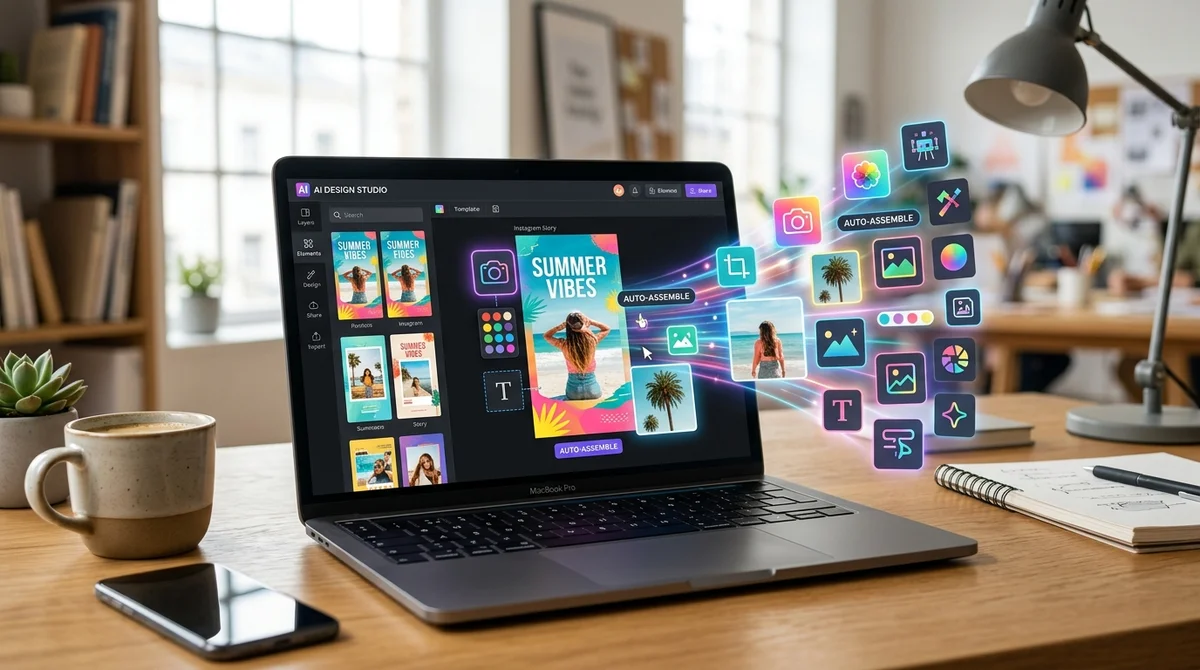
Canva has updated its AI assistant: it can now call various tools on the platform and create editable designs on its own from text prompts. It is a shift from a chatbot that offers advice to a genuine agent that acts: it picks the tools it needs and assembles the result without manual steps from the user.
Previously, Canva's AI assistant mostly answered questions, gave tips and helped users find their way around the platform's features. The new version changes how it works: the user describes what they need, for example "make an Instagram post with a headline about a summer sale in blue tones", and the assistant calls the relevant tools itself, picks a template, inserts the text and produces a finished design. The result stays fully editable: every element can be changed by hand, as in an ordinary project.
This is a fundamentally different interaction model. Most generative design tools, including Adobe Firefly and Figma AI, either produce static images that cannot be edited component by component, or offer individual automated actions without combining them into an end-to-end pipeline. Canva is betting on an agentic architecture: the AI receives a task, plans the steps and carries them out through the platform's tools.
Canva is one of the largest design services in the world, with more than 170 million users. The platform has invested in AI for a long time: first came Magic Design (automatic template generation), Magic Write (text), Magic Eraser (object removal) and other tools in the Magic series. The new assistant with tool calling is the next level of that strategy. Whereas each Magic tool previously had to be launched manually, the assistant now combines them automatically in response to a single request.
Technically, the update relies on the concept of function calling, or tool use, the same principle language models in the ecosystems of major AI companies use to connect external APIs. On a design platform, this means the AI gets a set of available actions (create an element, choose a font, apply a color scheme, add an image) and decides on its own which one to call and in what order.
For ordinary users such as marketers, small businesses and freelancers, this lowers the barrier to entry even further. They no longer need to know how Canva works internally: describing the desired result is enough. For experienced designers, the update is a tool for drafts and quick prototypes: the AI generates the first version, and a human does the final polish.
This is part of a broader trend: big platforms, from Google Workspace to Notion and Microsoft 365, are turning their AI assistants into agents that can perform multistep tasks rather than just answer questions. In design, the race is only beginning, and Canva's update is a bid for leadership in the mass-market AI design segment.
*Meta is recognized as an extremist organization and banned in Russia.
- Nov 2, 2026Bun creator uses Claude Code to port 750K lines from Zig to Rust in 11 days
- Nov 2, 2026The Verge reviewer builds a $50 Meta Muse Charm alternative with Claude Code
- Nov 1, 202616 models tested on 7 search tools: Exa averaged 10.5 out of 14, SearXNG about 3
- Nov 1, 2026Google's StreamVibe video agent beats other models by 10.7% on response timing and quality
Test Frontier LLMs & Autonomous Agents in One Workspace
Run Claude Opus 5.5, GPT-6, Gemini 3.1, and DeepSeek side-by-side in Nomad AI (nomadnet.ai) — unified model routing, deep research, and multimodal workflows under one subscription.
The AI world, distilled — once a week
Seven stories that actually mattered, hand-picked. No noise, no reposts, no press releases.
Done! Check your inbox for a confirmation.