KDnuggets shows how to run Qwen3.5 on an old laptop with Ollama and OpenCode
KDnuggets has walked through a lightweight way to turn an old laptop into a local AI machine for development. Ollama, Qwen3.5 4B and OpenCode together let you run a model without the cloud and without sending data out. You can write simple code, check dependencies and test small projects right on your own machine. For basic tasks that is enough, but on complex multi-step scenarios the model starts to fail.
AI-processed from KDnuggets; edited by Hamidun News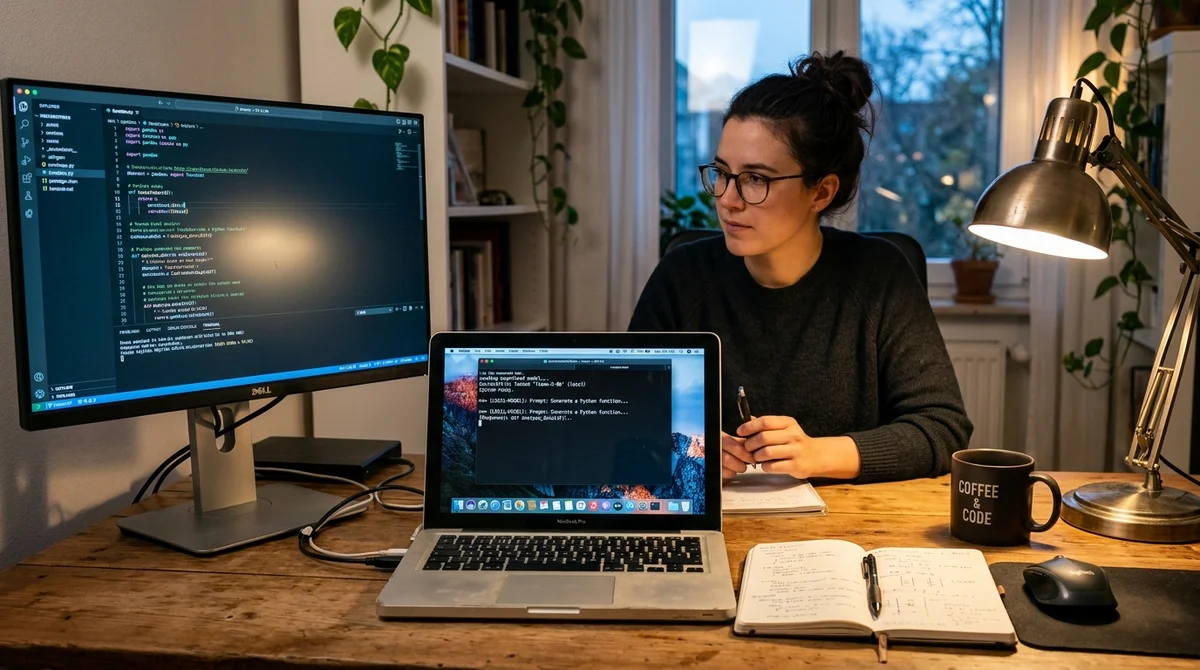
On April 8, KDnuggets published a practical walkthrough on turning an old laptop into a local AI workstation, with no expensive hardware and no cloud subscriptions. The setup centers on Qwen3.5 in its 4B version, Ollama for running models locally, and OpenCode as a coding agent that works straight from the terminal.
Why bother?
The article's main point is that local AI tools no longer require a powerful workstation or a dedicated server. The author shows that even an aging laptop can serve as a private environment for experiments, coding and quick checks, provided you pick a compact open model and don't burden the stack with extra layers. In this scenario Qwen3.5 4B is presented as a reasonable compromise between answer quality, speed and hardware requirements.
This is not about replacing flagship cloud models. The setup serves a different purpose: giving developers, students and enthusiasts an inexpensive way to run AI locally, without sending files and prompts to external services, and to test ideas quickly on their own machine. For draft code, learning tasks, simple terminal workflows and small tests this is already enough, even if answer quality doesn't always match the best commercial systems.
How the setup works
The basic stack has two parts. Ollama downloads, stores and runs the language model on the local device, while OpenCode sits on top and turns it into a more practical agent interface for working with code.
The article uses the Qwen3.5:4B variant, which the author estimates typically needs about 3.5 GB of RAM. That makes it a realistic choice for an old laptop with no spare GPU or memory.
- install Ollama on Windows, Linux or macOS
- start the local Ollama server manually if needed
- download and open the Qwen3.5 4B model in the terminal
- install OpenCode with a quick script
- launch OpenCode with the local model already connected
Afterward the user gets a local interface where the model can be asked to create a project, install dependencies or check code. A further plus of the guide is that it keeps the barrier to entry low: no Docker orchestration, no manual API setup and no lengthy environment build. Compared with many local-AI articles, this looks like a genuinely practical scenario you can repeat in an evening, rather than an engineering project lasting several days.
Testing on a real task
To show not just installation but the real value of the approach, the author had the Qwen3.5 and OpenCode combination build a small Python project from scratch: a terminal game, Guess the Word. The agent had to generate the project structure itself, write the code, install dependencies and bring the app to a working state.
In the test, the system did produce a working game with clear logic, score tracking and correct handling of entered characters. This was not a decorative demo but a full local execution of a chain of tasks.
The article is also candid about the limits. The compact quantized model handles basic code, simple scripts, learning projects and research queries well, but falters when a task gets longer and requires sustained multi-step planning. The author notes separately that the model sometimes stopped midway, and he had to nudge it manually with the next command. That is tolerable for experiments, but it looks like a noticeable limitation for a stable day-to-day pipeline.
"Sometimes I just had to type continue so it would finish the task."
What this means
The KDnuggets guide points to an important shift: local agentic AI stacks are becoming cheaper, simpler and more useful in everyday development. They do not yet replace strong cloud models, but they already offer a workable option for private experiments, learning, prototypes and small engineering tasks.
- Nov 1, 2026Local models lose to Opus and Codex: 0.21 on a MacBook versus 1.00 for Codex
- Nov 1, 2026MoneyGate safety layer blocked all 42 fraudulent requests to local AI models
- Nov 1, 2026ThinkJev Makes AI Think Only About Hard Questions: 28% Fewer Tokens
- Oct 31, 2026Open-source LLM gateway KTMS 1.0 plugs your own GPUs into the cloud and survives outages
Key Questions Answered
Why bother?
The article's main point is that local AI tools no longer require a powerful workstation or a dedicated server. The author shows that even an aging laptop can serve as a private environment for experiments, coding and quick checks, provided you pick a compact open model and don't burden the stack with extra layers. In this scenario Qwen3.5 4B is presented as a reasonable compromise between answer quality, speed and hardware requirements. This is not about replacing flagship cloud models. The setup serves a different purpose: giving developers, students and enthusiasts an in
How the setup works?
The basic stack has two parts. Ollama downloads, stores and runs the language model on the local device, while OpenCode sits on top and turns it into a more practical agent interface for working with code. The article uses the Qwen3.5:4B variant, which the author estimates typically needs about 3.5 GB of RAM. That makes it a realistic choice for an old laptop with no spare GPU or memory. install Ollama on Windows, Linux or macOS start the local Ollama server manually if needed download and open the Qwen3.5 4B model in the terminal install OpenCode with a quick script launch
What are the key details on Testing on a real task?
To show not just installation but the real value of the approach, the author had the Qwen3.5 and OpenCode combination build a small Python project from scratch: a terminal game, Guess the Word. The agent had to generate the project structure itself, write the code, install dependencies and bring the app to a working state. In the test, the system did produce a working game with clear logic, score tracking and correct handling of entered characters. This was not a decorative demo but a full local execution of a chain of tasks. The article is also candid about the limits. The
Test Frontier LLMs & Autonomous Agents in One Workspace
Run Claude Opus 5.5, GPT-6, Gemini 3.1, and DeepSeek side-by-side in Nomad AI (nomadnet.ai) — unified model routing, deep research, and multimodal workflows under one subscription.
The AI world, distilled — once a week
Seven stories that actually mattered, hand-picked. No noise, no reposts, no press releases.
Done! Check your inbox for a confirmation.