AMD RX580 ran an LLM locally: how to tame ROCm, Ollama, and get GPU inference
An old AMD RX580 can in fact be turned into a usable card for local LLM inference, but the path runs through ROCm errors, Ollama crashes, and misleading VRAM usage. Over several days, the author checked Kubernetes containers, verified actual compute with Vulkan, and ultimately achieved stable generation of about 42 tokens per second — without nonsensical output or false positives.
AI-processed from Habr AI; edited by Hamidun News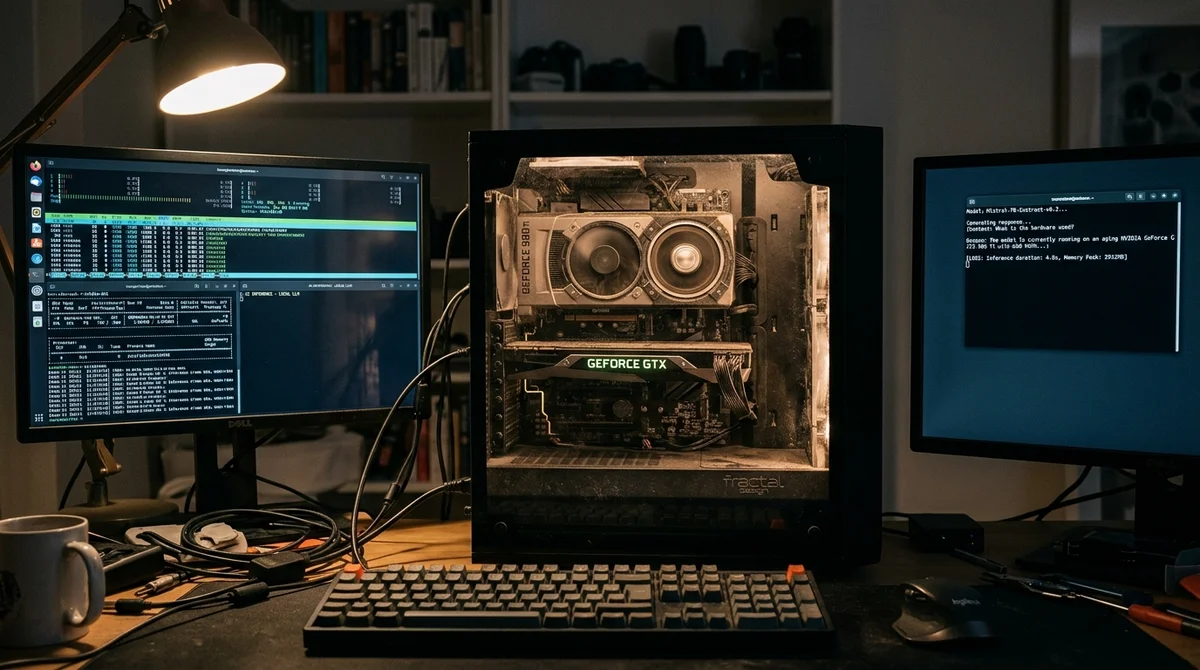
Running an LLM on an old AMD RX580 turned out to be not a matter of one lucky command, but a full-fledged engineering investigation. The author tried to get proper GPU inference through ROCm and Ollama in Kubernetes, but instead of stable generation, they got false signs of success, memory failures, and sometimes nonsensical text at the output.
Symptoms and Traps
At the start, everything looked almost functional. The graphics card was detected, containers were running, VRAM was filling up, which meant the system seemingly was indeed using the GPU. But this was a trap: occupied memory does not necessarily mean that calculations are happening correctly on the graphics processor.
The main problem manifested itself at the moment of actual inference — requests crashed with hipMemGetInfo errors or ended in strange generation that superficially resembled the model working but actually produced no meaningful result.
GPU was detected, VRAM was occupied, containers were running — but
inference crashed with hipMemGetInfo errors.
This case illustrates well a typical mistake when running LLM locally: looking only at the "appearance of life" of the infrastructure. If Kubernetes launched the container, Ollama saw the model, and the GPU occupied several gigabytes, this still doesn't confirm that the ROCm stack is actually executing matrix operations correctly. For old cards like the RX580, it's especially important to check not only device availability but also the actual compute-path, because the failure can hide below the application level itself.
How They Found the Root Cause
The root of the problem was narrowed down not through yet another package reinstallation, but through diagnosis of the computational circuit. The author compared signs of operation at different system layers and separated cosmetic successes from actual inference execution. Vulkan unexpectedly became the key tool here: it helped check whether the GPU could stably perform computational tasks at all, and thereby highlighted that the problem wasn't reducible to just Ollama or container configuration alone.
In essence, the investigation went from symptoms to testable hypotheses. Instead of guessing from logs, the author systematically eliminated false explanations and assembled a minimally working configuration, checking each layer separately: from containers and runtime to drivers and the model itself. This order is important because it allows you to understand where "infrastructure came up" ends and the real computational pipeline begins.
In the breakdown, it looked step by step like this:
- Checking actual GPU compute, not just VRAM usage
- Comparing ROCm and Vulkan behavior
- Filtering out container and orchestration problems
- Finding compatible kernel and ROCm versions
- Controlling the quality of the model's output itself
This approach is important because meaningless text at the output is also a diagnostic signal. If the model responds but generates garbage, the failure may not be in weight loading but in incorrect computational work, driver incompatibility, or a partially functional backend that only looks alive on the surface. These half-working states typically consume more time than complete failure because they masquerade as random application bugs.
Working Configuration on RX580
The experiment concluded not with "magic tuning," but with a found combination of versions and components under which the old RX580 does indeed yield stable results. The author writes that specific versions of ROCm and the Linux kernel turned out to be working, and after resolving conflicts, inference stopped crashing and began producing normal text. This is an important conclusion for anyone trying to run local models on not-so-new AMD graphics: success here depends not so much on nominal hardware support as on the exact alignment of driver, system, and runtime layers.
The practical result looks convincing: on the RX580, they managed to get about 42 tokens per second. For a home graphics card of the past generation, this is no longer just a demonstration but a working mode in which you can test local assistants, RAG scenario prototypes, and personal inference services without necessarily upgrading to a fresh NVIDIA stack. But the main lesson is not in the speed figure, but in the method: if the GPU is "seemingly working," that's not enough. What needs to be checked is the stability of computations, the correctness of the output, and the reproducibility of results.
What It Means
The RX580 story shows that local LLM inference on old AMD hardware is possible, but requires discipline in diagnostics. For developers, this is a good guideline: don't confuse occupied VRAM with actual model operation, check the entire stack from kernel to runtime, and treat strange output as a full-fledged error, not a minor glitch. For home labs, this is almost a ready-made checklist for how not to spend days chasing false signs of success.
Need AI working inside your business — not just in your newsfeed?
I build production AI for companies — custom CRM, internal tools, autonomous agents, workflow automation. Owned by you, shaped to your process, no per-seat tax. Built by Zhemal Khamidun, CPO of AlpinaGPT (AI platform, 6,000+ users).
The AI world, distilled — once a week
Seven stories that actually mattered, hand-picked. No noise, no reposts, no press releases.
Done! Check your inbox for a confirmation.