Local LLM on a 2017 Graphics Card: AMD RX 580 + Vulkan + Ollama
The 2017 AMD RX 580 graphics card can run modern language models thanks to Vulkan. No need to deal with ROCm complexity — use straightforward Vulkan and get 15–35 tokens per second on Fedora. Install Ollama, n8n, and Open WebUI, load Llama 3.1 or DeepSeek, and your local AI is ready to use.
AI-processed from Habr AI; edited by Hamidun News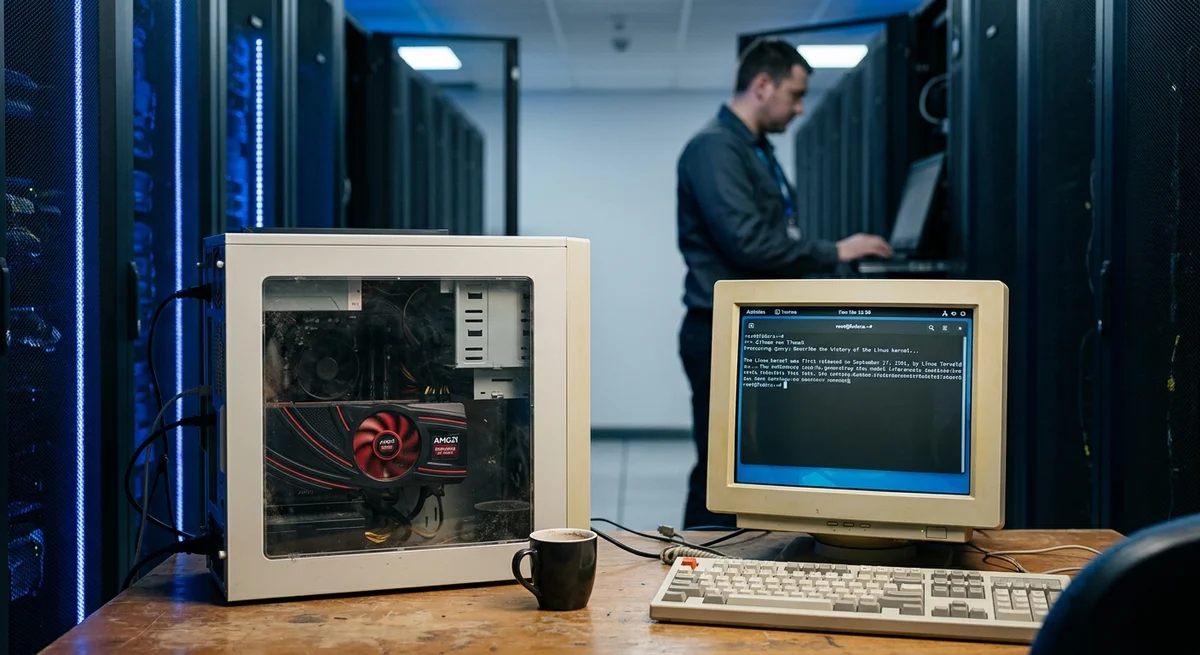
Local AI has become a reality even for old hardware. AMD RX 580, a graphics card from 2017, is capable of running modern language models on a local computer at a speed of 15–35 tokens per second. Not the cloud, not an API, not subscriptions — pure local AI on a machine that was forgotten in a drawer.
Vulkan instead of ROCm ROCm — AMD's official support for GPU
acceleration — often creates problems on Fedora: complex installation, version incompatibilities, gaps in documentation. Vulkan offers an alternative: it's a standard graphics API available everywhere, working without pain. Ollama supports Vulkan, and this changes the game — no more need to wrestle with ROCm. A speed of 15–35 tokens per second is quite realistic for a 2017 graphics card. This doesn't compete with modern GPUs like the RTX 4090, but is sufficient for local use: running Llama 3.1, DeepSeek, Qwen 3.5, experimenting with models, integrating into your own applications without cloud APIs.
How to set up a local AI stack
The process is surprisingly simple: Install Ollama — a minimalist model launcher for any OS Run Open WebUI — a web interface for interacting with models Connect n8n — a platform for automation and complex workflows Load any open model — Llama 3.1, DeepSeek V2, Qwen 3.5 Vulkan is automatically used by Ollama if the graphics card is compatible. On Fedora, everything works out of the box — no additional configuration needed.
Real performance
On AMD RX 580 you will get: Llama 3.1 70B with quantization: ~20 tokens per second DeepSeek V2: ~18 tokens per second * Qwen 3.5 32B: ~32 tokens per second This is sufficient for interactive use — you won't get an instant answer like in ChatGPT, but a fully ready result will arrive in 5–15 seconds. For batch processing hundreds of texts, speed doesn't matter at all. Plus: complete privacy. All data remains on your machine, no requests to OpenAI, Anthropic, or other cloud services.
What this means Local AI is no longer a privilege of owners of premium hardware.
An old graphics card lying unused suddenly becomes a useful tool for development and experiments. This opens the door to private AI, experiments independent of cloud services, and integration of models directly into your own projects.
Want to stop reading about AI and start using it?
AI News is a curated feed of AI/tech news. Hamidun Academy teaches you to use AI systematically in your work.
The AI world, distilled — once a week
Seven stories that actually mattered, hand-picked. No noise, no reposts, no press releases.
Done! Check your inbox for a confirmation.