VS Code 1.111 launches Autopilot: an AI agent that writes, tests, and deploys on its own
Microsoft has released VS Code 1.111 with Autopilot mode, the editor's first AI agent that works fully on its own. It writes code, runs tests, fixes errors, and deploys, all without waiting for the developer to confirm anything. Lead engineer Kai Maetzel puts it this way: the agent shouldn't "sit idle waiting for a response." This isn't just a new feature. It changes the relationship between the programmer and the tool itself.
AI-processed from Habr AI; edited by Hamidun News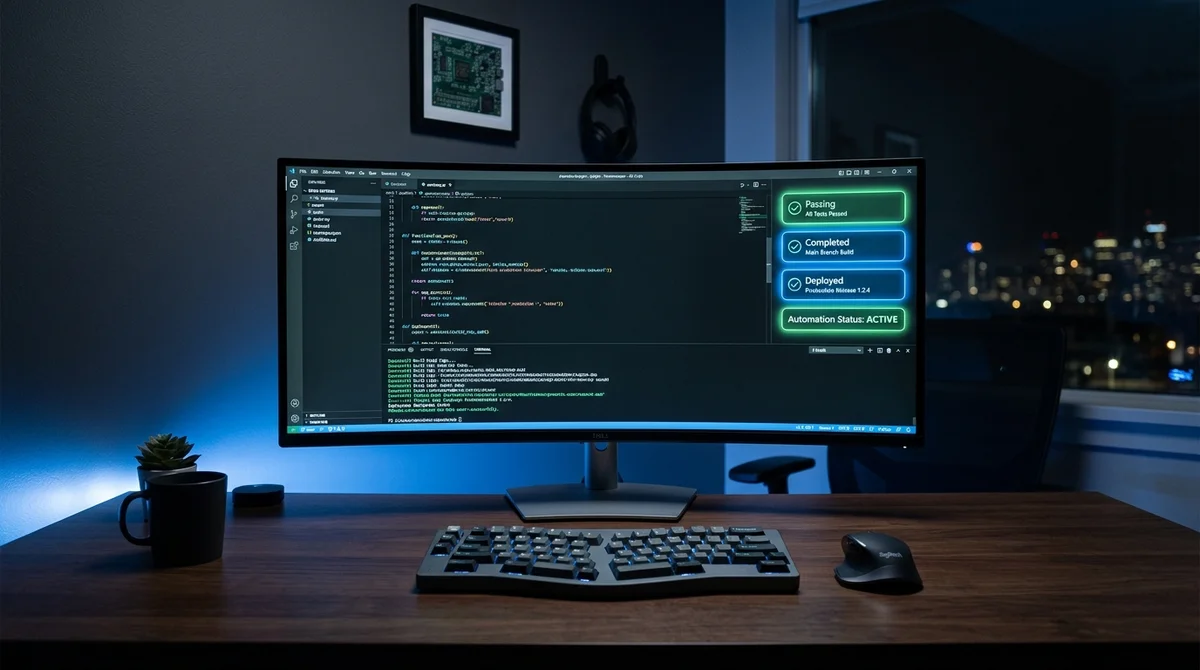
VS Code 1.111 shipped on March 9, 2026, and it's not another release of minor fixes. Every new feature in this version is tied to AI. The headline addition is Autopilot mode, in which the agent writes, tests, and deploys code on its own, without stopping or asking for confirmation until the entire task is done.
What is Autopilot mode
Autopilot is not a souped-up autocomplete. It's a full AI agent that runs in a loop: it takes a task, plans the steps itself, carries them out, and corrects the result when needed.
The key difference is that the agent doesn't wait for the developer at every step. It approves its own tool calls, retries on its own when something fails, and answers the intermediate questions that can come up along the way.
Microsoft lead engineer Kai Maetzel put it bluntly: the agent shouldn't "sit idle waiting for a response." The goal is to remove every point where the process slows down because it has to wait for a human.
This is a fundamentally different model from anything that came before. GitHub Copilot offered autocomplete suggestions, and a human picked one. Copilot Chat explained code and generated functions on request, but the decisions stayed with the developer. Autopilot is the first to take the human out of the decision loop while a task is running.
What the agent does without the developer
Autopilot covers the whole typical cycle, from writing code to deployment:
- generates and edits code from a task description
- runs tests and interprets the results
- fixes compilation errors and linter warnings
- uses the terminal and runs build commands
- deploys changes through a defined pipeline
The developer sets the task and gets a finished result. What happens between those two points is up to the agent.
Is this a good thing
The author of the original piece has been writing code since the early 2000s. He watched Eclipse slow to a crawl, IntelliJ take over the Java world, and VS Code become the default editor for an entire generation.
In his view, Autopilot isn't just another feature. It changes the very nature of the relationship between the developer and the tool.
"This is different.
This changes the relationship between the developer and the tool itself."
The risks are obvious. An agent that approves its own actions moves fast, but when something goes wrong, the developer finds out afterward, not while it's happening. A deployed bug, an overwritten config, a command run in prod instead of dev: all of this becomes possible once the human is removed from the chain.
Autopilot is an explicit bet on speed, and each team will have to decide whether that bet is worth the loss of control.
What it means
VS Code has gone from an editor with autocomplete to an autonomous task executor, and that shift took less than two years of active AI feature development.
For teams, Autopilot offers real time savings on routine cycles. But it will only work in an environment with explicit guardrails and clear rules. Without them, autopilot mode doesn't speed things up; it becomes a source of risks that are harder to catch than ordinary bugs.
- Nov 2, 2026Karpathy builds a YouTube clone with 6454 videos from Hacker News recommendations in two hours
- Nov 2, 2026Karpathy used Claude to build HackerTube from 6,454 videos recommended on Hacker News
- Nov 2, 2026Arca gives AI agents finance tasks lasting up to 10 days, but leaves the trades to humans
- Nov 2, 2026DeepSeek open-sources Super-agent prototype: p95 task completion time of 15.7 minutes vs. 29.5
Key Questions Answered
What is Autopilot mode?
Autopilot is not a souped-up autocomplete. It's a full AI agent that runs in a loop: it takes a task, plans the steps itself, carries them out, and corrects the result when needed. The key difference is that the agent doesn't wait for the developer at every step. It approves its own tool calls, retries on its own when something fails, and answers the intermediate questions that can come up along the way. Microsoft lead engineer Kai Maetzel put it bluntly: the agent shouldn't "sit idle waiting for a response." The goal is to remove every point where the process slows down be
What the agent does without the developer?
Autopilot covers the whole typical cycle, from writing code to deployment: generates and edits code from a task description runs tests and interprets the results fixes compilation errors and linter warnings uses the terminal and runs build commands deploys changes through a defined pipeline The developer sets the task and gets a finished result. What happens between those two points is up to the agent.
What are the key details on Is this a good thing?
The author of the original piece has been writing code since the early 2000s. He watched Eclipse slow to a crawl, IntelliJ take over the Java world, and VS Code become the default editor for an entire generation. In his view, Autopilot isn't just another feature. It changes the very nature of the relationship between the developer and the tool. "This is different. This changes the relationship between the developer and the tool itself." The risks are obvious. An agent that approves its own actions moves fast, but when something goes wrong, the developer finds out afterward,
Test Frontier LLMs & Autonomous Agents in One Workspace
Run Claude Opus 5.5, GPT-6, Gemini 3.1, and DeepSeek side-by-side in Nomad AI (nomadnet.ai) — unified model routing, deep research, and multimodal workflows under one subscription.
The AI world, distilled — once a week
Seven stories that actually mattered, hand-picked. No noise, no reposts, no press releases.
Done! Check your inbox for a confirmation.