Google NotebookLM can become a personal AI prompt engineer in 15 minutes
Google NotebookLM can be turned into a personal AI prompt engineer without an API or complex agents. The setup is simple: upload documentation, videos and your own working prompts to a notebook, then assign the system the role of a senior specialist. You get not only ready-made prompts but also explanations of parameters, alternative options, and an honest "I don't know" when the knowledge base lacks the needed information. The idea is to treat prompt engineering as work with sources rather than a contest of phrasing.
AI-processed from Habr AI; edited by Hamidun News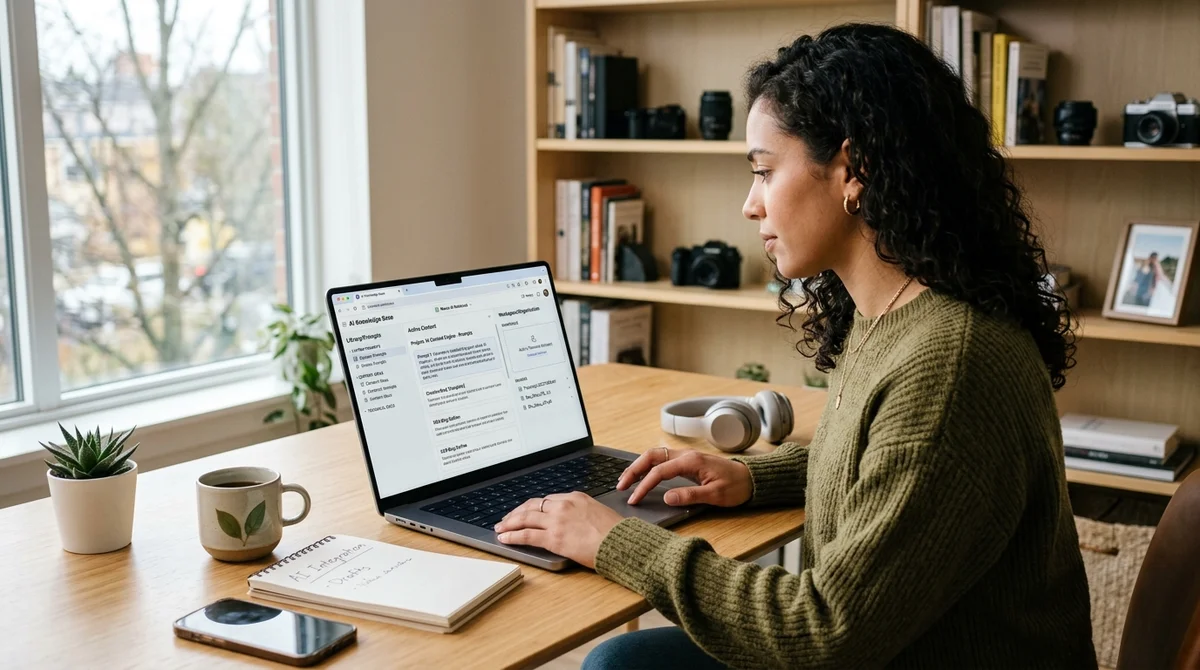
Google NotebookLM has been proposed as something more than a note-taker: a personal AI prompt engineer. The idea is simple. Instead of endlessly studying prompting techniques, build your own knowledge base and force the model to answer only from it.
Why chatbots miss the mark
The main complaint about ordinary chatbots in these tasks is that they give averaged answers. Ask for a prompt for Sora, Veo or 3D model generation, and the model often mixes outdated advice, unconfirmed parameters and fragments from different guides. In narrow scenarios this quickly becomes a problem: one extra parameter breaks an API call, and one wrong phrase changes the visual style or the structure of the result.
So the goal here is not a "magic query" but restricting the model to verified context. In effect, the author suggests treating prompt engineering as work with sources, not as a competition in wording. The narrower the domain (video, images, JSON schemas, RAG settings), the more important it is that the assistant relies not on general knowledge but on specific documentation, examples and your own working templates. This reduces hallucinations and makes answers reproducible.
How the assistant works
In this setup, Google's NotebookLM acts as a lightweight RAG layer with no code and no API. The user creates a new notebook, uploads PDFs, websites, texts and YouTube videos, and then gives the model a clear system role. After that, the assistant answers only from the added materials and can do more than output a prompt: it can explain why it chose particular camera, lighting, structure or style parameters. To the user, it looks like a personal expert trained on their own library.
The key point is not to leave the service in "universal conversation partner" mode. The author recommends explicitly specifying a senior prompt engineer profile and a ban on inventing facts outside the sources. The best part of this setup is the requirement to admit gaps in knowledge rather than fill them with a confident tone. The formula is short but practical:
"If the information isn't in them, honestly say 'I don't know'."
Such a filter changes answer quality more than yet another list of "secret" prompting techniques.
What to put inside
The assistant's effectiveness depends not on a polished starting prompt but on the set of materials in the notebook. The article advises collecting not everything, but only the sources the user is actually prepared to rely on at work. If you upload random videos and contradictory advice, the service will simply retell the chaos neatly. If you assemble a narrow, high-quality corpus, it starts working like a disciplined editor.
The practical minimum looks like this:
- official documentation from OpenAI, Google, Anthropic and any other platforms you need;
- video breakdowns of specific models, which NotebookLM can transcribe;
- your own successful prompts, JSON schemas and working templates;
- verified guides on images, video and other narrow tasks.
From there the scenario is highly practical: the user writes a task such as "make 10 prompt variants for a vertical 9:16 video in a cyberpunk city," and NotebookLM returns not only a set of phrasings but also reasoning. It can explain why a certain type of camera movement is needed, why a neon palette was chosen, what alternative approaches exist, and which parameters are best avoided so as not to break the integration. This explainability is what sets the assistant apart from a folder of old notes and from an ordinary chatbot with broad but vague knowledge.
What this means
The personal AI prompt engineer idea shows where everyday work with models is shifting: from hunting for the "perfect query" to building your own verified mini-RAG systems. For content creators, marketers and product teams, it is a quick way to standardize prompts, reduce errors and keep expertise inside a single managed knowledge base.
- Nov 1, 202616 models tested on 7 search tools: Exa averaged 10.5 out of 14, SearXNG about 3
- Nov 1, 2026Google's StreamVibe video agent beats other models by 10.7% on response timing and quality
- Nov 1, 2026OpenAI Rewrites GPT Behavior Rules: Five Values and a Chain of Command
- Nov 1, 2026Voice bots built on LLMs turn to Jev, a fast classifier, for decisions in 200–500 ms
Key Questions Answered
Why chatbots miss the mark?
The main complaint about ordinary chatbots in these tasks is that they give averaged answers. Ask for a prompt for Sora, Veo or 3D model generation, and the model often mixes outdated advice, unconfirmed parameters and fragments from different guides. In narrow scenarios this quickly becomes a problem: one extra parameter breaks an API call, and one wrong phrase changes the visual style or the structure of the result. So the goal here is not a "magic query" but restricting the model to verified context. In effect, the author suggests treating prompt engineering as work with
How the assistant works?
In this setup, Google's NotebookLM acts as a lightweight RAG layer with no code and no API. The user creates a new notebook, uploads PDFs, websites, texts and YouTube videos, and then gives the model a clear system role. After that, the assistant answers only from the added materials and can do more than output a prompt: it can explain why it chose particular camera, lighting, structure or style parameters. To the user, it looks like a personal expert trained on their own library. The key point is not to leave the service in "universal conversation partner" mode. The author
What to put inside?
The assistant's effectiveness depends not on a polished starting prompt but on the set of materials in the notebook. The article advises collecting not everything, but only the sources the user is actually prepared to rely on at work. If you upload random videos and contradictory advice, the service will simply retell the chaos neatly. If you assemble a narrow, high-quality corpus, it starts working like a disciplined editor. The practical minimum looks like this: official documentation from OpenAI, Google, Anthropic and any other platforms you need; video breakdowns of spe
Test Frontier LLMs & Autonomous Agents in One Workspace
Run Claude Opus 5.5, GPT-6, Gemini 3.1, and DeepSeek side-by-side in Nomad AI (nomadnet.ai) — unified model routing, deep research, and multimodal workflows under one subscription.
The AI world, distilled — once a week
Seven stories that actually mattered, hand-picked. No noise, no reposts, no press releases.
Done! Check your inbox for a confirmation.