Vibe Coding on Android: Build Apps Right on Your Phone
Google is building AI into Android for creating apps. The concept of "vibe coding" lets any user build an app right on their smartphone without knowing how to code. Just describe your idea, and the AI will develop the app in a few minutes. The feature is aimed at quick prototyping and simple projects, not at replacing professional developers.
AI-processed from The Verge; edited by Hamidun News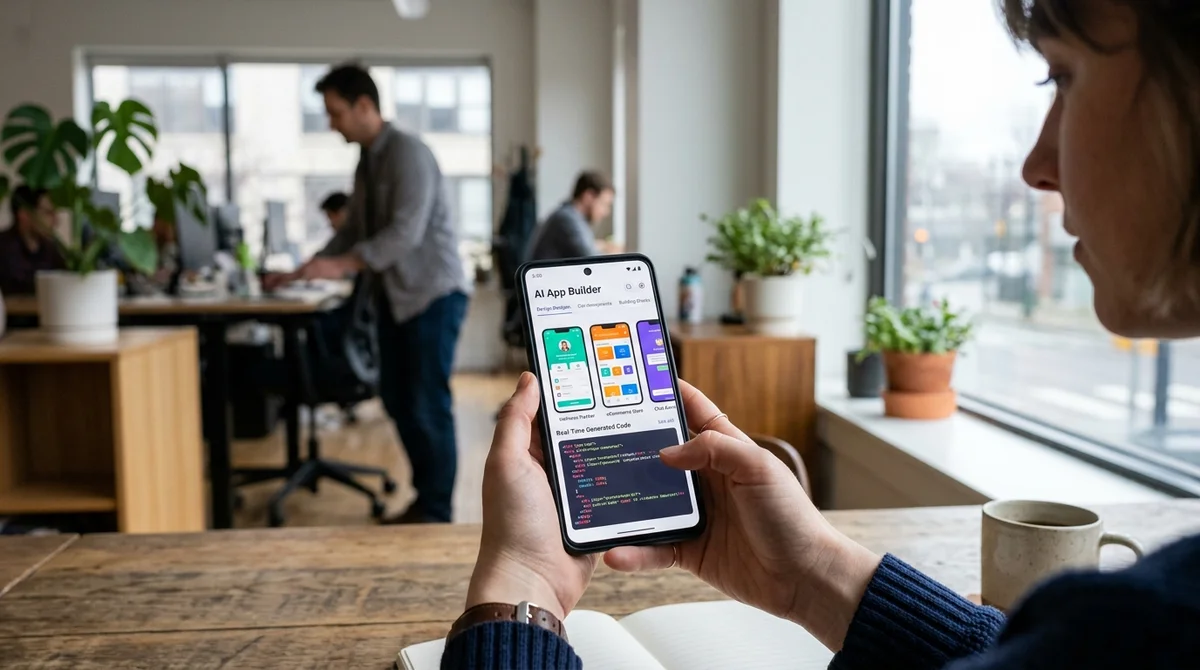
Google has introduced built-in app creation in Android, powered by AI. Any user can now build an app without programming knowledge, simply by describing the idea in natural language.
What is vibe coding
Vibe coding is a development method in which you don't write code but describe what you want. An AI assistant interprets your idea and produces a fully working app.
The concept went mainstream in early 2026, when AI tools matured enough to replace part of a professional developer's work. The name reflects the philosophy: you hand over your idea, your "vibe", and the system understands what you need.
This differs fundamentally from traditional programming, where you need to know syntax, architecture and design patterns. Here, a loose description is enough.
Google saw the potential of this trend and built vibe coding directly into Android. You no longer need a computer or an IDE to create an app, only a smartphone and an idea.
How it works in Play Studio
The updated Play Studio now includes an AI assistant that analyzes your description and creates an app mockup. The process is as simple as possible: you enter a text description of the functionality or speak it aloud, and the system offers several interface options.
You can:
- Describe the app idea in a text field or by voice
- Choose a design from the suggested templates or ask the AI to create your own style
- Add integrations with Google Maps, Firebase and payment systems
- Test the app on your phone in real time
- Edit the result if something doesn't suit you
- Publish the finished app to the Play Store in a few taps
All development happens on the smartphone. The AI processes the request in a few minutes and delivers a result that is ready for testing.
Who it's really for
Google stresses that this is not a replacement for professional developers but a tool for quick prototyping and simple projects. The feature targets several groups:
- Entrepreneurs who want to test an idea quickly without hiring developers
- Small businesses that need a simple app for scheduling, a catalog or bookings
- Students and hobbyist developers who couldn't get started with programming before
- Creative people with business ideas but no technical skills
Examples from Google's documentation: a photographer built a portfolio app, a cafe owner made an ordering app, and a teacher launched a homework platform.
"Vibe coding democratizes development.
An idea is now enough: you don't need a PhD in Computer Science."
What this means
The barrier to entry into mobile development is collapsing. Where building an app once took months of learning or hiring an expensive developer, it now takes hours. For the ecosystem, that means more small apps, more experiments and more innovation from people who couldn't afford it before.
- Nov 1, 202616 models tested on 7 search tools: Exa averaged 10.5 out of 14, SearXNG about 3
- Nov 1, 2026Google's StreamVibe video agent beats other models by 10.7% on response timing and quality
- Nov 1, 2026OpenAI Rewrites GPT Behavior Rules: Five Values and a Chain of Command
- Nov 1, 2026Voice bots built on LLMs turn to Jev, a fast classifier, for decisions in 200–500 ms
Key Questions Answered
What is vibe coding?
Vibe coding is a development method in which you don't write code but describe what you want. An AI assistant interprets your idea and produces a fully working app. The concept went mainstream in early 2026, when AI tools matured enough to replace part of a professional developer's work. The name reflects the philosophy: you hand over your idea, your "vibe", and the system understands what you need. This differs fundamentally from traditional programming, where you need to know syntax, architecture and design patterns. Here, a loose description is enough. Google saw the pot
How it works in Play Studio?
The updated Play Studio now includes an AI assistant that analyzes your description and creates an app mockup. The process is as simple as possible: you enter a text description of the functionality or speak it aloud, and the system offers several interface options. You can: Describe the app idea in a text field or by voice Choose a design from the suggested templates or ask the AI to create your own style Add integrations with Google Maps, Firebase and payment systems Test the app on your phone in real time Edit the result if something doesn't suit you Publish the finished
Who it's really for?
Google stresses that this is not a replacement for professional developers but a tool for quick prototyping and simple projects. The feature targets several groups: Entrepreneurs who want to test an idea quickly without hiring developers Small businesses that need a simple app for scheduling, a catalog or bookings Students and hobbyist developers who couldn't get started with programming before Creative people with business ideas but no technical skills Examples from Google's documentation: a photographer built a portfolio app, a cafe owner made an ordering app, and a teach
Ship AI Faster with Founders, Engineers & Weekly Architecture Reviews
Inside Vibe Club (hamidun.com/club) — weekly live masterminds with Zhemal Khamidun, Tech Radar, full LMS access, and 370+ production Claude Code skills.
The AI world, distilled — once a week
Seven stories that actually mattered, hand-picked. No noise, no reposts, no press releases.
Done! Check your inbox for a confirmation.