How to automate reading engineering drawings: 6 YOLO models instead of manual work
A system of 6 YOLO models and custom OCR automatically extracts all parameters that affect cost from engineering drawings: dimensions, threads, material, tolerance grades. The pipeline turns PDF into structured JSON for a production cost calculator. Everything works without manual data entry.
AI-processed from Habr AI; edited by Hamidun News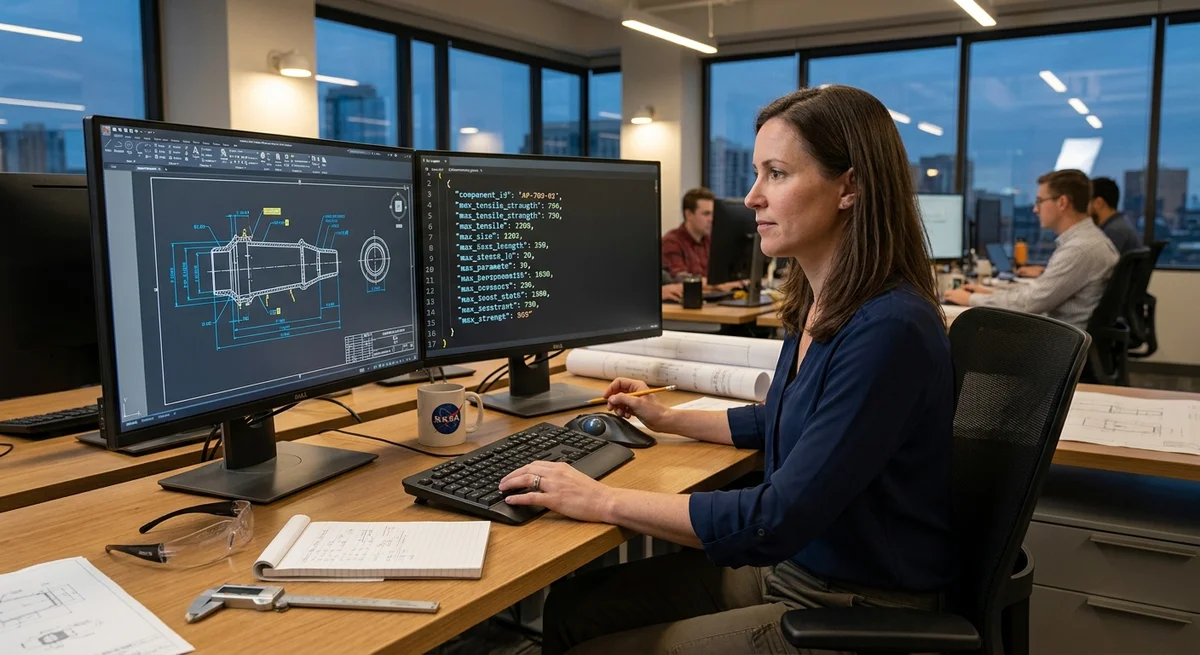
Extracting data from engineering drawings manually is a tedious job prone to errors. When ordering custom part manufacturing, you need to manually enter approximately 20 parameters from the drawing into a calculator: dimensions, threads, tolerances, surface roughness, allowances, material, weight. One engineering team assembled an automated pipeline that takes a PDF drawing, reads it like a human would, and extracts everything needed in structured form. The output is JSON for the calculator.
Solution Architecture
The system works in three steps: data localization, text recognition, result synthesis. A PDF drawing comes in, JSON with parameters comes out. Intermediate stages:
- Resolution and contrast normalization
- Projection extraction (front, side, top views)
- Separation of part outline from auxiliary lines
- Localization of text fields and dimension arrows
- Symbol recognition (thread, tolerance, surface roughness)
- Linking arrows to their values through a connectivity graph
Pipeline Components
Six specialized YOLO models are used for computer vision. Each is trained on a subset of 500+ real production drawings:
1. Projection detection — finds front, side, top views in the drawing. 2. Dimension localization — highlights all dimension arrows and text fields. 3. Special symbol recognition — reads thread designations (M10), tolerance grades (IT6), surface roughness (Ra 3.2). 4. Part outline — separates the visible outline from auxiliary lines. 5. Auxiliary lines — finds centerlines and auxiliary construction elements. 6. Arrows and pointers — localizes all types of arrows and associated text values.
Custom OCR is connected to YOLO — standard solutions struggle reading handwritten notes and special symbols like ∅ (diameter) and thread designation conventions. The neural network was trained on a dataset with expert annotations. Arrow logic is a weighted graph: if an arrow starts at point A, passes through geometric object B, and ends near text C, then value C belongs to object A. In practice it's more complex: arrows can be dashed, S-shaped, multiple arrows can point to one location, causing ambiguity.
Reality Gets in the Way
Testing on production drawings revealed problems that don't exist in ideal datasets:
- Dirty scans — drawings from 20 years ago, scans from copy machines, water stains, random pencil marks.
- Typographic liberties — threads can be written as "Ø10×1.5", "M10" or even drawn as a spring.
- Colored annotations — dimensions highlighted in red pen, but OCR often filters red lines as noise.
- Overcrowded sheets — 30+ dimensions on one drawing, arrows intersect, creating confusion.
The solution came from data augmentation: synthetic drawings were generated with added noise, garbage, contrast changes, and old scan imitation. After training on the expanded dataset, quality on dirty drawings improved from 68% to 92%.
What This Means
Automating drawing reading is an example of how human labor is replaced by a combo of publicly available tools (YOLO) + engineering logic (arrow graph) + specialized tuning. For manufacturing, it's a 15x speedup: instead of 30 minutes of manual input — 2 minutes on autopilot. For business — faster delivery of quotes without manual data entry.
Need AI working inside your business — not just in your newsfeed?
I build production AI for companies — custom CRM, internal tools, autonomous agents, workflow automation. Owned by you, shaped to your process, no per-seat tax. Built by Zhemal Khamidun, CPO of AlpinaGPT (AI platform, 6,000+ users).
The AI world, distilled — once a week
Seven stories that actually mattered, hand-picked. No noise, no reposts, no press releases.
Done! Check your inbox for a confirmation.