Six new AI skills make Microsoft Edge one reviewer's favorite mobile browser
Microsoft has added six new AI skills to mobile Edge. The browser can summarize several tabs at once, turn articles into podcasts you can listen to, search your browsing history and recall past Copilot chats. According to the reviewer, these features turned Edge from an ordinary browser into a personal favorite on the phone.
AI-processed from ZDNet AI; edited by Hamidun News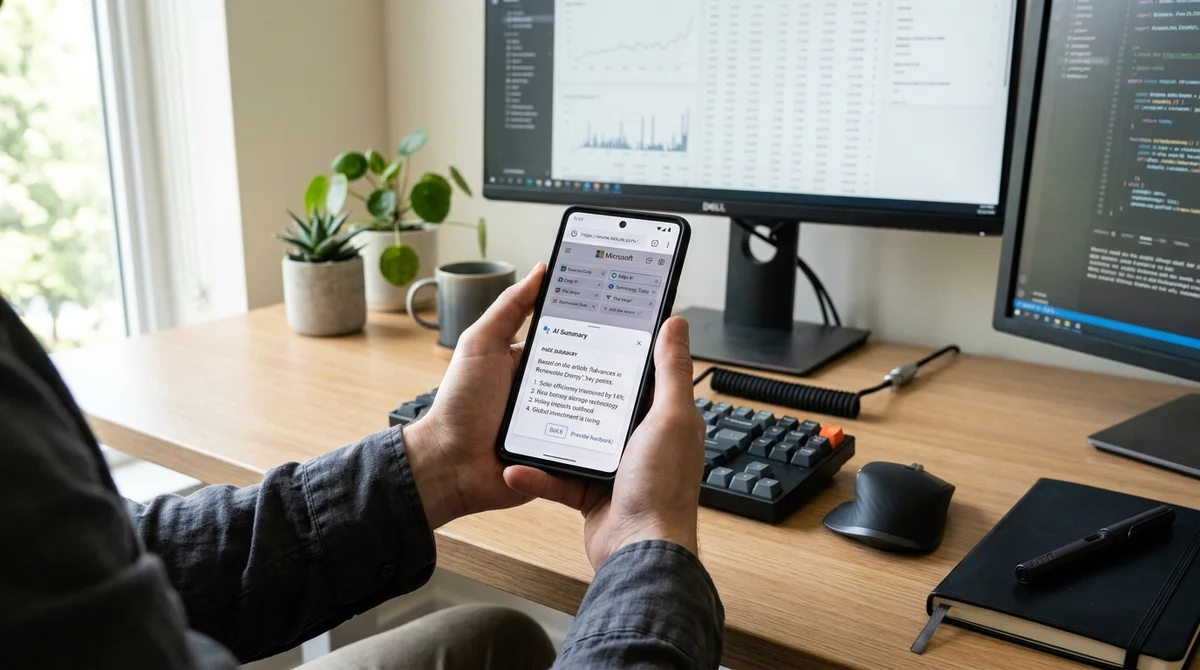
Microsoft has updated the Edge mobile app with six new AI skills that significantly expand what the browser can do. According to the author of the review, these features turned Edge from an unremarkable browser into his personal favorite on a smartphone.
Summaries across multiple tabs
One of the main features is the ability to summarize the contents of several open tabs at once. A typical scenario: you are researching a topic and have ten articles open at the same time. Instead of flipping through each one and trying to piece the information together in your head, you simply ask Edge to create a summary. The browser processes all the tabs and returns a condensed, structured result.
From reading to listening
An even more interesting feature is the conversion of pages into podcasts. An article, a news story or even a document is turned into audio with natural-sounding narration. This opens up new ways to work: you can listen to long texts on the way to work, during a workout or while doing chores. On a mobile device this is especially useful, because the screen is small and walls of text are awkward to read.
Browsing history as memory
Microsoft has built access to the full browsing history and past Copilot chats into Edge. This means the AI assistant now remembers the context of what you do: what you looked at earlier, what questions you asked, which answers you relied on. As a result, Copilot can give more relevant and personalized answers instead of starting from a blank slate every time.
What the new skills can do:
- Summarize several tabs into one coherent text
- Convert any text into an audio podcast with narration
- Search the full browsing history
- Recall past chats and conversation context
- Offer smart recommendations based on what you viewed earlier
Why it works
On a mobile device, building AI into the browser solves real problems. A smartphone's small screen is not designed for reading long texts. Summaries and podcasts make the internet easier to consume on the go. It also boosts productivity: instead of jumping between ten tabs, you request the information you need in ready-made form.
Edge with the new skills shows how AI should work in mobile browsers:
unobtrusive, useful and always at hand.
What it means
Microsoft is showing that AI is becoming more than a standalone tool (like the separate Copilot app) and is being woven into users' everyday actions. Edge with the new skills is one of the first mobile browsers where AI is integrated so deeply and practically that it genuinely changes how people work with information.
- Nov 2, 2026Microsoft releases 4B model Mage-VL-Cowork, which solves 66.0% of OSWorld-Verified tasks
- Nov 1, 2026Google's StreamVibe video agent beats other models by 10.7% on response timing and quality
- Oct 30, 2026Mistral opens Large 4 weights: strong at code, but Chinese models score 32 to its 26
- Oct 30, 2026128 AI Agents With No Boss Passed 49% More Tests Than One
Key Questions Answered
What are the key details on Summaries across multiple tabs?
One of the main features is the ability to summarize the contents of several open tabs at once. A typical scenario: you are researching a topic and have ten articles open at the same time. Instead of flipping through each one and trying to piece the information together in your head, you simply ask Edge to create a summary. The browser processes all the tabs and returns a condensed, structured result.
What are the key details on From reading to listening?
An even more interesting feature is the conversion of pages into podcasts. An article, a news story or even a document is turned into audio with natural-sounding narration. This opens up new ways to work: you can listen to long texts on the way to work, during a workout or while doing chores. On a mobile device this is especially useful, because the screen is small and walls of text are awkward to read.
What are the key details on Browsing history as memory?
Microsoft has built access to the full browsing history and past Copilot chats into Edge. This means the AI assistant now remembers the context of what you do: what you looked at earlier, what questions you asked, which answers you relied on. As a result, Copilot can give more relevant and personalized answers instead of starting from a blank slate every time. What the new skills can do: Summarize several tabs into one coherent text Convert any text into an audio podcast with narration Search the full browsing history Recall past chats and conversation context Offer smart r
Build & Ship Production AI Agents Without Boilerplate Code
Start your free 72-hour trial at Hamidun Academy (academy.hamidun.com) — interactive lessons on Claude Code & Cursor, live Tech Radar, and production agent templates.
The AI world, distilled — once a week
Seven stories that actually mattered, hand-picked. No noise, no reposts, no press releases.
Done! Check your inbox for a confirmation.