6 new AI skills made Microsoft Edge the best mobile browser
Microsoft added six new AI skills to mobile Edge. The browser can summarize several tabs at once, turn articles into podcasts for listening, search for informat
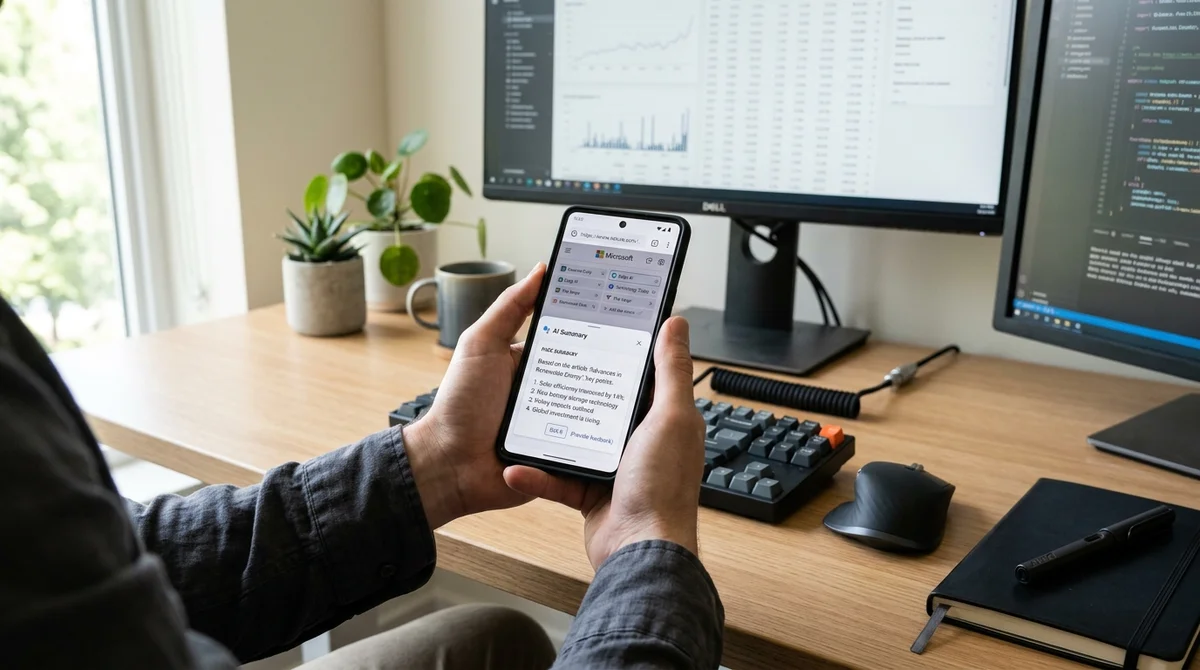
Microsoft has updated its mobile Edge application by adding six new AI skills that significantly expanded the browser's capabilities. According to the review author, it was precisely these features that transformed Edge from an ordinary browser into his personal favorite on a smartphone.
Summarizing Multiple Tabs
One of the main features is the ability to summarize the content of several open tabs simultaneously. A typical scenario: you're studying a topic and simultaneously keep ten articles open. Instead of flipping through each one and trying to gather information in your head, you simply ask Edge to create a summary. The browser processes all the tabs and delivers compressed, structured output.
From Reading to Listening
An even more interesting feature is the ability to convert pages into podcasts. An article, news piece, or even a document transforms into audio format with natural-sounding voiceover. This opens up new possibilities for work: you can listen to long texts on the way to work, during exercise, or while doing chores. On a mobile device, this feature is especially useful because the screen is small and it's inconvenient to read walls of text.
Browsing History as Memory
Microsoft has integrated into Edge access to the complete browsing history and past chats with Copilot. This means that the AI assistant now remembers the context of your actions: what you watched before, what questions you asked, what answers you relied on. Thanks to this, Copilot can provide more relevant and personalized answers, instead of starting from scratch each time.
What the new skills can do:
- Summarize multiple tabs into one coherent text
- Convert any text into an audio podcast with voiceover
- Search for information across your complete browsing history
- Remind you of past chats and conversation context
- Provide smart recommendations based on what you've watched before
Why It Works
On a mobile device, the integration of AI into the browser solves real problems. A smartphone's small screen is not designed for reading voluminous texts. Summaries and podcasts transform the internet into something more convenient to consume on the go. Additionally, it increases productivity: instead of jumping between a dozen tabs, you request the information you need in ready-made form.
Edge with new skills demonstrates how AI should work in mobile
browsers — invisibly, usefully, and always at hand.
What This Means
Microsoft demonstrates that AI is becoming not just a separate tool (like a standalone Copilot application), but is being woven into users' everyday actions. Edge with new skills is one of the first mobile browsers where AI is integrated so deeply and practically that it truly changes the way users work with information.