Managing AI agents is now easier: the best open-source interfaces
Convenient open-source tools with graphical interfaces have emerged for managing AI agents. They make it possible to build complex task pipelines, distribute wo
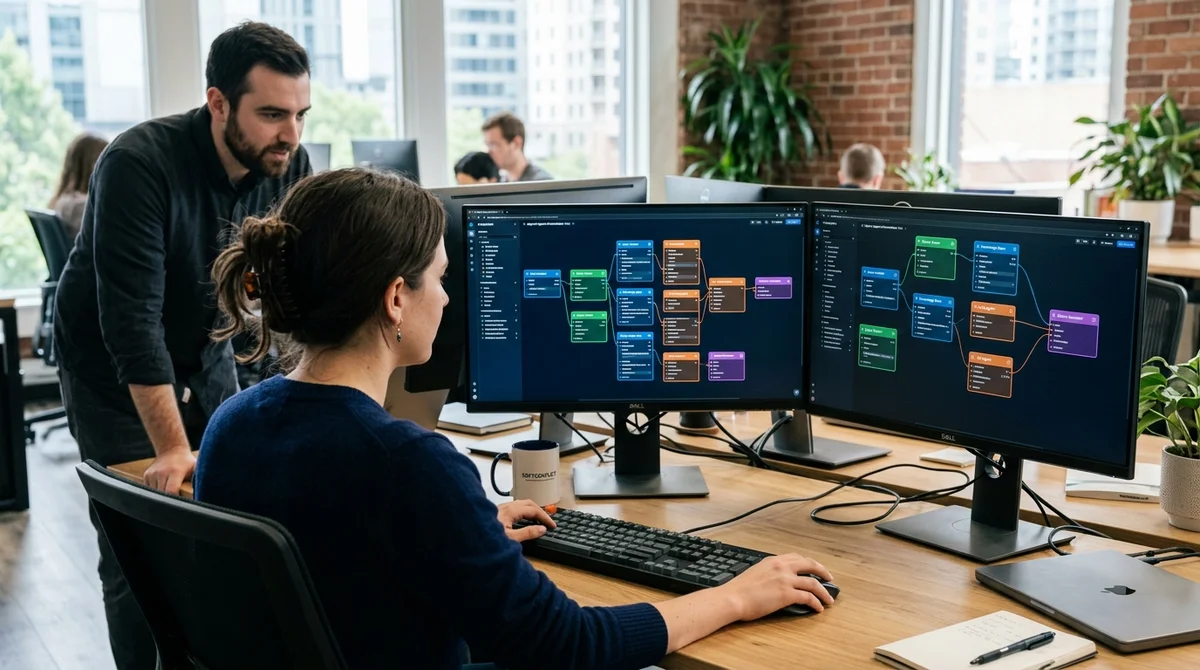
The world of AI agents is rapidly growing more complex. If previously one LLM assistant was enough to solve a linear task, today serious projects work with entire fleets of agents — each specializing in part of the work, and they must interact with each other. Managing this through code becomes expensive and slow. That's exactly why graphical interfaces for coordinating and orchestrating multi-agent systems have emerged.
Scaling Complexity: From One Agent to a Fleet
When one agent performs one linear chain of actions — the code is simple and clear. But as soon as you add parallel tasks, conditional logic, error handling, retries on failure — the code bloats and becomes chaotic. The second problem is visibility. How do you track which agent is doing what and when? Where does one end and another begin? How do you quickly reconfigure the system when requirements change? All this requires either careful debugging or a tool that shows what's happening visually. That's where graphical interfaces help. Instead of code — a visual builder, where agents are blocks and connections between them are arrows. Like Figma, but for AI workflows.
Which Open Source Tools Have Already Matured
The open source market already has several strong players ready for production use:
- AutoGen (Microsoft Research) — a framework for multi-agent applications with built-in support for dialog and configuration visualization
- Crew AI — focused on coordinating teams of agents for complex multi-step projects
- LangChain with LangSmith UI — chain management and parameterization with browser-based monitoring
- Temporal — scalable orchestration of long-running workflows with a full-featured UI
- Apache Airflow — DAG-based tool for pipelines with a web management interface
All of them provide either a built-in UI or integration with graphical control panels. This means that a specialist can build and configure a system not just by editing JSON or YAML.
In Practice: How This Accelerates Development
Engineers and product managers can now build task execution scenarios with almost no programming. Instead of writing a Python script — drag agents onto a canvas, connect inputs and outputs, set parameters. Result: the development cycle shrinks many times over. What previously required hours of code debugging is now reconfigured in minutes. A team can quickly test hypotheses: change the order of agents, add participants, change logic conditions.
What This Means for Business
AI agents stop being a tool only for ML specialists and senior engineers. With convenient graphical interfaces, product managers, analysts, and operations teams can manage a fleet. This means companies can automate complex multi-step processes much faster — from document processing to customer support. The barrier to entry drops, experimentation becomes cheaper.