Microsoft showed how to run VibeVoice for ASR, realtime TTS, and speech-to-speech
Microsoft released a practical Colab guide to VibeVoice that walks through the full voice stack: speaker-aware ASR, context-aware recognition, realtime TTS, and a simple speech-to-speech pipeline. The notebook shows how to set up the environment from scratch, process audio in batches, select voices, build a Gradio interface, handle long-form generation, and use memory-saving techniques for long recordings, so the guide can be used directly as a basis for a voice prototype.
AI-processed from MarkTechPost; edited by Hamidun News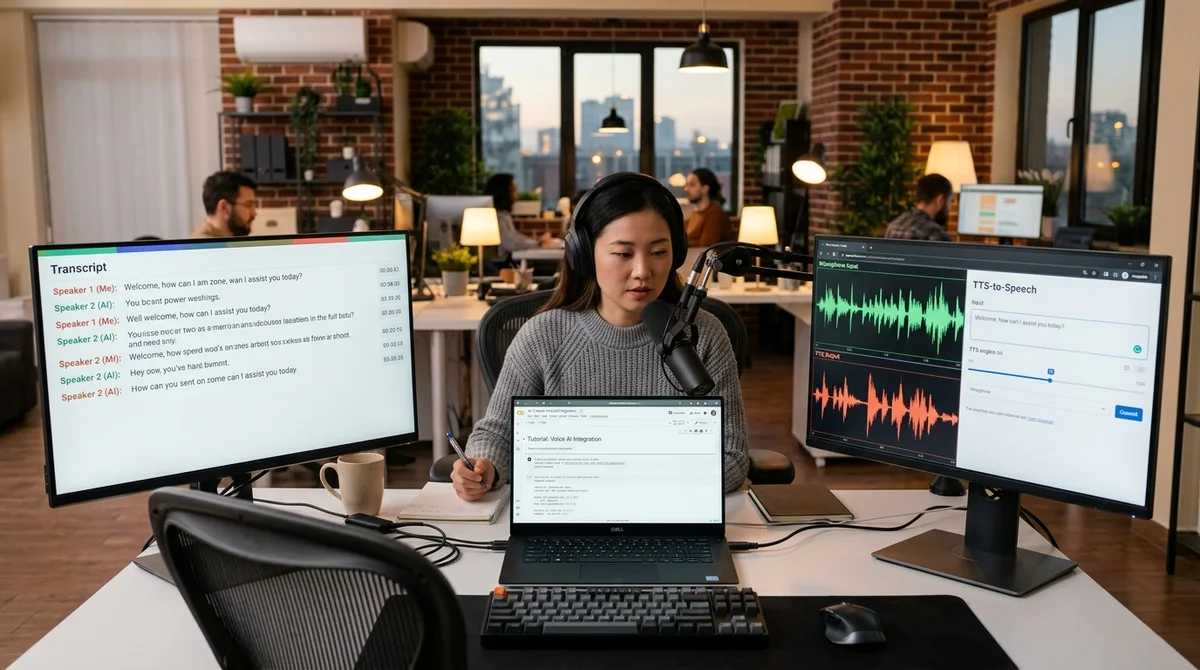
Microsoft released a detailed practical guide on VibeVoice — an open stack for speech recognition and synthesis. In a single Colab notebook, developers are shown the complete workflow: from environment setup and model loading to building a simple speech-to-speech pipeline.
How the guide is structured
The guide begins with a fully reproducible environment setup in Google Colab. The developer removes the old version of Transformers, installs a fresh build from GitHub, adds torch, torchaudio, gradio and clones the official VibeVoice repository. After this, the notebook verifies that the required classes are available, and then connects ready-made audio examples. The format is maximally practical: not an overview of capabilities in words, but a scenario that can be repeated step by step and quickly adapted to your own project.
Next, the notebook moves on to speech recognition. The demo loads VibeVoice-ASR-HF with 7 billion parameters, and Microsoft separately emphasizes its ability to process up to 60 minutes of audio in a single pass. The tutorial shows not just text transcription, but structured output with speaker segmentation, timestamps, and content of remarks. For meetings, interviews, podcasts and support calls, this is an important difference: the model must answer three questions at once — who spoke, when, and what exactly was said.
What the stack can do
Separate emphasis is placed on context-aware recognition. In the notebook, the same recording is run without hints and with context, and the result is compared directly. This example shows that hotwords help to recognize product names, names, and industry terms more accurately. For corporate use cases, this is more useful than regular speech-to-text, because an error in a single key word can spoil the search through the archive of calls, meeting analytics, or subsequent agent work.
After ASR, the authors move on to realtime synthesis. For this, VibeVoice-Realtime-0.5B is used — a lightweight model that supports streaming text input and, according to Microsoft's description, is capable of delivering the first audible fragment in approximately 300 milliseconds. In the example, four voice presets are selected, the number of inference steps and CFG scale are adjusted, and then both short speech and a longer fragment in mini-podcast format are generated. That is, they show not only basic TTS, but also the balance between speed, quality, and controllability.
- speaker-aware transcription with timestamps
- context-aware ASR and hotwords
- batch processing of multiple audio files
- realtime TTS with multiple voices
- simple ASR → answer → voice synthesis pipeline
The guide doesn't end there. In a separate section, a basic speech-to-speech scenario is assembled: the system first transcribes the input audio file, then generates a text response and immediately synthesizes it back to speech. In parallel, batch processing of multiple files and long-form generation are demonstrated, where the model voices a longer text without intonation collapse in the first paragraphs.
For a developer, this is no longer a set of disparate demos, but a draft of a real voice interface.
Practice in Colab
The final part is useful because it moves away from a polished showcase to exploitation. A simple Gradio interface for interactive TTS is raised in the notebook, and below you are offered to upload your own WAV, MP3, or FLAC and run it through ASR on your own data. Memory tips are also collected there: reduce chunk size for long audio, switch to bfloat16, reduce the number of TTS steps, and if necessary, clear the GPU cache. For Colab, this is not a trifle, but the difference between a working run and a memory failure.
Microsoft also adds a section on usage guidelines. In the final summary, it is stated directly that the stack is published for research and development, and AI-generated speech must be explicitly marked. Separately, it is mentioned that such tools cannot be used to impersonate another person or for fraud. This is an important detail: the company is promoting open-source voice AI not as a toy, but as infrastructure that is immediately given basic rules for safe application.
What this means
VibeVoice is gradually moving from research release mode towards understandable developer tooling. When Microsoft provides not only model weights, but also a reproducible Colab scenario for ASR, realtime TTS, and speech-to-speech, the entry barrier to voice products is lowered: teams can more easily quickly assemble a prototype transcriber, voice assistant, or interface for processing long audio recordings without lengthy manual joining of different tools.
Want to stop reading about AI and start using it?
AI News is a curated feed of AI/tech news. Hamidun Academy teaches you to use AI systematically in your work.
The AI world, distilled — once a week
Seven stories that actually mattered, hand-picked. No noise, no reposts, no press releases.
Done! Check your inbox for a confirmation.