OpenClaw: How to Run an AI Agent on Your Own Server Without Sending Work Code to the Cloud
You can set up OpenClaw on your own server and connect it to Telegram in a few steps: an install script, a Hugging Face token, a model choice, search configuration and a pairing code in the CLI. But the main takeaway is not convenience, it is the limits of security: the project is still in beta, is dangerous without isolation, and is not suited to sensitive data, financial tasks or public access.
AI-processed from Habr AI; edited by Hamidun News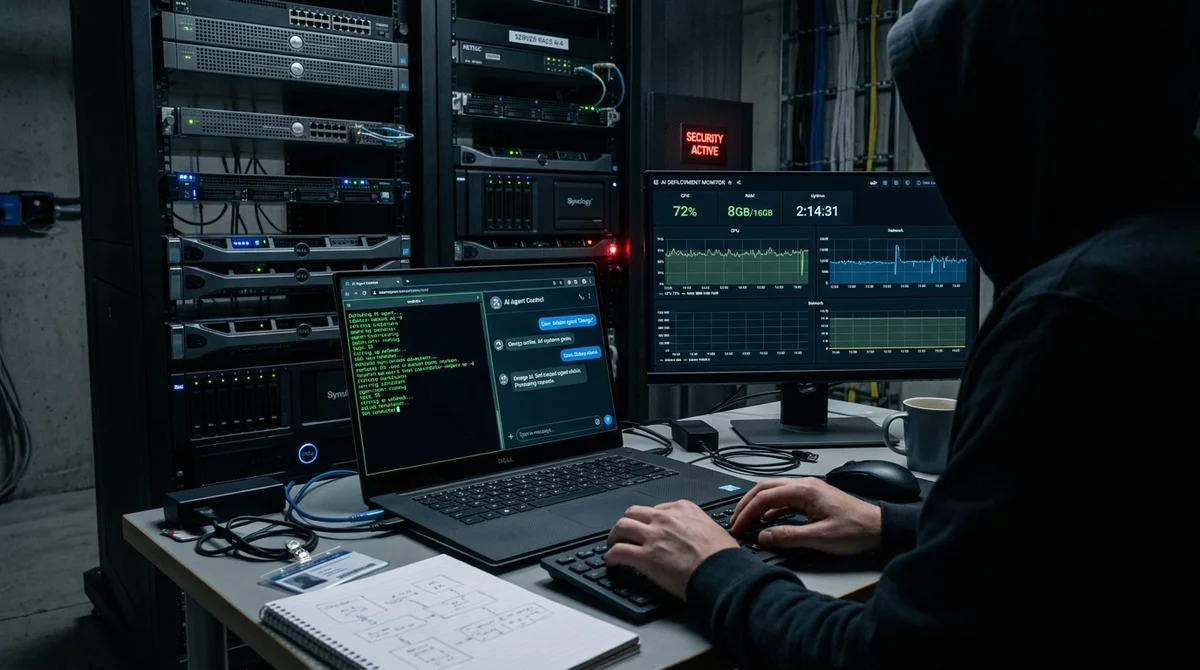
Habr has published a detailed review of OpenClaw, an open-source AI agent that you can deploy on your own server and connect to Telegram. The author tested not only the installation but also the central question around such systems: how much convenience autonomous agents provide, and what they cost in security.
What OpenClaw can do
The article describes OpenClaw not as yet another chatbot but as a framework for an autonomous agent that sits between the user and the computer. The idea is simple: you state a goal, and the system breaks it into steps, opens the tools it needs and works toward a result. Interest in the project got an extra boost from February news that OpenClaw's creator, Peter Steinberger, is joining OpenAI. For the market, that is a signal: big players are taking the agent interface seriously as the next product layer on top of ordinary LLMs.
- Carry out a chain of actions on its own, for example checking a calendar, writing messages and booking meetings.
- Work with the screen and action history, keeping context for the next steps.
- Download, install and configure applications for the current task.
- Write and immediately test simple scripts without constant manual involvement.
The author tested the setup with the Qwen 2.5 model via Hugging Face and gave the agent internet search. In practice, OpenClaw can already handle tasks of medium complexity: building a comparison map of neural networks, picking options for a budget, or helping research a topic. It is not magic and not a full autopilot yet, but it is already a working tool for those willing to put up with rough edges to save time.
How the setup goes
The deployment process turned out to be fairly straightforward. According to the documentation, you need Node.js 22+ and any desktop OS or Linux; for Windows, the developers recommend WSL2. The documentation sets no hard hardware requirements, but the author puts the minimum at 2 vCPU, 4 GB RAM and 40 GB SSD. For the test he chose Ubuntu 24.04 on a server with 4 vCPU and 8 GB RAM, and added a 100 GB SSD, a public network and several IPv4 addresses so he could separate services and strengthen isolation if needed.
"This token is the key to the place where your bot lives."
From there everything runs through the initialization wizard: the official install script, choosing Hugging Face as the provider, adding the API key, and selecting a model and a communication channel. The author used Telegram as the interface, created a bot via BotFather, pasted in the HTTP API token and completed pairing with the approve command and a one-time code. In his experience, the installation itself went without failures and took noticeably less time than manually building similar open-source tools usually does.
Where the weak points are
The most important part of the article is not about convenience but about limitations. OpenClaw itself warns that the project is still in beta and better suited to hobby scenarios. By default the agent is designed for a single owner: if several people message one bot with tools enabled, they effectively share one history, one context and one set of capabilities. That is a problem for both privacy and access control, especially if the agent gets permission to work with files, the browser or system commands.
Another risk is prompt injection and dangerous tools such as exec, browser and fs. If such an agent runs without proper isolation, an attacker can push it toward real actions in the system. For that reason the author advises against turning OpenClaw into a public bot without serious hardening.
The test's conclusion is measured: for a pie recipe or a one-off list of conferences the agent is too heavy, but for research and technical tasks it is already useful. It is too early to trust it with sensitive data, finances or purchasing.
What this means
Self-hosted AI agents are ceasing to be toys for GitHub demos and are taking shape as a practical class of software. But the current state of the market still demands infrastructure, discipline and an understanding of information security, so ordinary users will most likely wait for simpler and safer formats, while technical teams capture the early gains.
- Nov 2, 2026Meta's Muse assistant keeps dossiers on loved ones and gets root on Ubuntu by default
- Nov 1, 2026Local models lose to Opus and Codex: 0.21 on a MacBook versus 1.00 for Codex
- Nov 1, 2026Kimi scores 96.2% on a 1C database analytics test and emerges as a fallback if Claude access is blocked
- Nov 1, 2026OpenAI Rewrites GPT Behavior Rules: Five Values and a Chain of Command
Key Questions Answered
What OpenClaw can do?
The article describes OpenClaw not as yet another chatbot but as a framework for an autonomous agent that sits between the user and the computer. The idea is simple: you state a goal, and the system breaks it into steps, opens the tools it needs and works toward a result. Interest in the project got an extra boost from February news that OpenClaw's creator, Peter Steinberger, is joining OpenAI. For the market, that is a signal: big players are taking the agent interface seriously as the next product layer on top of ordinary LLMs. Carry out a chain of actions on its own, for
How the setup goes?
The deployment process turned out to be fairly straightforward. According to the documentation, you need Node.js 22+ and any desktop OS or Linux; for Windows, the developers recommend WSL2. The documentation sets no hard hardware requirements, but the author puts the minimum at 2 vCPU, 4 GB RAM and 40 GB SSD. For the test he chose Ubuntu 24.04 on a server with 4 vCPU and 8 GB RAM, and added a 100 GB SSD, a public network and several IPv4 addresses so he could separate services and strengthen isolation if needed. "This token is the key to the place where your bot lives." Fro
Where the weak points are?
The most important part of the article is not about convenience but about limitations. OpenClaw itself warns that the project is still in beta and better suited to hobby scenarios. By default the agent is designed for a single owner: if several people message one bot with tools enabled, they effectively share one history, one context and one set of capabilities. That is a problem for both privacy and access control, especially if the agent gets permission to work with files, the browser or system commands. Another risk is prompt injection and dangerous tools such as exec, b
Build & Ship Production AI Agents Without Boilerplate Code
Start your free 72-hour trial at Hamidun Academy (academy.hamidun.com) — interactive lessons on Claude Code & Cursor, live Tech Radar, and production agent templates.
The AI world, distilled — once a week
Seven stories that actually mattered, hand-picked. No noise, no reposts, no press releases.
Done! Check your inbox for a confirmation.