Google Chrome launches Skills, saved AI prompts for Gemini
Google is launching a feature called Skills in desktop Chrome. Any AI prompt for Gemini can be saved once and run with one click across several selected tabs. Chrome product manager Hafsah Ismail explained the problem it addresses: repeating a task such as swapping recipe ingredients for vegan ones used to mean typing the same prompt again on every page.
AI-processed from The Verge; edited by Hamidun News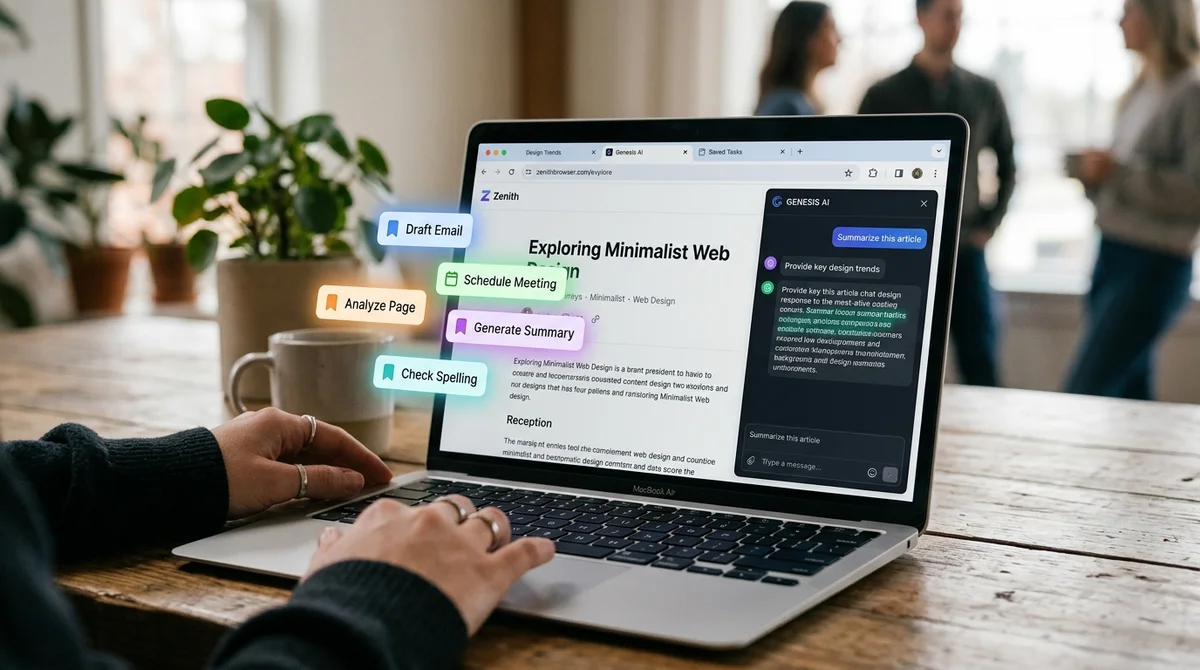
Google is launching a new feature called Skills in the desktop version of Chrome. It lets users save their favorite Gemini prompts and rerun them with one click across several tabs at once, The Verge reports.
How Skills work in Chrome
The feature lets you save any AI prompt as a Skill and then apply it instantly to selected browser tabs without retyping it. Google describes it specifically as a "workflow feature" in Chrome: a tool not for a one-off question to Gemini, but for repeatable tasks that a user performs over and over on different sites.
- Skills are available in the desktop version of Chrome
- A saved AI prompt runs with one click across the selected tabs at once
- The user decides which open tabs a saved Skill is applied to
- The feature was announced by Chrome product manager Hafsah Ismail
- The example in Google's official announcement is swapping recipe ingredients for vegan ones across different sites
Previously, to repeat the same AI action on different pages, users had to retype the same Gemini prompt each time. Now it is enough to write a Skill once and save it, then choose whether to apply it to one tab or several tabs at once, with no need to copy the prompt text again.
Why Google needed this feature
Google is addressing the problem of manually entering the same AI prompt again and again when moving between pages, Chrome product manager Hafsah Ismail explained in the official announcement. According to her, repeating routine wording was the main inconvenience of using Gemini's AI features inside the browser.
"Previously, repeating an AI task, such as asking to swap ingredients to make a recipe vegan, meant entering the same prompt again when moving to different pages.
To make this easier, we are launching Skills in Chrome, which let you save and reuse your most useful AI prompts and run them with one click," said Hafsah Ismail, Chrome product manager.
What changes for browser users
Skills in Chrome turn a one-off AI prompt into a reusable tool: an instruction written once for Gemini becomes available on any page without retyping. This is especially handy for repeatable tasks, such as the same recipe ingredient swap, where the same type of task regularly comes up on different sites.
What this means
Chrome is turning one-off AI prompts into a permanent toolkit built right into the browser. It is another step toward Gemini becoming not a separate search or chat feature but a working layer on top of everything a user does on the web.
Frequently asked questions
What are Skills in Chrome?
They are saved AI prompts for Gemini. You write one once and then rerun it with one click across several selected browser tabs, instead of typing the same prompt again each time.
Who announced the feature and how did Google explain it?
Chrome product manager Hafsah Ismail presented the launch of Skills. In the official announcement she noted that repeating the same AI task on different pages used to mean entering the same prompt again, and this is the inconvenience the new feature is meant to remove.
- Nov 2, 2026Bun creator uses Claude Code to port 750K lines from Zig to Rust in 11 days
- Nov 2, 2026The Verge reviewer builds a $50 Meta Muse Charm alternative with Claude Code
- Nov 1, 202616 models tested on 7 search tools: Exa averaged 10.5 out of 14, SearXNG about 3
- Nov 1, 2026Google's StreamVibe video agent beats other models by 10.7% on response timing and quality
Key Questions Answered
What are Skills in Chrome?
They are saved AI prompts for Gemini. You write one once and then rerun it with one click across several selected browser tabs, instead of typing the same prompt again each time.
Who announced the feature and how did Google explain it?
Chrome product manager Hafsah Ismail presented the launch of Skills. In the official announcement she noted that repeating the same AI task on different pages used to mean entering the same prompt again, and this is the inconvenience the new feature is meant to remove.
How Skills work in Chrome?
The feature lets you save any AI prompt as a Skill and then apply it instantly to selected browser tabs without retyping it. Google describes it specifically as a "workflow feature" in Chrome: a tool not for a one-off question to Gemini, but for repeatable tasks that a user performs over and over on different sites. Skills are available in the desktop version of Chrome A saved AI prompt runs with one click across the selected tabs at once The user decides which open tabs a saved Skill is applied to The feature was announced by Chrome product manager Hafsah Ismail The exampl
Build & Ship Production AI Agents Without Boilerplate Code
Start your free 72-hour trial at Hamidun Academy (academy.hamidun.com) — interactive lessons on Claude Code & Cursor, live Tech Radar, and production agent templates.
The AI world, distilled — once a week
Seven stories that actually mattered, hand-picked. No noise, no reposts, no press releases.
Done! Check your inbox for a confirmation.