llm-checker: a utility that shows which LLMs your hardware can handle
A new open-source CLI tool, llm-checker, analyzes a computer's hardware configuration and determines which language models can run locally through Ollama. It scans the GPU, RAM and CPU, then rates compatibility, speed and quality for each of more than 35 models, from compact 1-billion-parameter ones to hefty 32-billion-parameter ones. The model list is curated by hand, which keeps the recommendations current. The tool tackles one of the biggest pain points for local AI enthusiasts: stop guessing and know exactly what your existing hardware can handle.
AI-processed from Habr AI; edited by Hamidun News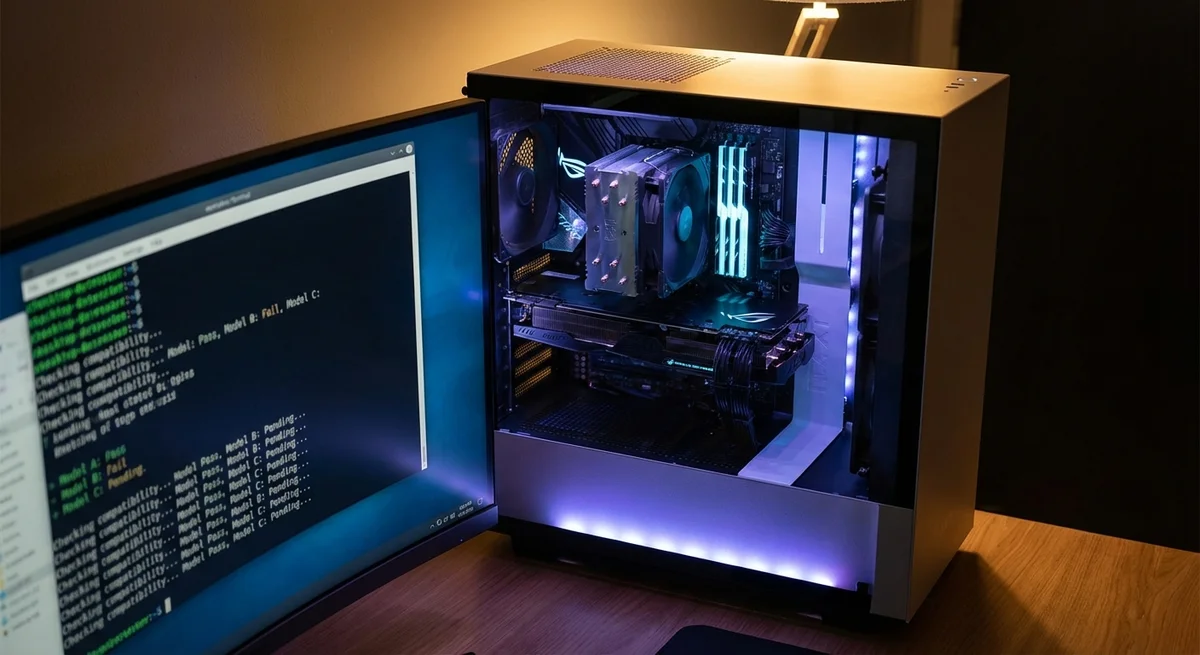
One of the most common questions local-LLM enthusiasts ask themselves sounds deceptively simple: can my hardware handle it? Until now, the answer had to be pieced together from scattered benchmarks, Reddit threads and your own trial and error. A new open-source tool, llm-checker, tries to settle the question with a single terminal command.
llm-checker is a CLI utility that scans a computer's hardware configuration and returns a concrete verdict: which language models from the Ollama ecosystem you can run, at what speed and with what quality. The tool analyzes three key components, the graphics card, RAM and CPU, and uses that data to build a personalized report covering more than 35 models, from compact 1-billion-parameter ones to hefty 32-billion-parameter ones.
To see why this matters, it helps to recall the context. Over the past two years, running large language models locally has grown from a fringe hobby into a full-fledged movement. Ollama has become the de facto standard for anyone who wants to run an LLM on their own computer without cloud subscriptions and without sending data to someone else's servers.
Llama, Mistral, Gemma, Phi, DeepSeek, Qwen: the number of available models grows every month, and each has its own hardware requirements. The problem is that nobody has systematically mapped those requirements to specific configurations. Someone with an RTX 3060 with 12 GB of VRAM and 32 GB of RAM has to work out for themselves whether they can handle Llama 3.
1 with 8 billion parameters at Q4 quantization, or whether they shouldn't even try.
llm-checker closes exactly this gap between the abundance of models and the opacity of hardware requirements. The utility is strictly straightforward: you run a command, it queries the system, matches the specs against an internal knowledge base of models and returns a result. Each model is rated on three axes: compatibility (will it run at all), speed (will token generation feel comfortable) and quality (will you have to sacrifice accuracy for performance). These are not abstract scores but practically useful information that saves hours of experimentation.
The approach to curating the model list deserves separate attention. The authors deliberately chose not to automatically parse the entire Ollama catalog and instead moderate the list by hand. It is a deliberate decision: the Ollama catalog holds hundreds of models of varying quality, including outdated, experimental and frankly useless ones. Manual curation means users get recommendations only for vetted, current models that are actually worth running. In a world where the number of open LLMs doubles every few months, such a filter is an advantage, not a limitation.
Technically, the tool solves a non-trivial problem. Local LLM performance depends on many factors: VRAM capacity determines whether the model fits entirely on the GPU; RAM speed affects offloading of the layers that did not fit into VRAM; CPU architecture matters for models running in CPU mode. Quantization adds another dimension: the same model in Q8 may not fit in memory, while in Q4 it runs, but with noticeable quality loss. llm-checker handles all of these calculations and turns them into clear recommendations.
In a broader context, the appearance of tools like this signals that the local AI ecosystem is maturing. When a technology moves beyond the circle of developers and enthusiasts, it needs bridges between complexity and simplicity. llm-checker is one such bridge. It does nothing revolutionary technologically, but it solves a real user problem that had been ignored until now.
Of course, the tool has obvious limitations. Its tie to Ollama means users of llama.cpp, vLLM and other backends are left out. Manual moderation of the model list is both a strength and a weakness, because how current it stays depends on the maintainers' activity. Real-world performance will always differ from predictions, because dozens of variables affect it that cannot be accounted for remotely, from GPU temperature under load to background processes on the system.
Still, llm-checker points in the right direction. As running LLMs locally goes mainstream, and all the trends point that way, the need for simple diagnostic and recommendation tools will only grow. Today this is a CLI utility for advanced users. Tomorrow, similar functionality may well become a built-in part of Ollama itself or its counterparts. Because the best way to draw users to local AI is to remove the barrier of uncertainty and give an honest answer to a simple question: what exactly can I run right now.
- Nov 12, 2026Meta* rolls out AI age checks on Instagram* worldwide: children under 13 will lose access
- Nov 12, 2026Meta brings Muse to Apple and Android watches with three ways to interact
- Nov 12, 2026Anthropic launches Claude Meetings: AI joins Google Meet and starts working on tasks right away
- Nov 12, 2026SEO Text Has Become an Attack Vector: A Research Agent Followed Someone Else's Instruction from a Website
Test Frontier LLMs & Autonomous Agents in One Workspace
Run Claude Opus 5.5, GPT-6, Gemini 3.1, and DeepSeek side-by-side in Nomad AI (nomadnet.ai) — unified model routing, deep research, and multimodal workflows under one subscription.
The AI world, distilled — once a week
Seven stories that actually mattered, hand-picked. No noise, no reposts, no press releases.
Done! Check your inbox for a confirmation.