Anthropic brings Claude Cowork to mobile devices and the browser
On July 8, 2026, Anthropic made Claude Cowork available on iOS, Android and in the browser. Until now, the platform ran only in desktop apps for macOS and Windows. Max subscribers get access first; everyone else will follow "in the coming weeks." Sessions are now stored in the cloud, so you can start a task on a laptop and check the result from a smartphone.
AI-processed from The Verge; edited by Hamidun News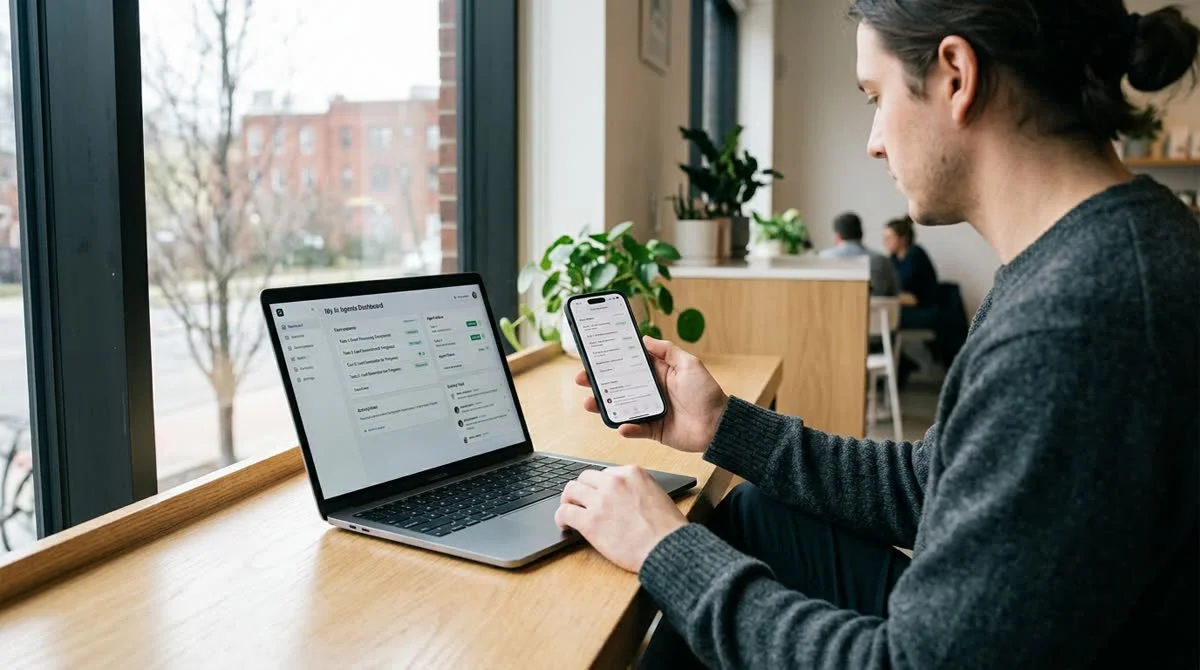
On July 8, 2026, Anthropic opened its Claude Cowork collaboration platform to mobile devices and the browser, the first time since its launch. Until now, the tool was available exclusively in desktop apps for macOS and Windows.
What Claude Cowork is and what has changed
Claude Cowork is not just a chat with a language model. It is a workspace where several AI agents can run tasks in parallel: one searches for information, another writes code, a third analyzes documents. The user watches progress in real time, assigns tasks and steps in when needed.
Until now, only someone with the desktop app open could use it. Cowork is now available through iOS, Android and any browser.
Key details of the expansion:
- The mobile and web version launched on July 8, 2026
- Max subscribers get access first
- Users on other plans get it "in the coming weeks"
- New platforms: iOS, Android and the web browser (in addition to macOS and Windows)
- Sessions now run in the cloud by default and sync across devices
The last point is a fundamental technical change. Cowork sessions used to exist locally; now a session started on a laptop can be continued from a smartphone without losing context, tasks or the agents' intermediate results.
What is still desktop-only
Anthropic says plainly that the "full experience" of Cowork remains in the desktop app. This applies first of all to access to local files, a feature that technically requires a direct connection to the device's file system.
Scenarios in which a Claude agent works with files on your computer, such as processing documents from local folders, reading code repositories or querying local databases, still require the desktop app. The mobile and web versions are best suited to tasks that run entirely in the cloud: searching for information, writing text and working with online services.
Why this matters for working with AI agents
Bringing Cowork to mobile platforms and the browser removes a key limitation: being tied to one specific work computer. That matters most for long-running tasks: you can start a set of agents in the morning from a laptop and check the result in the evening from a smartphone on the road.
Moving sessions to the cloud also opens up another scenario: Cowork tasks may keep running in the background even when the device that launched them is turned off or unavailable. That brings Cowork closer to a model in which the agent works autonomously and you review the result.
The move also fits into the broader competition among AI labs for mobile users. OpenAI is actively developing its ChatGPT apps for iOS and Android, and Google is building Gemini directly into the operating system. Until recently, Anthropic remained mainly a desktop-first company, and mobile Cowork closes part of that gap.
What it means
Mobile and web access turn Claude Cowork from a niche tool for people at a work computer into a cross-platform platform for managing AI agents. Anthropic is betting that interaction with agents should be available anywhere and from any device, not only where a laptop sits.
Key Questions Answered
What Claude Cowork is and what has changed?
Claude Cowork is not just a chat with a language model. It is a workspace where several AI agents can run tasks in parallel: one searches for information, another writes code, a third analyzes documents. The user watches progress in real time, assigns tasks and steps in when needed. Until now, only someone with the desktop app open could use it. Cowork is now available through iOS, Android and any browser. Key details of the expansion: The mobile and web version launched on July 8, 2026 Max subscribers get access first Users on other plans get it "in the coming weeks" New p
What is still desktop-only?
Anthropic says plainly that the "full experience" of Cowork remains in the desktop app. This applies first of all to access to local files, a feature that technically requires a direct connection to the device's file system. Scenarios in which a Claude agent works with files on your computer, such as processing documents from local folders, reading code repositories or querying local databases, still require the desktop app. The mobile and web versions are best suited to tasks that run entirely in the cloud: searching for information, writing text and working with online se
Why this matters for working with AI agents?
Bringing Cowork to mobile platforms and the browser removes a key limitation: being tied to one specific work computer. That matters most for long-running tasks: you can start a set of agents in the morning from a laptop and check the result in the evening from a smartphone on the road. Moving sessions to the cloud also opens up another scenario: Cowork tasks may keep running in the background even when the device that launched them is turned off or unavailable. That brings Cowork closer to a model in which the agent works autonomously and you review the result. The move al
Build & Ship Production AI Agents Without Boilerplate Code
Start your free 72-hour trial at Hamidun Academy (academy.hamidun.com) — interactive lessons on Claude Code & Cursor, live Tech Radar, and production agent templates.
The AI world, distilled — once a week
Seven stories that actually mattered, hand-picked. No noise, no reposts, no press releases.
Done! Check your inbox for a confirmation.