Google will save Lens and Search Live data to train AI
Google is launching a new setting that saves data from your searches. It stores photos from Lens, Search Live recordings, voice searches and Translate audio. All of it is used to train AI models. The setting is on by default; turn it off in settings if you don't want to share the data. Google says the data will help improve result quality and recognition accuracy. The company lets you opt out, but turning saving off may make some features work less well.
AI-processed from The Verge; edited by Hamidun News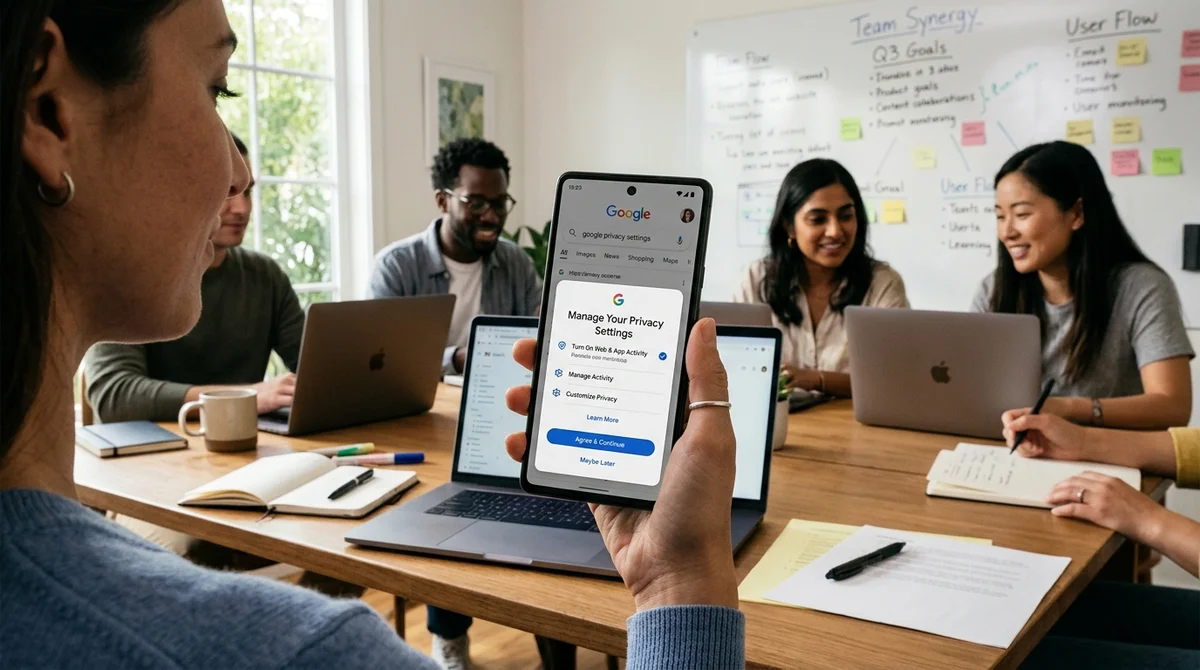
Google is changing how it saves your search data. The company has announced a new setting, "Search Services History", that will archive everything you do with its search tools, from uploading a photo to Lens to speaking phrases into Translate. The information comes via a support update and emails to users.
What exactly Google saves
The new feature will record the photos you upload to Google Lens to find similar images. It also covers recordings from Search Live, a feature that shows search results in real time as you type. On top of that come all your voice search commands and even the audio tracks you send to Google Translate for translation or speech recognition.
In practice, this means Google will know not only what you search for in text, but how you search: by voice, photo or video. The company promises that this data will help improve result quality and recognition accuracy.
The full list of what is saved:
- Photos from Google Lens
- Search Live recordings
- Voice search and voice commands
- Audio files from Google Translate
- Any other files and videos uploaded during search
How it works and when you can turn it off
The new setting is on by default; Google will simply send you a notification about the launch. But the company has provided a way to opt out. Search settings include a "Save Media" option that lets you block saving of media files separately. If you are concerned about data retention altogether, you can turn off the whole "Search Services History" feature, and Google will stop archiving your interactions.
Keep in mind, though, that if you turn saving off, some features may work less effectively. Google does not say this explicitly, but the logic is clear: without data on your searches, AI models cannot adapt to your habits and preferences.
"We use your Search Services history to provide, protect, improve and develop our products and services,"
Google says in the support update.
Why this matters now
The language model boom has created huge demand for quality training data. Google, like OpenAI, Meta* and other companies, increasingly relies on real user behavior instead of synthetic datasets. Your real photos, voice and word choices are exactly what modern AI lacks.
Google Lens already uses ML to recognize objects in photos. Search Live relies on fast computation and correct prediction. Translate needs data on how people actually speak and write in different languages. All of this requires a huge volume of real examples.
On one hand, this helps the company improve these services. Results will become more accurate and voice recognition better. On the other hand, it is one more way Google collects data about your interests, habits and even how you speak.
What this means
It is a reminder that free services often cost you data. Google has been transparent about what it collects and has given you a way to stop it with a simple checkbox in settings. The question is whether you will use it, or whether the convenience of a future Lens and Search outweighs your privacy concerns.
*Meta is designated an extremist organization and banned in Russia.
- Nov 1, 2026Тест 16 моделей на 7 поисковиках: Exa дал в среднем 10,5 балла из 14, SearXNG — около 3
- Nov 1, 2026Google's StreamVibe video agent beats other models by 10.7% on response timing and quality
- Nov 1, 2026OpenAI Rewrites GPT Behavior Rules: Five Values and a Chain of Command
- Nov 1, 2026Voice bots built on LLMs turn to Jev, a fast classifier, for decisions in 200–500 ms
Key Questions Answered
What exactly Google saves?
The new feature will record the photos you upload to Google Lens to find similar images. It also covers recordings from Search Live, a feature that shows search results in real time as you type. On top of that come all your voice search commands and even the audio tracks you send to Google Translate for translation or speech recognition. In practice, this means Google will know not only what you search for in text, but how you search: by voice, photo or video. The company promises that this data will help improve result quality and recognition accuracy. The full list of wha
How it works and when you can turn it off?
The new setting is on by default; Google will simply send you a notification about the launch. But the company has provided a way to opt out. Search settings include a "Save Media" option that lets you block saving of media files separately. If you are concerned about data retention altogether, you can turn off the whole "Search Services History" feature, and Google will stop archiving your interactions. Keep in mind, though, that if you turn saving off, some features may work less effectively. Google does not say this explicitly, but the logic is clear: without data on you
Why this matters now?
The language model boom has created huge demand for quality training data. Google, like OpenAI, Meta and other companies, increasingly relies on real user behavior instead of synthetic datasets. Your real photos, voice and word choices are exactly what modern AI lacks. Google Lens already uses ML to recognize objects in photos. Search Live relies on fast computation and correct prediction. Translate needs data on how people actually speak and write in different languages. All of this requires a huge volume of real examples. On one hand, this helps the company improve these
Test Frontier LLMs & Autonomous Agents in One Workspace
Run Claude Opus 5.5, GPT-6, Gemini 3.1, and DeepSeek side-by-side in Nomad AI (nomadnet.ai) — unified model routing, deep research, and multimodal workflows under one subscription.
The AI world, distilled — once a week
Seven stories that actually mattered, hand-picked. No noise, no reposts, no press releases.
Done! Check your inbox for a confirmation.