OpenAI launches Computer use for Windows: Codex now controls the PC
OpenAI has launched Computer use for Windows. Codex — the AI agent in ChatGPT — can now perform tasks on your PC by clicking and filling out forms. The process
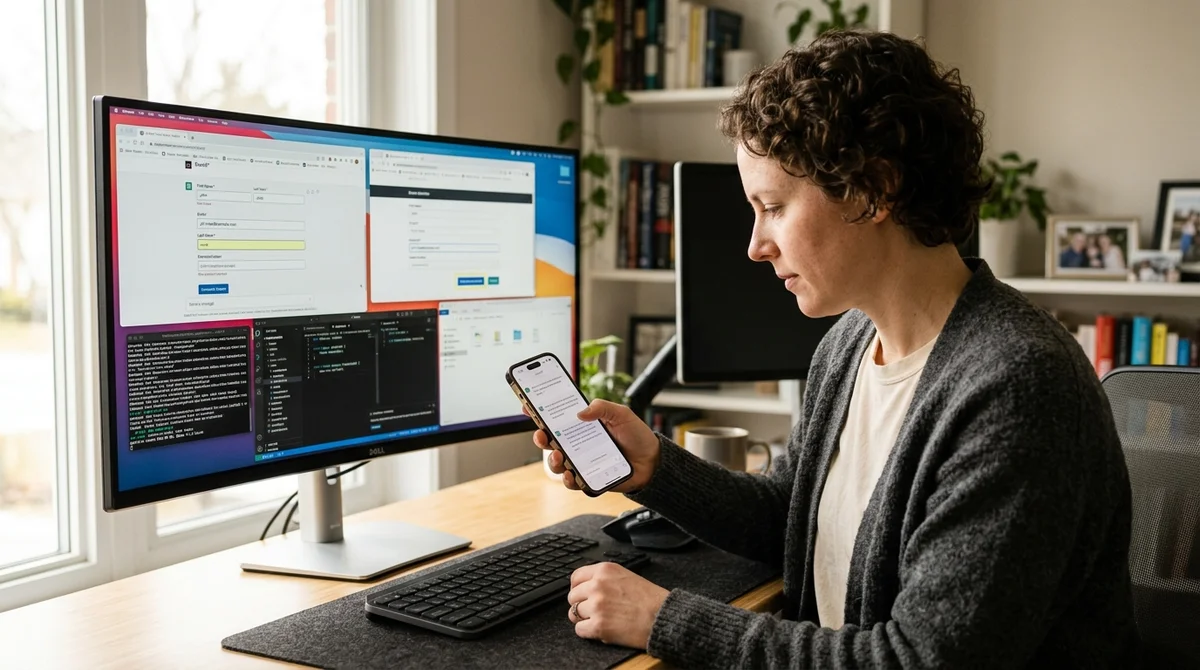
OpenAI has expanded Computer use capabilities by adding Windows support. Now Codex — an AI agent based on GPT, built into ChatGPT — can perform tasks directly on Windows machines, automating routine work. And the mobile app allows you to manage the process on the go — launching tasks, checking progress, and intervening in real time.
How Codex Manages Windows
Codex works like a virtual assistant with vision: it sees the user's screen, finds the necessary interface elements, clicks buttons, fills in text fields, reads the results of actions. Essentially, it mimics human actions, but with the speed and precision of an agent. The agent can work with browsers, desktop applications, email, system tools — virtually any program running on screen.
Previously, this feature was only available to macOS users. Windows users have been waiting for support for several months. Now it's been added, and this is important: Windows is used on approximately 70% of computers worldwide. This means that a user working on a PC at home or in an office can now ask AI for help with routine tasks directly through ChatGPT, without resorting to paid RPA platforms.
Managing from Mobile — The Key Advantage
ChatGPT for iPhone and Android now has Windows support. This means a user can open the app, describe a task, launch it — and Codex will start working on the PC at home or in the office. The user themselves can take a walk, have a coffee, or chat — the machine works independently.
The key point: the mobile app allows not only launching the process, but monitoring it in real time. You can see how the agent performs clicks, what stage it's at, read errors. And if something goes wrong — stop or redirect the task right from your phone.
This is a hybrid mode: human + AI, where the machine does the mechanical part, and the human stays in the loop for control.
What Tasks Does This Open Up
Computer use isn't a magic wand yet, but for certain types of work it saves hours. Codex is especially good at simple, repetitive actions:
- Filling out forms and spreadsheets (transferring data from one application to another)
- Automatic information search on websites and data collection
- Downloading, renaming, and organizing files
- Sending templated messages (email, chat, CRM)
- Checking order statuses, invoices, documents in a few clicks
But with CAPTCHA, two-factor authentication, or very unusual interfaces, the agent can get confused. This isn't a solution for complex cognitive tasks — rather, a tool for reducing friction in mechanical computer work.
What Does This Mean
Computer use for Windows is a pivotal moment in the evolution of AI assistants. Previously, this feature was exotic for Mac users. Now most Windows users (office workers, enterprises, ordinary people) get access to automation through ChatGPT. This will almost certainly become the standard in the coming years — as autocomplete is the standard today. For business, this means simplified RPA (robotic process automation) — instead of complex code, you can simply describe the process in ChatGPT.
Хотите не читать про ИИ, а внедрить его?
«AI News» — это полезные новости из мира ИИ. Системно научиться работать с нейросетями и применять их в работе — в Hamidun Academy.