How to Speed Up PyTorch Models: A Practical Guide to torch.profiler
Hugging Face published the first part of a guide to torch.profiler, a built-in PyTorch tool for analyzing performance. It tracks every operation on GPU and CPU, identifies computational bottlenecks, and helps optimize model training time. The guide is useful for ML engineers and researchers who want to understand where computational power is being spent and accelerate their projects.
AI-processed from Hugging Face Blog; edited by Hamidun News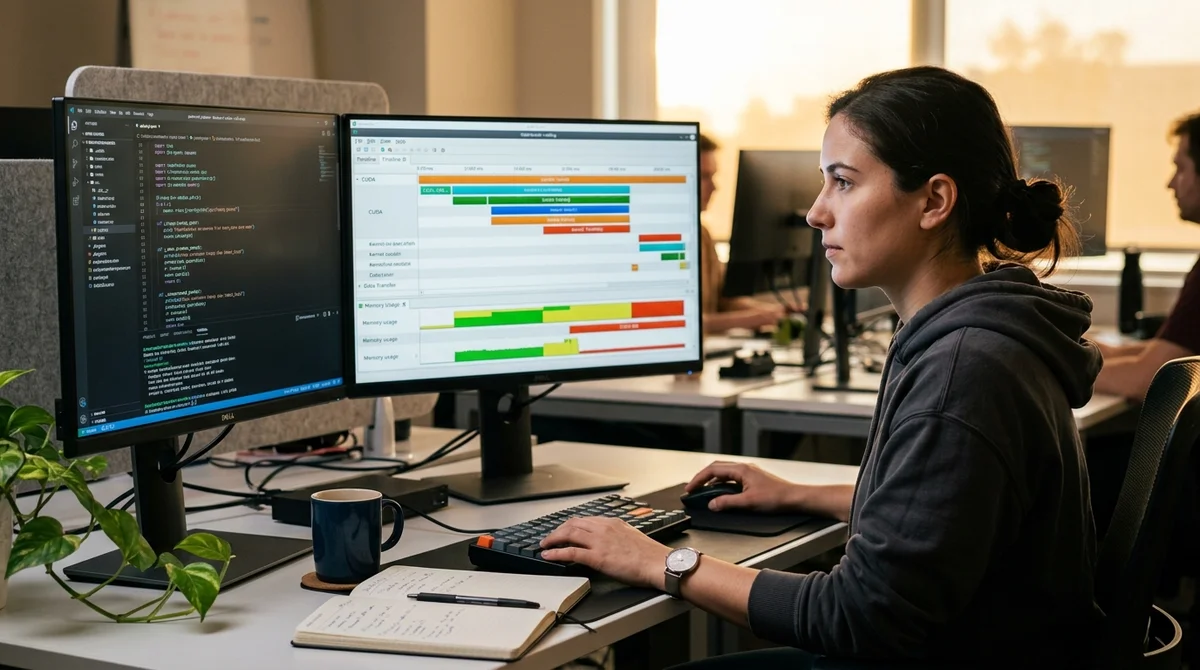
PyTorch includes a built-in tool called torch.profiler for analyzing model performance. It tracks every operation on GPU and CPU, helping to identify computational bottlenecks and optimize training time.
Why Profile Models
Without profiling, a developer only sees the final number: "the epoch trained for 2 hours." But why 2 hours? Where did the time go? Maybe the dataloader is slow? Or the GPU operation is inefficient? Or the GPU is idle, waiting for data from the CPU? Attempts to optimize blind are just guessing. You change batch size, loading speed, computational precision, but the result doesn't improve because you're optimizing the wrong bottleneck. torch.profiler saves this wasted time: it shows the exact distribution of time and memory across operations.
How torch.profiler Works
The tool tracks code execution at the level of CUDA kernels and CPU threads. For each operation—such as matrix multiplication in a Linear layer or convolution in Conv2d—it records the start time, end time, and memory used. The results can be exported in a format compatible with Chrome DevTools and visualized as a timeline.
The main profiler metrics:
- Exclusive time — time that the operation took by itself (without nested operations)
- Inclusive time — time of the operation together with all nested calls
- Memory — peak GPU memory usage during the operation
- Sync time — time spent synchronizing between CPU and GPU (bottleneck number one)
When torch.profiler Reveals Problems
A typical scenario: the model trains slowly, you think you need a faster GPU, but the profiler shows that 60% of epoch time is waiting for data from the dataloader. The problem isn't the GPU, but the data loading. Solution: increase num_workers in DataLoader or use pinned memory.
Another example: the model trains on a distributed system (multiple GPUs), and the profiler shows that a lot of time is spent synchronizing gradients between devices. This signals the need to optimize the communication graph or reconsider the parallelism strategy.
Important note: profiling itself adds overhead. If you run the profiler on the entire training loop, it can slow down computations by 10–30%. For accurate measurements, it's better to profile only the code block of interest (for example, one forward-backward pass).
What This Means
torch.profiler is the first step before any optimization. Don't guess where the bottleneck is: profile, look at the results, and optimize exactly what's slowing things down. This will save weeks of experimentation and direct efforts to where they will truly make a difference. For ML engineers who want to speed up model training, this is a fundamental tool.
- Oct 28, 2026Anthropic Files S-1: $11.6 Billion in Quarterly Revenue and $780 Billion in Commitments
- Oct 28, 2026DeepSeek open-sources DeepInfer: 155 trillion tokens a day and an 80% margin
- Oct 28, 2026Cline squeezes 11 840 tokens/s out of a single NVIDIA DGX Station
- Oct 28, 2026T-Bank replaces a swarm of LLMs with a single 32B model and cuts query costs by 2.8–3.9x
Key Questions Answered
Why Profile Models?
Without profiling, a developer only sees the final number: "the epoch trained for 2 hours." But why 2 hours? Where did the time go? Maybe the dataloader is slow? Or the GPU operation is inefficient? Or the GPU is idle, waiting for data from the CPU? Attempts to optimize blind are just guessing. You change batch size, loading speed, computational precision, but the result doesn't improve because you're optimizing the wrong bottleneck. torch.profiler saves this wasted time: it shows the exact distribution of time and memory across operations.
How torch.profiler Works?
The tool tracks code execution at the level of CUDA kernels and CPU threads. For each operation—such as matrix multiplication in a Linear layer or convolution in Conv2d—it records the start time, end time, and memory used. The results can be exported in a format compatible with Chrome DevTools and visualized as a timeline. The main profiler metrics: Exclusive time — time that the operation took by itself (without nested operations) Inclusive time — time of the operation together with all nested calls Memory — peak GPU memory usage during the operation Sync time — time spent
When torch.profiler Reveals Problems?
A typical scenario: the model trains slowly, you think you need a faster GPU, but the profiler shows that 60% of epoch time is waiting for data from the dataloader. The problem isn't the GPU, but the data loading. Solution: increase num_workers in DataLoader or use pinned memory. Another example: the model trains on a distributed system (multiple GPUs), and the profiler shows that a lot of time is spent synchronizing gradients between devices. This signals the need to optimize the communication graph or reconsider the parallelism strategy. Important note: profiling itself a
Test Frontier LLMs & Autonomous Agents in One Workspace
Run Claude Opus 5.5, GPT-6, Gemini 3.1, and DeepSeek side-by-side in Nomad AI (nomadnet.ai) — unified model routing, deep research, and multimodal workflows under one subscription.
The AI world, distilled — once a week
Seven stories that actually mattered, hand-picked. No noise, no reposts, no press releases.
Done! Check your inbox for a confirmation.