How AI coding helped build Ghostty's auto-update feature
Ghostty creator Mitchell Hashimoto explained how AI helped him build an auto-update feature for the terminal. This isn't hype — it's a real process of non-trivi
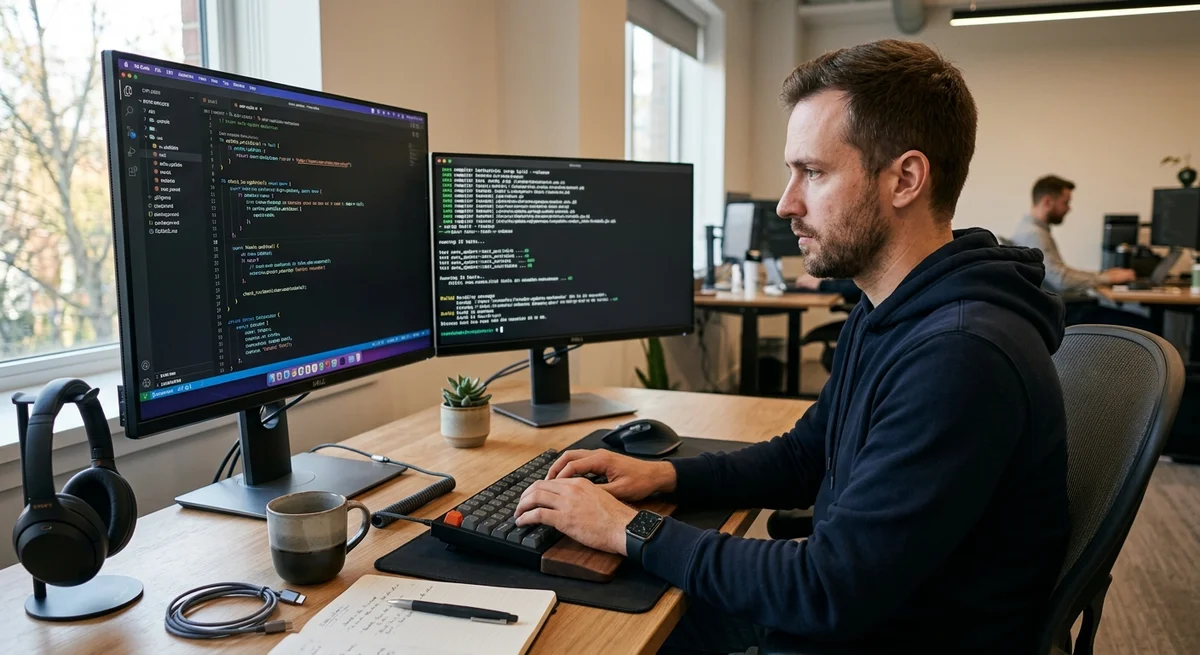
Mitchell Hashimoto, creator of the popular Ghostty terminal, recently released an update with an auto-update feature for macOS — and developed it primarily with the help of AI. But this is not a typical "AI wrote the code" story — it's a breakdown of a real, non-trivial engineering process that demonstrates how AI tools work in production.
Why Ghostty needs background updates
Ghostty is a fast, modern terminal where every update can contain critical security fixes, performance optimizations, or new features. But asking users to update in the middle of a work day is annoying and undermines user experience. The goal was to make the update process unobtrusive: the app independently checks the version in the background, downloads the update, and offers to update at a convenient moment without interrupting work. This sounds simple, but on macOS it requires handling many nuances. You need to cryptographically sign the update, verify integrity, rollback on error, work without admin privileges, handle network timeouts and file system conflicts.
How agentic AI-coding accelerated development
Hashimoto didn't use just a language model to generate code, but agentic tools — where AI can work in a loop and:
- Read and analyze the existing Ghostty architecture (Rust, Cocoa framework for macOS)
- Propose multiple solutions to architectural problems and explain trade-offs
- Write code, but not blindly — fix errors based on compiler output and test results
- Walk through edge cases that the developer came up with
- Rewrite parts of the code if the first iteration was suboptimal
"This is not simply 'write a function'.
It's a dialogue with AI about how to correctly solve a complex engineering problem in the context of a specific project".
What AI is really capable of
Hashimoto's key takeaway: AI-coding works best not for trivial tasks ("write CRUD"), but for complex features that require:
- Deep understanding of the existing codebase
- Knowledge of the platform ecosystem (in this case — macOS, code signing, Security Framework)
- Iterative development with real-time error analysis
- Human control and review of each architectural decision
The feature was released to production and works stably. This confirms: AI is capable of helping with real, complex engineering tasks if you use it as a thinking partner, not as an automatic code factory.
What this means for developers
AI-coding is maturing. It stops being "write hello world" and becomes a tool for real architectural decisions in production. The more complex the project — the more sense it makes to use AI as an assistant in the development process. This also means that we need not just good AI models, but tools that allow AI to work in a loop: see errors, learn from them, iteratively improve the solution.