AI agent in one day: a local prototype without the cloud or developers
In one working day, it is possible to build a functional local AI agent using Ollama to deploy models and n8n for automation. This prototype suits companies tha
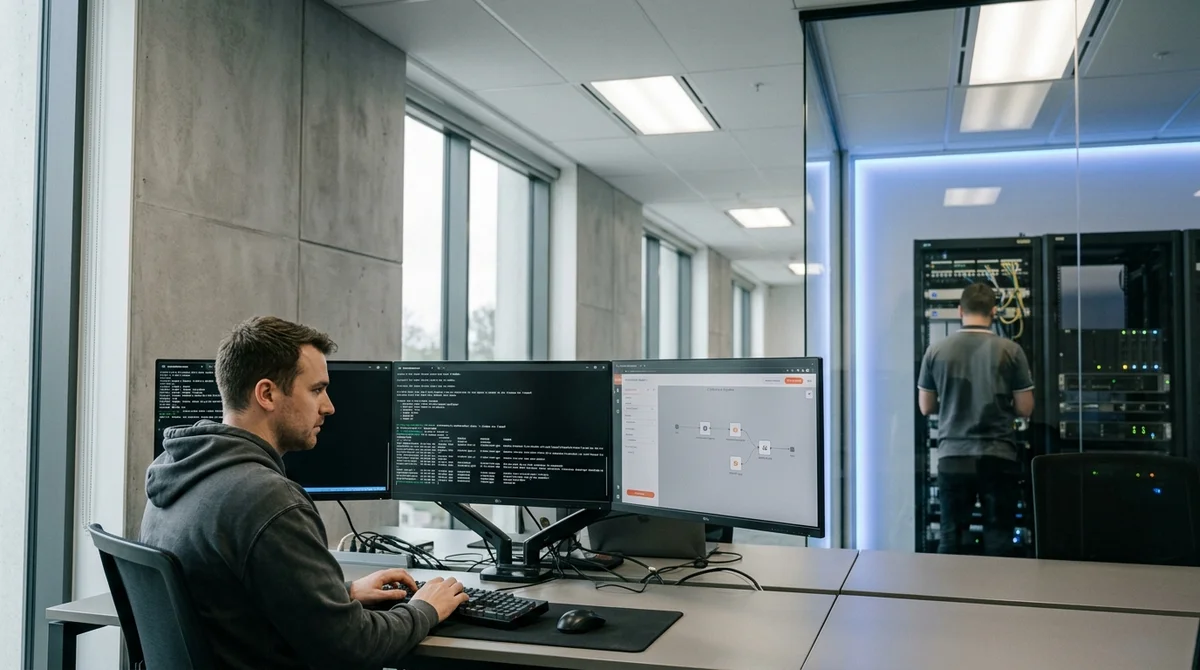
When management asks to implement an AI agent in a business process, requirements are usually contradictory: data cannot be sent to the cloud, budget is almost non-existent, developers are scarce, and results are needed by tomorrow. In practice, it's solvable. In one business day, you can assemble a local prototype of a functional AI agent using open tools like Ollama and n8n. No need for a team of specialists, cloud subscriptions, or complex architecture.
Why local, not cloud
Cloud LLM APIs like OpenAI are convenient, but costs grow with every request, and sensitive company data goes to third parties. This is risky for organizations with confidentiality requirements. A local agent on the Ollama platform runs directly on the company's computer or server — data never leaves the perimeter, and you only pay for electricity.
Key advantages of the local approach:
- Data stays inside the company, doesn't go to the cloud
- No API bills — only one-time equipment costs
- Can work on a closed network without constant internet
- Complete independence from cloud services and their downtime
- Cheaper to scale for large request volumes
Ollama and n8n: two tools for assembly
Ollama is packaging large language models into a container. You download a ready-made model (Llama 2, Mistral, Deepseek, Phi, and others), run it through Docker, and the model is available via REST API. No Python, no CUDA configuration, no dependency hell. In 15 minutes, the model is ready to answer the first request.
n8n is a no-code automation platform. Think of it as a constructor for workflows. You connect Ollama as a node in a visual editor, bind data sources (CRM, Slack, email, knowledge bases, files), create a chain of actions — and the agent starts working. No need to write code, everything happens in a drag-and-drop interface.
Zero to working demo in a day
Here's a rough schedule for how to organize this in one business day:
- 09:00 — installing Ollama and downloading the chosen model (40–50 minutes)
- 09:50 — configuring local REST API, testing the model via curl (30 minutes)
- 10:20 — installing and first launch of n8n on the same machine (30 minutes)
- 10:50 — creating the first workflow in n8n, connecting Ollama as a node (1 hour)
- 11:50 — configuring the prompt, testing on simple examples (45 minutes)
- 12:35 — integrating with a data source (e.g., uploading documents or connecting to Slack) (1 hour)
- 13:35 — debugging, fixing errors, checking edge cases (1 hour)
- 14:35 — demonstration of a working prototype to management
This is a realistic schedule if you don't get bogged down in perfection. The main thing is to show that the idea works.
When RAG is needed: searching your own data
If the agent must answer based on internal company information — reports, policies, technical docs, FAQs, sales history — add RAG (retrieval-augmented generation). n8n can load documents, create their embeddings (vector representations), and with each user question, search for relevant chunks from your database. The agent will become significantly smarter because it will operate not just on knowledge from training, but on company-specific data.
What this means in practice
Local AI agents are turning from experiments into working tools. A company of any size — from startup to corporation — can assemble a functional agent in a day that works with internal data and processes, without the risk of cloud leaks and without huge bills. This is especially important for the financial sector, government agencies, and manufacturing, where data confidentiality is not a wish, but a hard requirement of law and security policy.