How Claude and TickTick help turn weekly planning into a working system without last-minute rushes
Habr AI published a practical breakdown of a personal planning system: tasks are split into 45-minute blocks, placed on the calendar, and prioritized by work…
AI-processed from Habr AI; edited by Hamidun News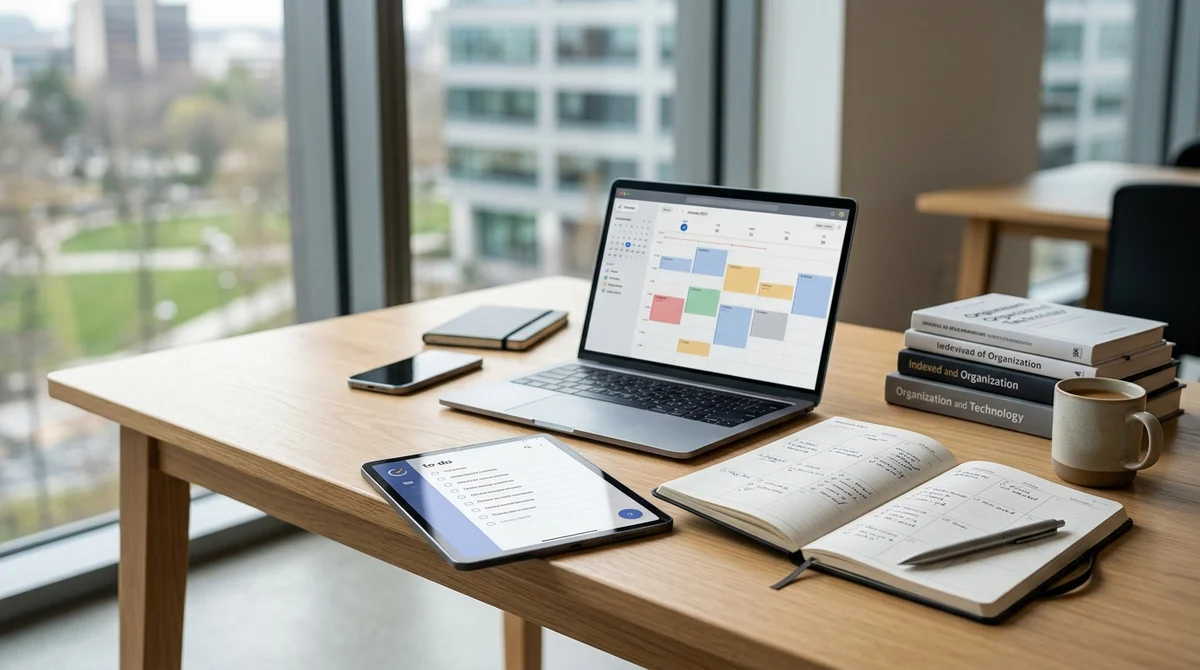
On Habr AI, there was a breakdown of a planning system that should save the week from the familiar scenario "by Wednesday nothing is done, by Friday everything is on fire." The main idea is simple: tasks are broken down into short work blocks, placed on a calendar, and AI at the end of the week shows where time actually went.
Planning Framework
The author assembles work into four levels: sphere → meaning → goal → task. Such a framework is needed not for the sake of a pretty diagram, but so that any small activity is tied to an understandable direction. Instead of a vague "make a presentation" entering the system, a concrete step like "collect a title slide" or "finish the draft and send it to GPT" appears. By his rule, one task should not take more than 45 minutes: this makes it easier to start, easier to maintain focus, and clearer to assess actual workload.
The second mandatory layer is the calendar. If a block is not on the schedule, it will almost certainly be postponed. Therefore, tasks do not lie in a dead list, but receive specific time. However, the calendar cannot be completely filled: each day should have a buffer of at least 30–60 minutes for unexpected assignments, fatigue, or plan shifts. Between tasks, the author also adds 15-minute gaps to catch his breath and not have the day fall apart because of one failure.
Rules of a Working Week
The system is held not only by the calendar, but also by strict limits on the type of tasks. The author divides work into deep and shallow, and marks priorities with colors so you can quickly see what drives projects and what just supports operations.
- Red — calls and critical urgent tasks without which everything will stop.
- Yellow — deep work that can be moved a bit, but cannot be lost from the week.
- Blue — short urgent things that need to be closed or delegated if possible.
- Free slots — buffer for incoming tasks, shifts, and focus recovery.
A separate rule concerns the number of parallel directions. According to the author's observation, more than three important epics at the same time almost certainly turn the day into endless context switching. Therefore, any new task is first checked for compatibility with current priorities: if you can't add another focus, something old must either be simplified, postponed, or removed entirely.
AI as an Auditor
The most interesting layer of the system is the weekly AI review. Once a week, a script pulls real tracked time from TickTick, classifies tasks, calculates the distribution of hours by direction, and passes this to Claude. Instead of a subjective feeling of "seemed to be busy with something useful," you get a dry picture: how many hours went into a specific sphere, how much of that was deep work, and where the week diverged from monthly or yearly goals.
"Gap: wanted 25% on
Sphere 2 — got 21%, of which productive time is less than a third."
Such a report is not needed for nice analytics, but for the next step. Claude not only sums up, but also formulates adjustments for the new week: where focus is lacking, what hours were eaten by preparation instead of results, why Friday again went into shallow work.
The author spent about 4–5 hours on putting together this integration, but the main difficulty is not in the code, but in tracking discipline: if you don't count real time, there's nothing for AI to analyze.
How Not to Drown in Incoming Tasks
The article separately breaks down three eternal sources of chaos: urgent tasks from above, useless meetings, and attention fragmentation. The recipe for urgent assignments is quite pragmatic: if the task is really important, you need to just accept it and reschedule the day; if not — discuss deadlines, otherwise one "urgent" breaks all current focus. The logic with meetings is similar: whenever possible, move communication to async, limit meetings to 30 minutes, and don't go where your participation is nominal.
But even with such protection, some chaos remains. Therefore, the author does not promise perfect control and does not sell a magical method to "do everything." His system is more about regular week restructuring: see what was actually done, how much time operations ate, and where important tasks lost to trifles again.
Such a cycle of daily, weekly, and monthly reviews gradually reduces fuss and helps more often feel not "I was busy all day," but "I'm moving where I wanted to."
What This Means
This is a good example of how AI is useful not in abstract automation, but in a very practical role of a personal editor of the week. The combination of calendar, time tracking, TickTick, and Claude doesn't eliminate chaos, but makes it measurable — and that means you can already work with it without constant fire.
Want to stop reading about AI and start using it?
AI News is a curated feed of AI/tech news. Hamidun Academy teaches you to use AI systematically in your work.