Boring Meeting for macOS adds 32 languages and faster local meeting transcription
Boring Meeting, a local macOS app for recording and transcribing online meetings, has received a second notable update. The release reduces system…
AI-processed from Habr AI; edited by Hamidun News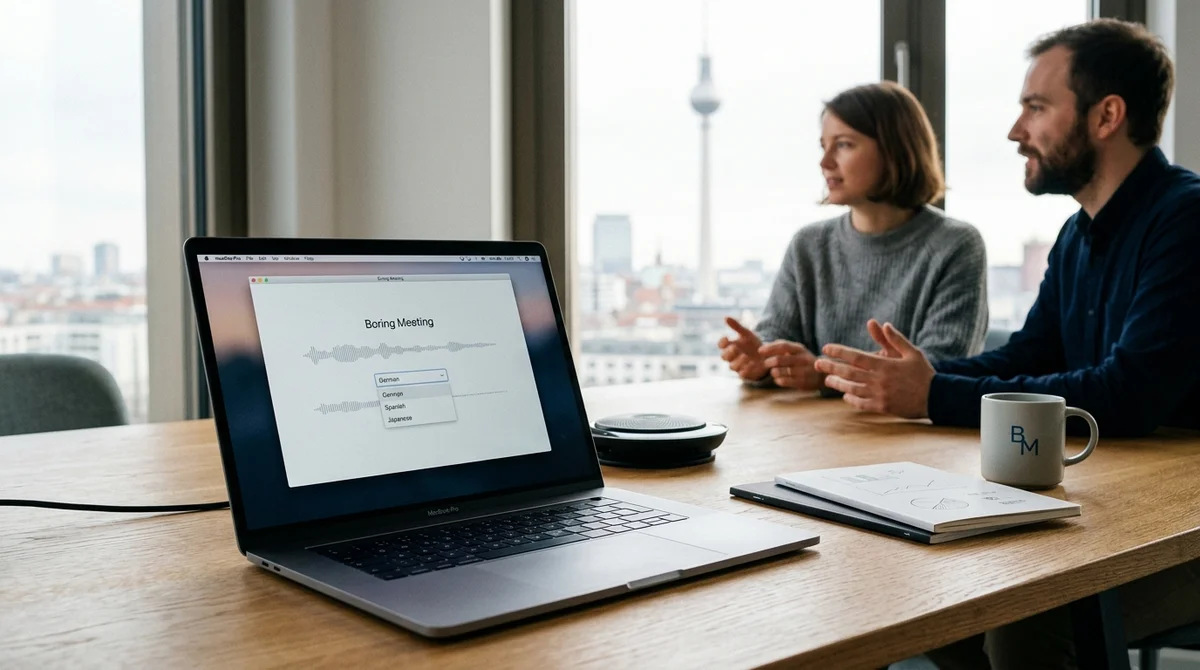
Boring Meeting — a small macOS application that records online meetings in the background and transcribes them directly on the device — has received its second major update. The developer didn't turn the utility into a bloated product: the release focuses on speed, localization, and minor UX improvements that matter in daily use.
What was updated
The new version of Boring Meeting became available on a wider range of work machines: the minimum requirements were lowered to macOS 15. For utilities of this class, this is an important step because corporate laptops often update slower than consumer devices, and an extra barrier like a fresh OS immediately cuts off part of the audience. Particular emphasis was placed on transcription itself.
The application now has a large-v3 turbo mode — this is a variant of the high-quality model with optimizations that, according to the author, reduces transcription time by approximately 50%. At the same time, the logic of the product hasn't changed: recording and recognition still happen locally on the Mac, without sending data to the cloud and without a subscription model.
Where the interface was improved The most noticeable change is the expansion of language support.
Now the application can transcribe speech in 32 languages. The developer emphasizes that he didn't include the entire list formally supported by Whisper: the release included only those languages where transcription quality looks reliable enough for real work. To prevent the long list from getting in the way, language visibility management was added to the settings.
The user can keep only the languages they use every day — for example, Russian, English, and German. This is a small thing, but such details usually determine how quickly the tool works in everyday scenarios. compact audio player mode with ±15 second skip buttons display of recording duration and time spent on transcription red recording indicator in the menu bar so you don't forget about the running background process improved empty states and hints on first launch * copy transcript button for instant copying of the finished text Part of these changes looks quite small, but each has a clear real-world scenario.
The author, for example, separately describes a situation where the application was minimized and recording continued unnoticed. A similar story with the copy button: if the transcript is needed for a chat with LLM, notes, or another editor, one action saves more time than another "big feature".
Why this matters
Against the backdrop of services that are increasingly built around subscriptions and cloud processing, Boring Meeting goes the opposite direction. The application is free, works locally, doesn't send recordings to external servers, and solves one specific task: capture the meeting and quickly turn it into text. This approach fits especially well with internal calls, interviews, and conversations with business clients, where data privacy may be more important than a set of marketing features.
"Make the application a bit more convenient, but not 'richer in features'".
In essence, this update is not about scaling at any cost, but about refining the tool to match real working habits. The developer directly says that the application doesn't yet have mass demand, but he uses it himself almost every day, and friends send feedback. As a result, the release grew not from a product presentation, but from a set of recurring inconveniences that interfered with actual work.
Another important detail is transparent positioning. Boring Meeting doesn't promise to replace a corporate platform for collaboration and doesn't try to become yet another "all-in-one" service. It's a narrow local tool for those cases when you need to calmly record a meeting, wait for transcription, and quickly extract the text — into notes, a document, or an AI chat.
That's exactly why even small changes like a recording indicator or compact player are perceived here as product improvements, not cosmetics.
What this means The story of Boring Meeting shows that local AI tools still have a strong niche.
If a product saves time, doesn't require a subscription, and neatly solves one scenario, it doesn't have to be a "platform" to be useful.
Want to stop reading about AI and start using it?
AI News is a curated feed of AI/tech news. Hamidun Academy teaches you to use AI systematically in your work.