AvatarBox on HeyGen turns photos into talking videos right in Telegram in 2 minutes
AvatarBox has appeared in Telegram — a bot built on the HeyGen API that creates talking-head videos from a single photo and text in 1–3 minutes. The user…
AI-processed from Habr AI; edited by Hamidun News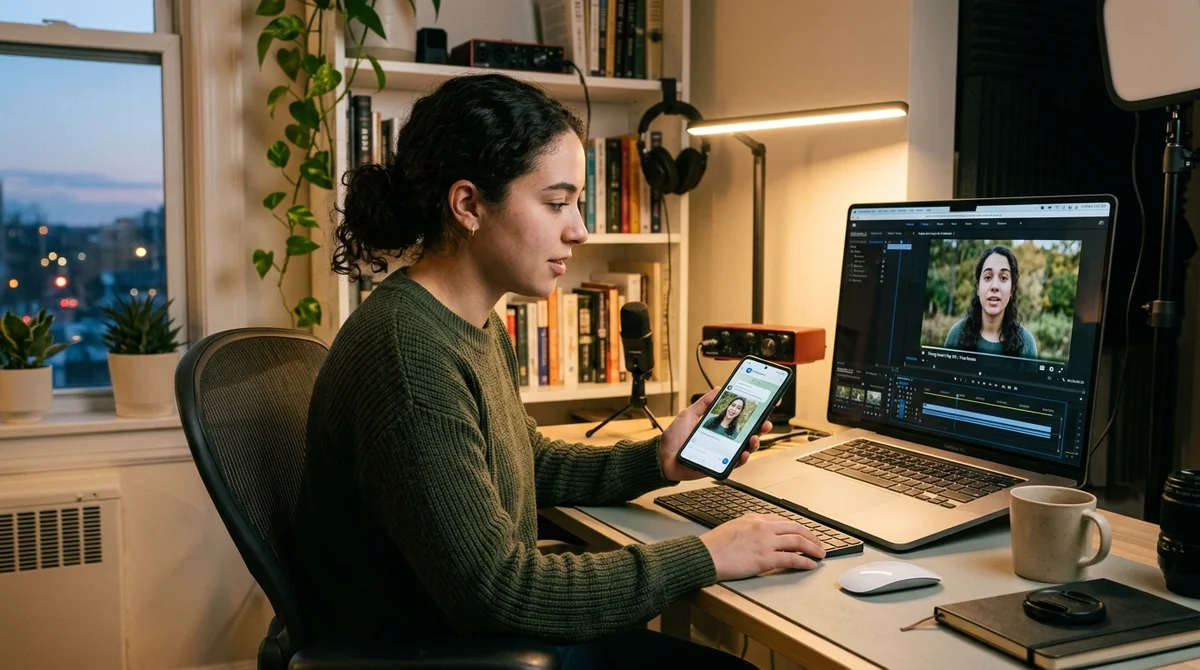
Telegram now has AvatarBox — a bot based on HeyGen API that turns a single photograph and short text into a video with a talking avatar. Users upload a portrait, select a voice and frame format, and the finished video arrives in the chat in about 1–3 minutes.
How AvatarBox Works
The service works as a simple wrapper around the HeyGen API: users don't enter a separate account, assemble scenes in a video editor, or configure editing manually. All the logic is reduced to a familiar Telegram bot scenario. First, you send a high-quality portrait, then insert the text the avatar should speak, and finally select a voice. The bot then sends a finished talking-head video where the face is synchronized with speech and facial expressions look natural enough for short-form content.
The service immediately offers several practical options that make it not just a demo, but a working tool for quick videos:
- 2000+ voices in Russian, English, and hundreds of other languages
- Three frame formats: 9:16, 1:1, and 16:9
- Emotion and speech expressiveness adjustment
- Automatic subtitles in the finished video
- First video free and without card attachment
The most important stage here is preparing the source materials. Frontal photos with direct eye contact with the camera, neutral background, and good lighting work best. Group shots, profiles, dark frames, sunglasses, and blurry faces produce poor results. For text, the author recommends staying in the range of about 80–150 words: this is enough for 30–60 seconds of speech. Next, you select a suitable voice, listen to the preview, and click generate. The bot processes the request and returns the video without registration on external platforms.
Practical Use Cases
AvatarBox was designed as a tool for bloggers, but in practice there turned out to be more scenarios. This format works well for video business cards, when you need to quickly introduce yourself to a recruiter or client without shooting on camera. The same applies to short presentations, pitches, and onboarding: instead of a set of slides with voiceover, you can create a video where an avatar speaks key points and holds attention better than regular text on screen.
"I thought the main audience would be bloggers.
Turns out, it's not."
A separate class of tasks involves content without personal appearance on screen. This is useful for those who don't want to show their face but want to regularly release videos for Telegram, Shorts, or internal corporate channels. Another scenario is educational videos where you need to quickly produce identical explanations without a studio or microphone. There are also lighter use cases: greetings, memes, and personal videos using photos of friends. These formats often become the most viral because personalization matters more than production quality.
Where the Limits Are
The main problem with such services is that they work well only in a narrow range of tasks. Long videos quickly reveal their artificial origin: after a minute, speech and facial expressions start to look monotonous. Complex emotions like bright surprise, tears, or anger still look unconvincing. Hands and gestures don't come alive either because the animation is built around the face, not the whole body. If the original photo shows palms or an active pose, it's more likely to hinder than improve the result.
There are also technical limitations regarding character stability. Each generation can differ slightly from the previous one, so for a series of videos it's better to use the same photo and not expect perfect consistency. Singing and musical phrases are also challenging for the service: lip sync is tuned for regular speech, not vocals. If you need your own virtual host, the logical approach is to first generate a realistic portrait in any image generator, then use that frame as a permanent foundation for videos.
What This Means
The barrier to entry for talking-head videos continues to fall. Previously, this format required a camera, lighting, microphone, and recording time, but now all you need is a photo, text, and a couple minutes of waiting in Telegram. For content creators, recruiting, internal training, and quick presentations, it's already a working tool. However, it doesn't yet replace live video: as soon as a scenario requires long speech, complex facial expressions, or body movement, the limitations become too noticeable.
Want to stop reading about AI and start using it?
AI News is a curated feed of AI/tech news. Hamidun Academy teaches you to use AI systematically in your work.