AWS showed how to embed an AI agent's live view in React via Bedrock AgentCore
AWS published a practical guide to embedding a browser-based AI agent's live view in React via Bedrock AgentCore. The BrowserLiveView component shows all of…
AI-processed from AWS Machine Learning Blog; edited by Hamidun News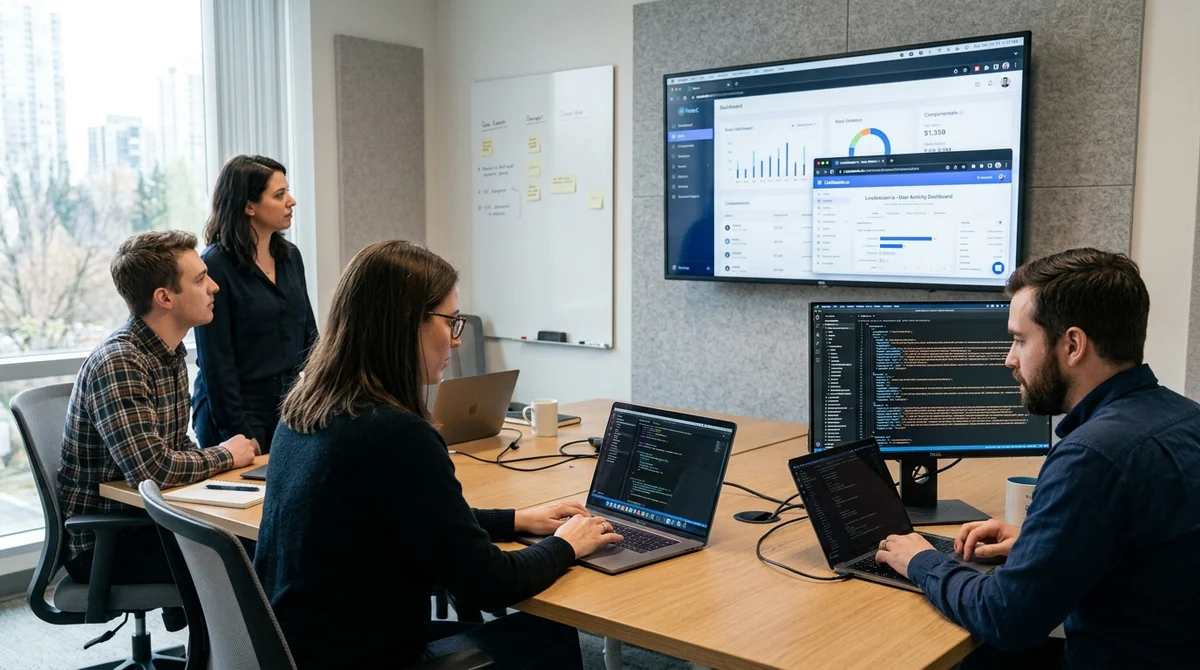
On April 9, 2026, AWS published a technical breakdown of how to embed live viewing of a browser-based AI agent in a React application through Amazon Bedrock AgentCore. Instead of a black-box mode, the user sees each transition, click, and data input in the interface while the agent performs the task.
Why Live View Is Needed
The main idea of the post is not another browser automation, but transparency. If an agent navigates websites on its own, searches for data, fills out forms, and makes intermediate decisions, the user needs to understand what exactly is happening on the screen. AWS proposes to embed this visual layer directly into the product: in a React panel, you can display the remote browser session in real time without forcing a person to switch to the console, a separate streaming service, or an external admin panel.
Users need visibility of agent actions to maintain confidence and control.
Such an approach is particularly useful where manual verification or auditing is required: in client portals, internal operational systems, services with sensitive data, and regulated scenarios. AWS specifically emphasizes that observing agent actions reduces distrust: when a person sees how the model opens the right page, enters a query, and gets results, this is perceived as more reliable than a dry text message "task completed". Additionally, sessions can be recorded to Amazon S3 and analyzed afterward.
How the Architecture Works
The architecture consists of three parts. On the client side, a React application runs with a `BrowserLiveView` component that receives a signed URL and raises a persistent WebSocket connection for the video stream. On the server side, the application creates a browser session through the Bedrock AgentCore API, manages its lifecycle, and generates a temporary SigV4 URL. The cloud part of AWS itself maintains an isolated browser session and delivers the stream through Amazon DCV, so the developer doesn't need to assemble a separate streaming infrastructure.
An important nuance is that the video does not pass through the application server. The backend only starts the session, signs the temporary URL, and connects the client to the required session, while the stream goes directly from AgentCore to the user's browser via WebSocket. This reduces latency, decreases infrastructure requirements, and eliminates the need for a separate media service or proprietary video traffic proxying.
In the basic scheme, AWS proposes the following path:
- server starts a browser session and generates a Live View URL
- React component `BrowserLiveView` renders the stream in the interface
- AI agent controls the browser through `PlaywrightBrowser`
- the model calls tools like `navigate`, `click`, `type`, and `getText`
- the user sees each action in real time
To get started, three basic steps are enough: create a session, pass a signed URL to the frontend, and render the component with the same viewport dimensions that were set on the server. AWS specifically warns: if `remoteWidth` and `remoteHeight` don't match the session parameters, the interface will get image cropping or black bars. For example, the post uses a resolution of 1920 by 1080 and a default URL TTL of 300 seconds.
What's in the Example
Along with the guide, AWS released a ready-made demo application on GitHub. It includes a React dashboard with built-in Live View, an agent action log with timestamps, a prompt input field, and a Fastify server that launches the model and browser tools. The demo scenario is simple but instructive: the agent opens Wikipedia, searches for a topic, reads the page, and then makes a brief summary while the user observes all steps on one panel and sees what commands are executed along the way.
The model binding is not rigid. The sample uses Amazon Bedrock Converse API, and you can choose Anthropic Claude, Amazon Nova, or another Bedrock model with tool use support as the engine. For the frontend, the project is built with Vite, and there's another practical point here: `BrowserLiveView` relies on the Amazon DCV Web Client SDK, so the build config needs aliases, dependency deduplication, and copying runtime files to the build.
For local deployment, AWS recommends using only temporary credentials, and for production, immediately add authentication, HTTPS, CORS restrictions, and rate limiting.
What This Means
AWS is moving browser AI agents out of background automation mode toward an observable interface where humans find it easier to trust the system and intervene in time. For teams building agent products on React, this lowers the entry barrier: you can take a ready-made component, connect a cloud browser, and quickly build an experience where model actions are visible not only to the developer but to the end user.
Want to stop reading about AI and start using it?
AI News is a curated feed of AI/tech news. Hamidun Academy teaches you to use AI systematically in your work.