Developer built a statusline for Claude Code with VPS monitoring in a single session
A developer with three VPS instances and 10–15 hour sessions in Claude Code built a custom statusline — none of the existing ones showed both context usage…
AI-processed from Habr AI; edited by Hamidun News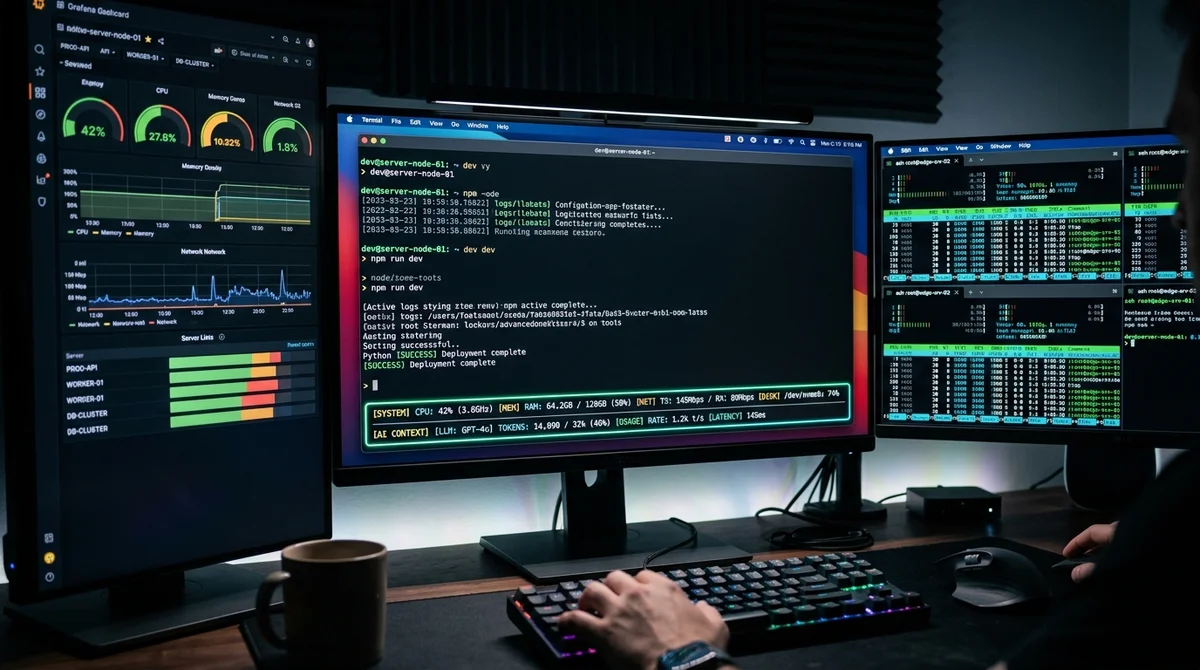
A developer working with three VPS servers and running Claude Code sessions for 10–15 hours at a time built a custom statusline — a tool for monitoring context and real-time server load — directly in claude.ai during a single work session.
Why a Custom Tool Was Needed
Long sessions with Claude Code create a specific problem that you won't encounter in regular programming. The standard interface doesn't answer questions that come up every few hours: how much context window is still free, is it time to run `/compact` right now, and which server is under load. The moment to run `/compact` is important: run it too early and you lose some context unnecessarily, run it too late and you start getting degraded responses.
Without an indicator, it's either intuition or regular manual checks. When working with three VPS through MCP SSH, the problem gets worse. Every server status check is a manual SSH, looking at `htop`, and returning to your work context.
Multiply that by three servers, by dozens of times a day — and you get a constant stream of switches that itself breaks concentration.
The author looked through existing statusline solutions for Claude Code. None of them combined both types of data: the AI assistant's context state and infrastructure load.
What the New Statusline Shows
The custom tool outputs everything you need in one status line — without switching between windows and manual SSH checks:
- Percentage of Claude Code's context window filled
- Visual indicator: when it's time to run `/compact`
- CPU and RAM on each of the three VPS in real time
- Server network activity
- Status of active MCP connections
Visually — the familiar status line in the terminal right next to the cursor. Concise and without information noise that would distract from the main task.
Built in One Session in claude.ai
It's telling how the tool was actually built. The author worked through claude.ai with MCP SSH connected — Claude had direct access to the servers through the standard browser interface. All development, from the first idea to working code, fit into one continuous session.
"Three VPS, MCP SSH, sessions of 10–15 hours.
Every time the same thing: how much context is eaten? Time for /compact? Which server is under load? None of the existing statuslines showed this. I built my own — in one session in claude.ai".
This approach itself is telling: a tool for working with AI was built with the help of that same AI. Claude Code lets you go from noticing an inconvenience to a working solution without changing your work environment and without switching context. This is a typical pattern: a developer notices an inconvenience in the process of working with a tool — and fixes it with the same tool. The barrier to entry is low enough that a pragmatic solution appears faster than waiting for an update from the Anthropic team.
What This Means
A custom statusline is a small, but telling example of how professional workflows with AI assistants develop their own tools. Developers don't wait for a needed feature to appear in the official interface — they build it themselves, often in a single session. MCP as a protocol for connecting external data sources makes such solutions accessible without complex infrastructure. A few hours of work — and Claude Code sees server state the way it sees the file system. This changes what is even considered a "fast" tool for a developer.
Want to stop reading about AI and start using it?
AI News is a curated feed of AI/tech news. Hamidun Academy teaches you to use AI systematically in your work.