Claude Code: Which keyboard shortcuts accelerate work and where they can interfere
Claude Code's terminal hides more useful shortcuts than first appears. The analysis focuses on three particularly practical actions: double Escape for quick…
AI-processed from Habr AI; edited by Hamidun News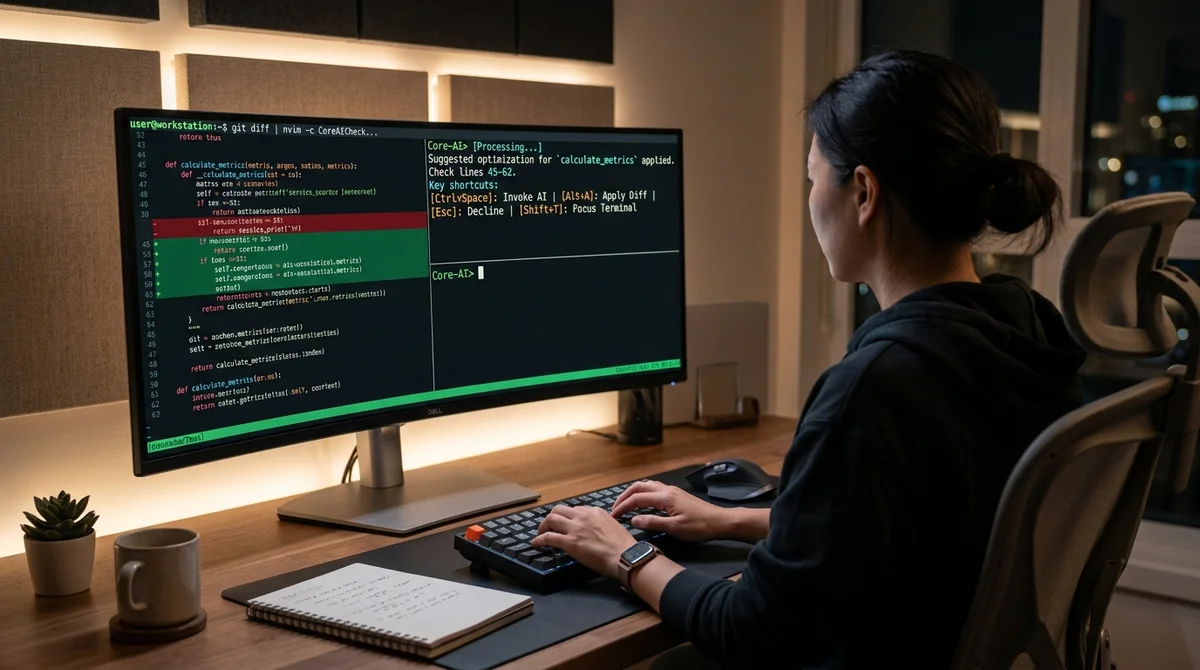
Claude Code has turned out to be more than just an AI assistant in the terminal — it's a tool with its own system of quick actions that significantly speed up everyday development. Breaking down the keyboard shortcuts shows that many of the most useful functions are hidden behind combinations that many users discover too late.
Keys for Flow
The main idea of this breakdown is simple: in Claude Code, work speed is determined not only by the quality of the model, but also by how quickly the user manages the interface itself. When the assistant lives right in the command line, any extra pause between thought and action impacts the pace. That's why keyboard shortcuts here aren't cosmetic — they're part of the workflow. A few keystrokes can undo a wrong step, switch modes without extra dialogs, or push a long task to the background.
- Double Escape: rolls back recent code changes if the assistant went the wrong way.
- Ctrl+B: sends the current task to the background so it doesn't block other work.
- Shift+Tab: switches modes on the fly without breaking the current scenario.
- Key reassignment: helps adapt Claude Code to personal habits and keyboard layout.
The value of such combinations is especially noticeable in real sessions: when a developer edits a file, asks the assistant to rewrite something in parallel, and immediately checks the result. In this mode, the mouse becomes a hindrance rather than a helper. That's why the material focuses not on a list for its own sake, but on usage scenarios. A keyboard shortcut is useful only when it's clear at what moment it saves seconds and prevents unnecessary manual rollback.
Where Conflicts Exist
Terminal interfaces have an old problem: the same keystroke can already be taken by another program. In Claude Code's case, this is especially noticeable for those working through tmux, custom shell configs, remote servers, or browser terminals. A command that seems convenient in a clean environment can be intercepted earlier in a real setup and never reach the assistant at all. Because of this, some users mistakenly conclude that the feature doesn't work, when it's not Claude Code that breaks, but the input chain.
There's a separate layer of problems related to habits. If someone has used the same binds in an editor, terminal, and multiplexer for years, a new system of combinations feels like an obstacle. That's why the breakdown is important not just for listing shortcuts, but for warning about pitfalls: where exactly conflicts are possible, which combinations most often overlap, and why blindly copying someone else's layout doesn't always work well. For advanced users, this is even more important than the default binds themselves.
How to Set It Up for Yourself
The most practical takeaway from the material is this: keyboard shortcuts don't need to be memorized in sequence — they need to be assembled for your actual workflow. If you more often fix code after the model's response, quick rollback is more critical. If you're juggling multiple tasks, background operations are more useful. If you're constantly jumping between modes, the benefit comes from instant switching without manual commands. This approach reduces cognitive load: instead of a long list, you're left with a short set of actions that you actually use every day.
For teams, this is also an important topic. When an AI tool becomes part of a shared development environment, it helps to agree beforehand on basic shortcuts, conflict zones, and reassignment rules. Otherwise, one developer will confidently use background tasks and quick rollback, while another avoids these features just because they conflict with their tmux config. The sooner such things are brought to a common standard, the less friction there is in onboarding and collaboration.
What It Means
Claude Code is increasingly turning from an ordinary chat interface into a full-fledged tool for a developer. The better a user knows its keyboard mechanics, the less time is spent on routine and the faster AI fits into the actual development process.
Want to stop reading about AI and start using it?
AI News is a curated feed of AI/tech news. Hamidun Academy teaches you to use AI systematically in your work.