RooCode for VS Code: How to Set Up Multi-Agent Development Without Chaos and Unnecessary Model Requests
RooCode for VS Code offers a multi-agent approach: separate modes for questions, architecture, code, and debugging, with an Orchestrator distributing tasks…
AI-processed from Habr AI; edited by Hamidun News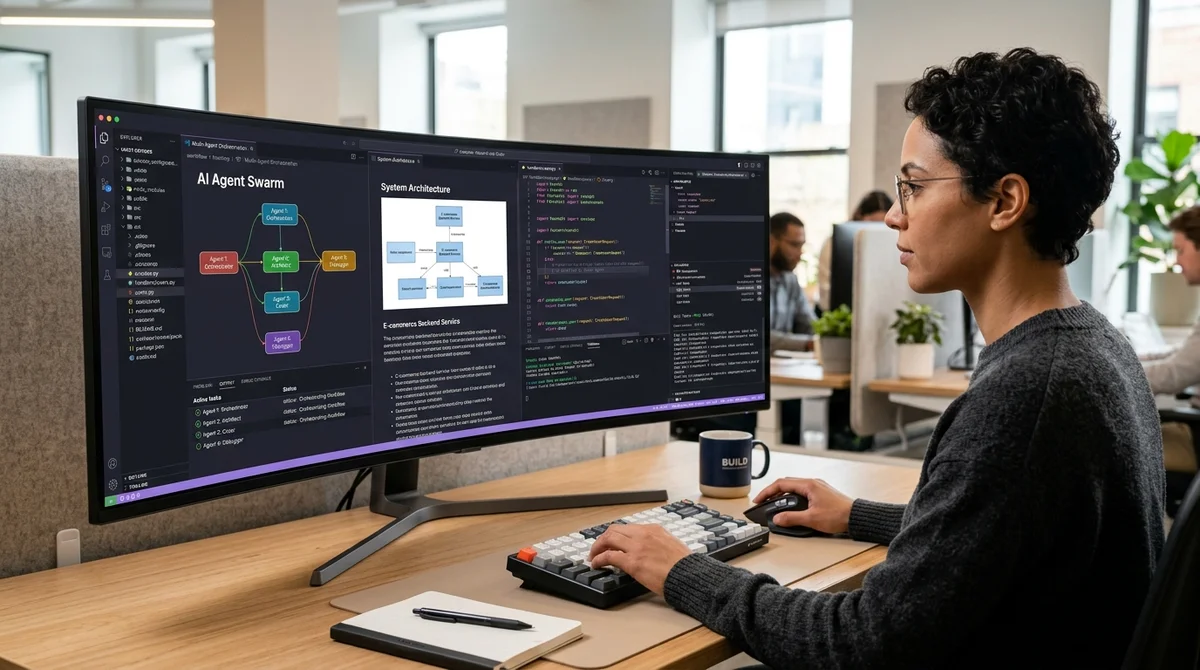
RooCode for VS Code offers not a single universal AI assistant, but a set of specialized modes that work like a team. The main idea of the review — don't try to force one model to do everything at once, but divide tasks between modes and gradually bring the configuration to a stable working loop.
Five Roles in the IDE
At the core of RooCode is a multi-agent scheme with five built-in modes: Orchestrator, Ask, Architect, Code, and Debug. Instead of a single chat that simultaneously thinks about architecture, writes code, answers questions, and searches for bugs, the extension suggests dividing these functions. This approach is closer to real engineering work: one role gathers requirements, another designs the solution, a third writes the implementation, and a fourth analyzes failures. Orchestrator in this model becomes a dispatcher that directs the task to the right loop and keeps the process within clear boundaries.
- Orchestrator — takes the task and decides which mode is needed at the next step.
- Ask — quick questions about code, ideas, and documentation without unnecessary generation.
- Architect — designing structure, interfaces, and the overall plan of changes.
- Code — writing and editing code with emphasis on specific implementation.
- Debug — finding the cause of an error, testing hypotheses, and fixing failures.
A separate emphasis in the review is placed on synchronous task execution. This isn't about maximum speed at any cost, but about predictability. When modes work sequentially and each has a clear area of responsibility, the risk is reduced that an agent will jump between contexts, duplicate steps, or produce plausible but unnecessary answers. For development, this is more important than an elegant demonstration of parallel agents: it's better to be slightly slower but with clear logic for completing the task.
Configuration by Spiral
The key idea of the material — RooCode shouldn't be configured as a monolithic system where everything is planned in advance. Instead, it's suggested to move in a spiral: first set basic parameters, then add skills, refine the behavior of modes, select providers, and only after that return to already completed parts with new understanding. This cycle is useful because the quality of agent development is determined not by a single checkbox in the settings, but by how well the roles, prompts, tools, and constraints are aligned.
In practice, it looks like this:
- first, order is brought to the basic configuration and general instructions;
- then skills are connected for recurring scenarios;
- after that, each mode is given its own role and response format;
- then providers and models are chosen for specific types of tasks;
- finally, the system is tested in real cases and refined based on results.
This order protects against a common mistake where the user immediately dives into fine-tuning prompts or spends a long time trying different models without agreeing with the system at a basic level. If Orchestrator doesn't understand when to call Architect versus Code, no expensive model will save you from noise. The spiral approach, on the other hand, allows you to identify the bottleneck at each turn and fix it without breaking the entire configuration.
Why MCP is Needed
A separate advantage of RooCode — working with MCP servers. In the material, they are described as a way to reduce the number of errors and unnecessary requests to LLM by providing access to external data and tools through a more structured channel. If an agent can get precise context from the file system, documentation, browser, or internal services, it doesn't have to guess what's outside the chat. This reduces hallucinations, decreases token consumption, and makes responses less vague.
For practice, this means more stable development in VS Code. Instead of endlessly rephrasing the project in prompts, the team can move some knowledge and operations into tools, leaving only decision-making in their area of responsibility for the modes. As a result, Ask answers local questions faster, Architect relies better on real project constraints, Code less often writes beyond the structure, and Debug gets more chances to reach the root of the problem rather than treat symptoms.
What This Means
RooCode shows that the next step in AI development — not simply a stronger model, but more rigorous organization of its work. The clearer the division of roles, tools, and configuration stages, the closer the agent environment in VS Code is to a real workflow, not to a chaotic chat that sometimes writes code.
Want to stop reading about AI and start using it?
AI News is a curated feed of AI/tech news. Hamidun Academy teaches you to use AI systematically in your work.