How to Write Prompts for Midjourney, DALL-E, and Kandinsky to Get Precise Images
If a generator draws a cat with six eyes, the problem is often not with the model, but with the request. The article explains how to build prompts layer by…
AI-processed from Habr AI; edited by Hamidun News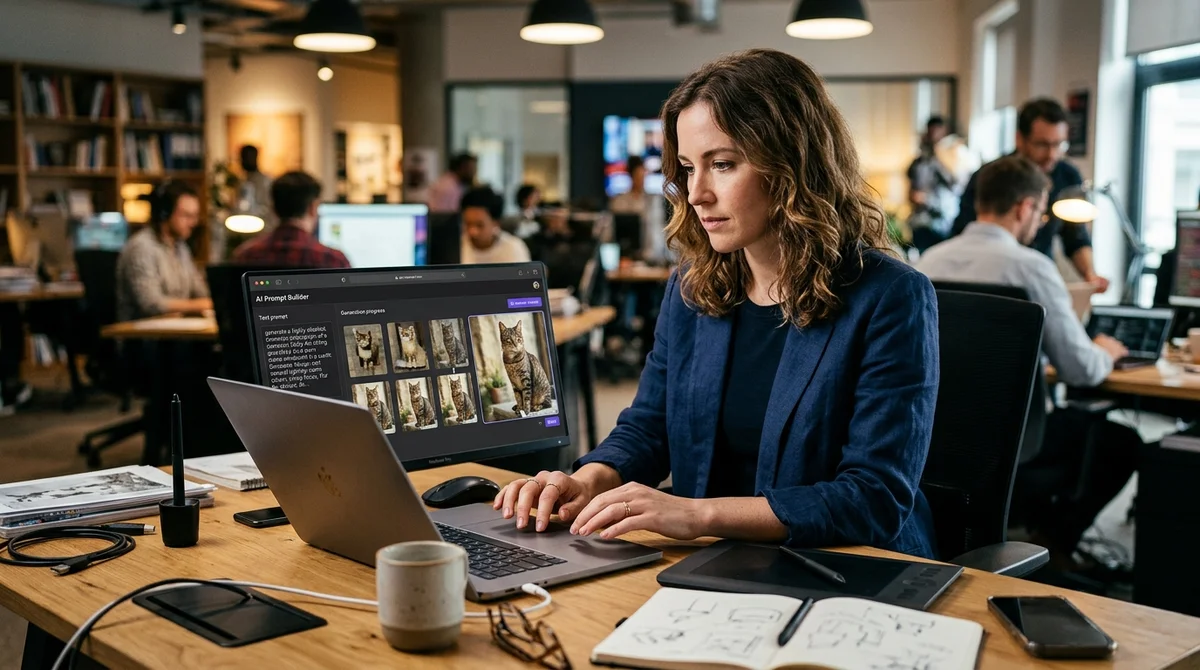
A breakdown of image generators explains why models often miss user expectations. The main idea is simple: the problem is usually not in the model, but in too vague a request.
Why it doesn't work out
When a user writes something like "a beautiful cat" or "atmospheric portrait," the model is forced to fill in the details itself. For Midjourney, DALL-E, or Kandinsky, such words are too general: they don't set a scene, style, lighting, or angle. As a result, the generator chooses an averaged variant, which easily turns into a strange set of artifacts, unnecessary details, and random textures. Hence the frames you want to send straight to the trash.
Neural networks for image generation are excellent executors, but
terrible mind readers.
The authors emphasize that models work better with specifics, not emotions. If you need photorealism, say so. If warm golden light, a close-up, an 85 mm lens, or watercolor styling after 19th-century engravings is important, spell it all out directly in the prompt. Even word order can affect the result, because different parts of the prompt set priorities for generation. This is especially noticeable in complex scenes with multiple objects and backgrounds.
How to build a prompt
A working prompt is suggested to be built like a short technical specification, not an abstract wish. The less the model guesses, the closer the result to expectations. Essentially, it's a set of mandatory description layers that the model reads as reference points. Without them, it reverts to averaged templates from the training data. That's why good prompts often look dry, almost like a shooting brief.
The basic structure can look like this:
- Main object or scene — who or what is depicted, in what action and environment.
- Style — photo, 3D, illustration, anime, watercolor, engraving, or reference to a visual school.
- Light and camera — soft light, backlighting, low key, close-up, wide shot, 35 mm, 85 mm, f/1.4.
- Composition and details — background, materials, mood, color palette, pose, expression, season, time of day.
- Technical parameters — aspect ratio, quality, stylize, seed, and other settings for the specific model.
This approach helps turn a vague idea into a set of manageable features. In the article, they advise moving from general to specific: first describe the object and context, then add style and technical modifiers. It's important not to overload the prompt with contradictions. If you simultaneously ask for photorealism, minimalism, hyperdetail, and cartoon style, the model will start "tearing" the image between incompatible reference points. It's easier to make several short iterations than one overloaded request for everything at once.
How to control output
A separate section is devoted to fine-tuning results. Word weights, negative instructions, and generation parameters are useful here. If the service supports amplifying individual tokens, you can increase the priority of an important object or style. A negative prompt, conversely, removes unnecessary elements: extra fingers, extra limbs, blurry background, text, watermarks, or unwanted objects in the frame. This is especially important in paid generations, where each extra attempt costs time or money.
The authors also remind that model settings are not a minor detail. Aspect ratio determines composition, seed helps repeat successful results, and the degree of stylization and quality affect how "free" the interpretation will be. In practice, this means a simple cycle: make a basic request, check for failures, adjust one parameter, and check again. This iterative approach is almost always more effective than completely rewriting the prompt after each failed generation.
Another practical tip — don't try to fit all ideas into one line at once. It's better to first assemble the "skeleton" of the image: object, style, light, and angle. Then add materials, background, mood, or additional effects one by one. This makes it easier to understand which specific block is breaking the image. If after adding cinematic lighting the character loses realism, the problem should be sought not in the entire model, but in the specific modifier.
What this means
The material is useful because it shifts work with image generators from "magic" mode to comprehensible craft. The more precisely the user describes the scene, constraints, and visual language, the less randomness in the result. For designers, marketers, and content creators, this is no longer an optional skill, but a practical way to get the right picture faster without endless regenerations. It provides more control over the result and reduces the number of wasted experiments.
Want to stop reading about AI and start using it?
AI News is a curated feed of AI/tech news. Hamidun Academy teaches you to use AI systematically in your work.