Astropad launches Workbench — AI agent control panel for Mac Mini
Astropad launches Workbench, a remote access tool for Mac Mini reimagined for AI agents. Users monitor and manage agents from iPhone or iPad through…
AI-processed from TechCrunch; edited by Hamidun News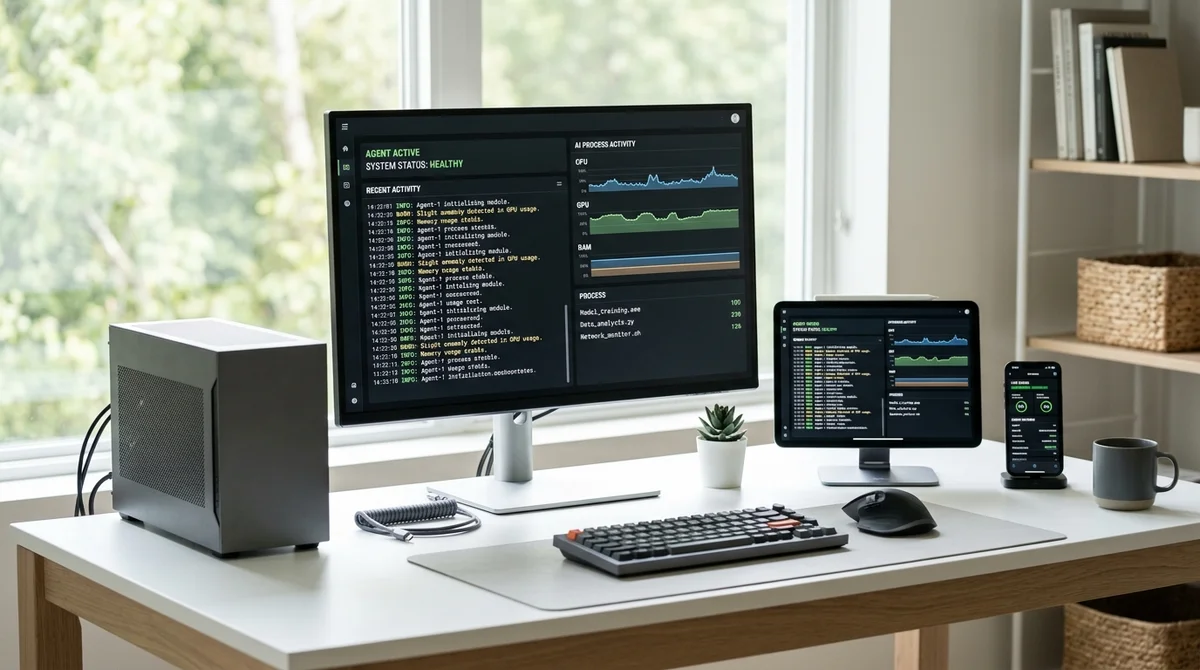
Astropad, known for its Luna Display app — one of the best ways to turn an iPad into a second monitor for Mac — has launched a new product called Workbench. At first glance, it looks like just another remote desktop tool. In reality, it's a product for a completely different era and a different audience.
Workbench allows you to remotely monitor and control AI agents running on Mac Mini from an iPhone or iPad. Low-latency screen streaming, a mobile-optimized interface, and touchscreen optimization — all of this sets Workbench apart from old solutions that were built for emergency IT access from a browser or heavy desktop client. Why Mac Mini specifically?
Over the past two years, this computer has become the de facto standard for anyone wanting to run language models and AI agents locally. The M4 and M4 Pro chips deliver solid performance with modest power consumption: a Mac Mini running LLM computations uses 10-20W compared to 250-400W for a comparably powerful GPU server. The starting price is just $599.
For tasks involving private data or when you don't want to pay for cloud tokens, it's a compelling alternative. These machines now run 24/7 as personal AI servers: running agents, processing documents, performing automations. The problem is you can't physically be next to a Mac Mini all the time.
Workbench closes this gap: users see the screen in real time and can intervene if needed — correct an agent's task, launch a new process, or simply verify that everything is running smoothly. The difference from traditional solutions is fundamental. AnyDesk, TeamViewer, and Microsoft Remote Desktop were designed with IT specialists in mind — those who need to help a user in an emergency or fix a problem.
Their entire UX is tailored to rare emergency scenarios. Workbench, on the other hand, is designed for everyday monitoring: developers want to occasionally check what their agent is doing and quietly intervene if something goes wrong. These are different usage patterns, and Astropad correctly distinguishes between them.
For now, there's limited information about pricing and full technical specifications. We know the product supports iPhone and iPad, ensures low latency, and was built specifically for AI scenarios. Astropad positions Workbench as a tool for developers and tech enthusiasts working with local AI models and agents — Claude, GPT wrappers, open-source pipelines.
The appearance of Workbench is yet another sign that the infrastructure around local AI is forming as a standalone market. Following models and frameworks for agents come tools for managing and monitoring edge-AI nodes. Astropad has years of experience working with the iPad ecosystem and Mac — a good starting position to occupy this niche before major players arrive.
Want to stop reading about AI and start using it?
AI News is a curated feed of AI/tech news. Hamidun Academy teaches you to use AI systematically in your work.