Google Chrome launched “Skills” — saved AI commands for Gemini
Google added a “Skills” feature to Chrome — saved AI prompts that can be used on any tab with one click. There is no longer any need to enter the same query…
AI-processed from The Verge; edited by Hamidun News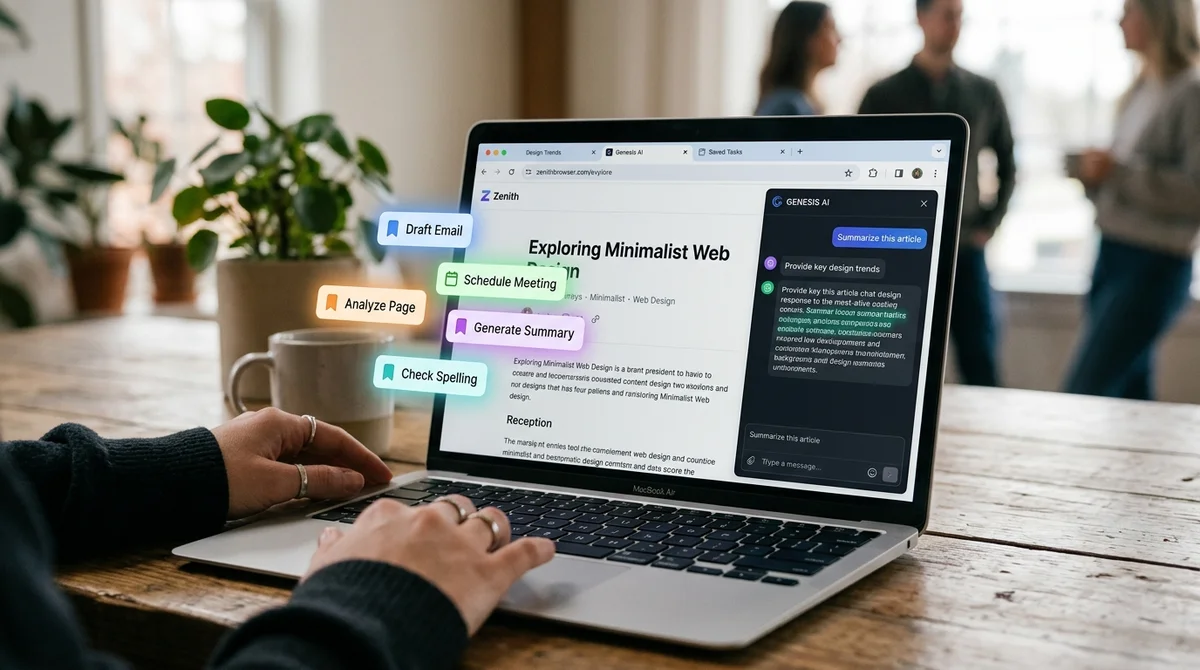
Google has launched a new feature in desktop Chrome called "Skills" — it allows you to save prompts for the built-in Gemini AI and run them on any web pages with one click. Until now, repeating the same AI task on different pages meant re-entering the request manually every time. Chrome Product Manager Hafsa Ismail explained the point of the innovation simply: "We're launching Skills — a feature that lets you save the most useful AI prompts and run them with a single click".
The principle of operation is straightforward. A user formulates the needed request once — for example, "find ingredient substitutes to make this recipe vegan" — saves it as a Skill, and then applies it to any tabs without re-entering. This is especially convenient when working with similar content: recipes, articles, product cards, news feeds.
The feature is available in the desktop version of Chrome and works on top of the existing Gemini integration in the browser. Google positions Skills as a productivity tool for users who regularly use the same AI scenarios in their daily work. It's a small but telling move: Google is consistently embedding Gemini deeper into the browser interface, transforming Chrome from just a browser into a personal AI workspace.
The next logical step would be automatic skill application based on triggers or page type, though this hasn't been announced yet.
Want to stop reading about AI and start using it?
AI News is a curated feed of AI/tech news. Hamidun Academy teaches you to use AI systematically in your work.