Runway turns sketches into video: how the new Motion Sketch feature works
Runway has introduced Motion Sketch, a feature that simplifies the process of creating video content. Users can now turn ordinary sketches and doodles into dyna
AI-processed from ZDNet AI; edited by Hamidun News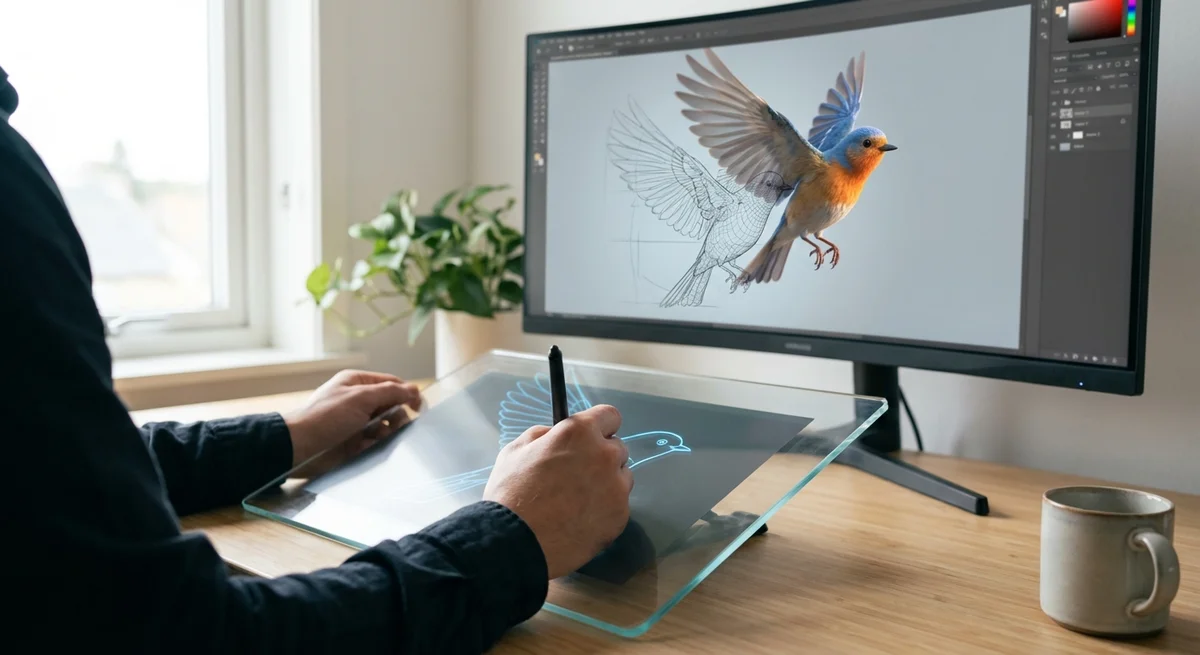
# Runway Turns Sketches Into Video: How the New Motion Sketch Feature Works
Runway has released a tool that could fundamentally change how video content is created. The Motion Sketch feature allows users to transform simple drawings and doodles into full-fledged video clips in minutes. This isn't just another AI filter — it's an attempt to blur the line between what exists in a creator's mind and what can be shown to an audience. While experimenting with the tool, one thing became clear: it works, but with caveats.
The history of video creation has always been about tools. Once you needed film and a movie camera, then expensive post-production equipment, then accessible programs like Adobe Premiere. Each step democratized the process but required learning. Motion Sketch goes further — it removes the need to understand storyboarding, animation, or basic video editing skills. You pick up a pen, draw a few lines, describe the motion in text, and the neural network turns it into video. This is a game where the rules have suddenly changed.
Technically, the tool works simply. A user creates a sketch in any style — from realistic outlines to abstract shapes. Then adds a text description of the desired action: "camera pulls back," "character jumps left," "water pours from above." Runway's model analyzes both inputs simultaneously and generates a video clip that matches both the sketch and the motion description. The system understands not just the static image, but the dynamics, attempting to predict three-dimensional space from a two-dimensional drawing.
When it works, the effect is impressive. I drew a simple silhouette of a figure, added the caption "running man, camera moves forward" — and got a video clip with realistic animation and camera movement effect. Creating this manually in any video editor would have taken at least an hour of work. It took two minutes. But that's where the problems begin.
Like all generative systems, Motion Sketch struggles with complexity. If the drawing is imprecise, the AI may misinterpret the object. Complex movements of multiple characters lead to distortions and artifacts — hands may disappear, objects deform strangely during motion. The text description must be clear, otherwise the model chooses the wrong interpretation. This isn't magic — it's statistical prediction, and it has its limits.
Nevertheless, the significance of Motion Sketch is not overstated. The tool fills a niche that traditional software doesn't cover: the period between idea and execution. Production designers will be able to quickly visualize scenes, YouTube creators will gain the ability to implement more ambitious video ideas without hiring animators, and students will be able to experiment with dynamic content. This isn't a replacement for professional video production, but a catalyst for creativity.
Motion Sketch symbolizes a broader trend: AI tools are becoming easier to use but smarter in detail. They don't make people unnecessary, but redefine the human role in the creative process. Instead of hours at the keyboard and mouse, creators spend time on ideas and strategy. This is exactly the direction technology should develop.
Want to stop reading about AI and start using it?
AI News is a curated feed of AI/tech news. Hamidun Academy teaches you to use AI systematically in your work.