The Quiet Death of GPU: Why Your Neural Network Is Killing Video Memory Right Now
Энтузиасты обнаружили критическую проблему: при работе с LLM и апскейлингом видео ядро GPU остается холодным, а видеопамять (VRAM) разогревается до 105°C. Завод
AI-processed from Habr AI; edited by Hamidun News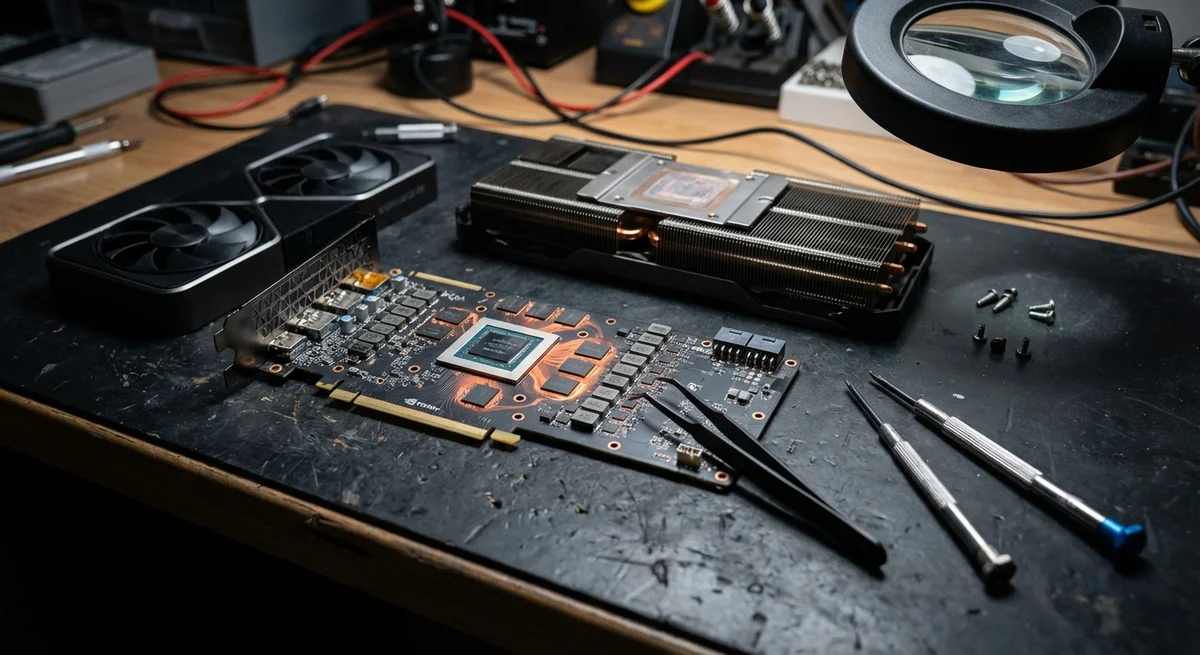
You've probably seen those reassuring graphs in monitoring: a flat temperature line, stable 65 degrees, and a complete sense that the system is handling it. But while you're feeding another heavy model to your GPU, a real drama is unfolding inside the substrate—one that standard software prefers not to notice. The problem is that modern GPU architecture isn't just the central die, but densely packed VRAM chips that suffer far more in machine learning tasks than in the heaviest games.
The industry has gotten used to measuring GPU health by GPU Core temperature. This worked for decades, but the era of local neural networks dictates its own rules. During text generation or video upscaling, the load on the memory controller becomes continuous. As a result, we get a dangerous imbalance: the graphics processor has barely warmed up, the fans are lazily spinning at low speeds, while VRAM modules are already burning at 105 degrees. For standard GDDR6X memory chips, this is a critical state beyond which thermal degradation and inevitable artifacts begin.
Hardware manufacturers often bake rather strange logic into their drivers. They allow memory to operate at its limit while the core stays cold. Rather than wait for NVIDIA or AMD to change their approaches, an enthusiast developer created VRAM Guard. This is a compact Python utility that does what major corporate engineers should have done three years ago—it puts memory sensors at the forefront. If the software detects that VRAM is overheating, it doesn't just crank the fans to maximum; it applies a method of pulse throttling.
The elegance of this method lies in its simplicity. Instead of crushing frequencies and turning work into a slideshow, the utility sends the process microscopic pause commands. It's like intermittent breathing: the neural network continues to work, but gets short breaks of a few milliseconds. This time is enough for excess heat to dissipate and memory temperature to drop by a critical 5-10 degrees without noticeable performance loss to the user.
Why is this important right now? The secondhand GPU market is already flooded with "tired" hardware after the crypto boom, and the boom in local LLMs creates a new wave of load. If you're using a card like the RTX 3090 or 4090 for continuous computation, you're in the risk zone. Replacing burnouts or degraded memory chips will cost half the price of the card, if repair is even possible. Using such monitoring tools becomes not just a geeky pastime, but a necessary condition for the survival of your home server.
We're entering an era where AI software develops faster than cooling systems can adapt to it. This is a classic case of "technical debt" in hardware. While corporations sell us new teraflops, the care for the longevity of those teraflops falls on the shoulders of users themselves and authors of small open-source projects. Python once again proves it's the best tool for quickly fixing the systemic oversights of industry giants.
The main point: Your GPU's factory settings may be its death sentence in AI tasks. Are you willing to risk a two-thousand-dollar card for the sake of fan silence?
Want to stop reading about AI and start using it?
AI News is a curated feed of AI/tech news. Hamidun Academy teaches you to use AI systematically in your work.