Network Traffic in Linux: One Command Against Cloud Chaos
Picture this: your server, which just yesterday was cheerfully processing requests to a neural network or parsing data, suddenly turns into a pumpkin…
AI-processed from ZDNet AI; edited by Hamidun News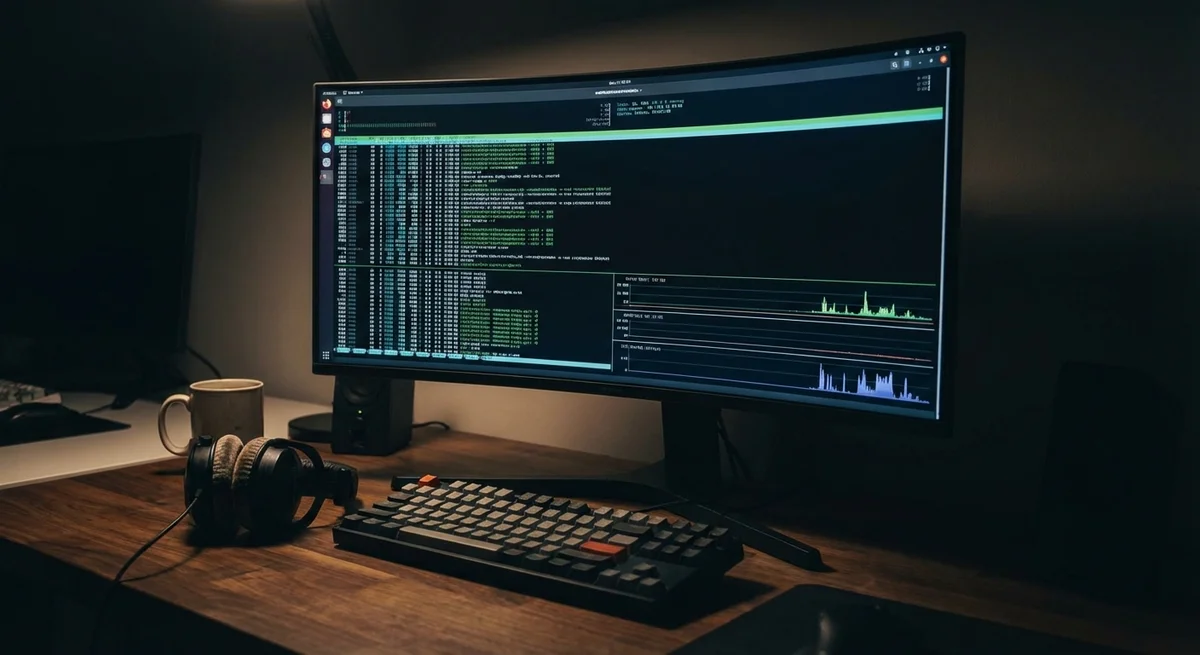
Picture this: your server, which just yesterday was cheerfully processing requests to a neural network or parsing data, suddenly turns into a pumpkin. Response time grows, connections drop, and you panic trying to understand what is devouring your bandwidth. In such moments, modern heavyweight dashboards like Grafana can prove useless — they are either too sluggish or cannot load themselves due to network delays. This is where old school comes in. In the world of Linux, there are many ways to check the network, but if you need instant understanding of the situation without reading multi-page logs, there is one tool that replaces a dozen others.
This tool is the nload utility. While the industry is obsessed with innovative monitoring methods using machine learning, system administrators and experienced developers continue to rely on simple console tools. Why does this matter right now? We live in the era of distributed systems. Your AI agents call external APIs, your databases synchronize with the cloud, and containers constantly exchange traffic. In this web, it is easy to miss the moment when one misconfigured script starts downloading terabytes of data, for which you will receive a very real bill from your provider at month's end.
Installing nload takes seconds, but provides visual clarity that many paid services would envy. After launching it, you see two live graphs: incoming and outgoing traffic. This allows you to instantly determine the nature of the problem. If the incoming channel is congested — perhaps you are under attack or some process decided to update at the worst possible moment. If outgoing — you should check whether your server has become part of a botnet or whether the weights of your new model are leaking in an unknown direction. Active voice is appropriate here more than ever: nload shows what is happening right now, not what happened five minutes ago.
The context of using such tools has changed significantly over recent years. Before, we monitored traffic simply to not exceed the provider's limit. Today, network monitoring is part of security and cost optimization for AI infrastructure. When you work with large language models (LLMs), the volumes of transmitted data can be enormous. Understanding how load is distributed across your nodes helps you scale the cluster correctly and avoid paying for excess capacity. Often it turns out that the bottleneck is not in GPU performance at all, but in network bandwidth between servers.
Many young specialists are accustomed to the "magic" of cloud platforms, where everything is hidden behind beautiful interfaces. However, when the magic stops working, you are left alone with a black terminal window. Mastery of tools like nload separates those who simply click buttons from those who truly control their system. This is a return to basics, which is necessary to not get lost in the complexity of the modern technology stack. Ultimately, the ability to quickly diagnose a problem saves the most valuable resource — your time.
The key point: Minimalism in tools is not a step backward, but the only way to maintain control over infrastructure that grows more complex every day. Can you quickly find the cause of slowdowns in your network without hints from an AI assistant?
Want to stop reading about AI and start using it?
AI News is a curated feed of AI/tech news. Hamidun Academy teaches you to use AI systematically in your work.