Protection from Tracking: How to Prevent iPhone Apps from Monitoring You
Intrusive advertising that follows you across the internet has long become an annoying companion of life in the digital age. Fortunately, Apple provides…
AI-processed from ZDNet AI; edited by Hamidun News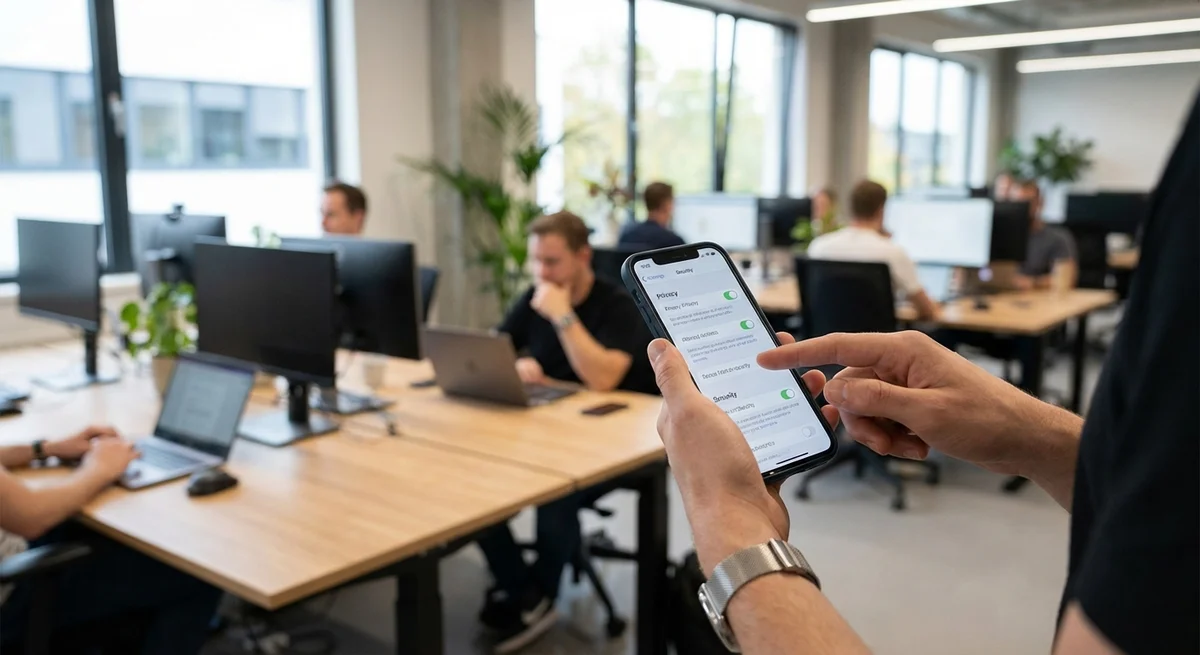
Intrusive advertising that follows you across the internet has long become an annoying companion of life in the digital age. Fortunately, Apple provides iPhone users with tools to combat this problem. iOS has several settings that allow you to significantly limit application tracking of your activity and, as a result, reduce the amount of personalized advertising that "catches up with you."
Why is this important? The fact is that many applications collect huge amounts of data about your habits, location, purchases, and interests. This information is used to create your digital profile, which is then sold to advertising companies. The more data collected about you, the more accurately advertisers can target their ads, which can lead to the feeling that you're constantly being watched. Additionally, data collection can pose a threat to your privacy, especially if this data falls into the wrong hands.
To protect yourself, go to the "Settings" of your iPhone, then select "Privacy and Security," and then "Tracking." Here you will see a list of applications that have requested permission to track your activity. You can disable tracking for each application individually or prohibit all applications from requesting tracking permission. Additionally, in the "Ads" section, you can enable "Limit Ad Tracking." This won't completely turn off ads, but it will make them less personalized.
These measures are not a panacea for all internet surveillance, but they significantly complicate the task for applications that want to track your activity. It's important to understand that many free applications exist through advertising, so limiting tracking may affect their functionality or lead to an increase in irrelevant advertising. Nevertheless, controlling your data is an important step toward protecting your privacy.
Ultimately, the decision about what data to provide to applications remains with you. Apple provides tools that give users more control over their privacy, and it's important to use them. Regularly check the privacy settings on your iPhone and make informed decisions about what data you're willing to provide to applications. This will help you feel safer and more comfortable in the digital world.
The impact on the industry is that app developers and advertising networks are forced to find new ways to monetize that don't violate user privacy. This can lead to the development of new ad formats and technologies focused on contextual advertising or the use of aggregated data that doesn't allow identifying specific users.
In conclusion, protection from internet surveillance is a continuous process that requires attention and effort. Privacy settings in iOS are an important tool that allows users to control their data and protect their privacy. Don't neglect them, and you will be able to significantly reduce the amount of intrusive advertising and increase your safety in the digital world.
Want to stop reading about AI and start using it?
AI News is a curated feed of AI/tech news. Hamidun Academy teaches you to use AI systematically in your work.