7 секретов Samsung: как значительно увеличить время работы аккумулятора
Modern Samsung Galaxy smartphones are renowned for their durability, yet even the most advanced models can squeeze out even more battery life. The secret…
AI-processed from ZDNet AI; edited by Hamidun News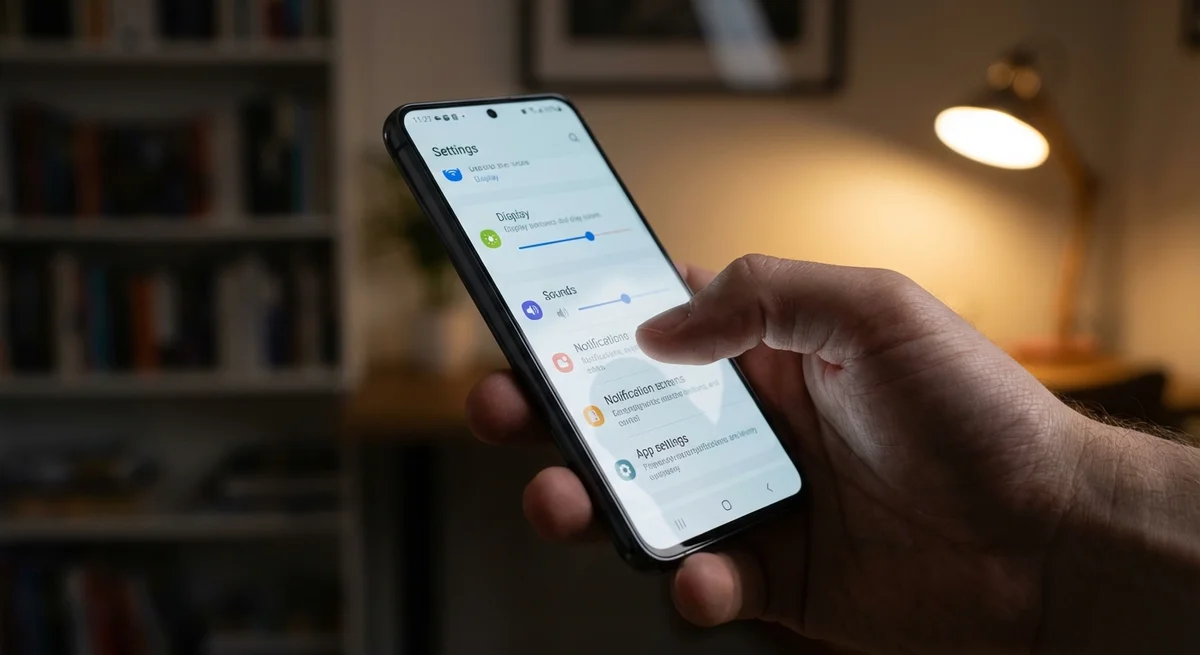
Modern Samsung Galaxy smartphones are renowned for their durability, yet even the most advanced models can squeeze out even more battery life. The secret lies in fine-tuning the operating system and rational use of resources. In this article, we'll examine seven key changes that will help you significantly extend the battery life of your Samsung Galaxy.
The first step is display optimization. The screen is one of the most power-consuming components of a smartphone. Reducing screen brightness, especially in low-light conditions, can significantly reduce energy consumption. Additionally, it's recommended to use a dark theme for the interface, as it allows you to save battery on AMOLED displays by turning off the backlight of black pixels. Finally, reduce the time before the screen automatically turns off to a minimum comfortable value.
The second important aspect is managing background processes. Many apps continue to run in the background, consuming CPU and battery resources even when you're not using them. Limit background activity for apps you don't need constantly through battery settings. It's also recommended to regularly close unused apps from the multitasking panel.
The third secret is notification optimization. Each notification, especially visual and audio ones, requires energy. Turn off notifications for apps that aren't critically important to you. Configure priority notifications to receive only the most necessary information.
The fourth tip is disabling unused connections. Bluetooth, Wi-Fi, and geolocation are useful features, but they constantly scan the environment for available networks and devices, consuming battery power. Turn them off when you don't need them.
The fifth point is using power-saving mode. Samsung Galaxy offers various power-saving modes that automatically limit CPU performance, screen brightness, and background activity to extend battery life. Activate this mode when you need to stay connected as long as possible.
The sixth way is to monitor software updates. Smartphone manufacturers regularly release updates that contain optimizations and bug fixes affecting power consumption. Install the latest updates so your smartphone runs as efficiently as possible.
The seventh secret is to disable Always On Display. Although this feature is convenient for quickly checking the time and notifications, it constantly consumes energy. Disable it if you want to maximize battery life. Ultimately, optimizing your Samsung Galaxy's settings is a simple and effective way to significantly increase its battery life, allowing you to stay connected longer and not worry about the need for constant charging.
Want to stop reading about AI and start using it?
AI News is a curated feed of AI/tech news. Hamidun Academy teaches you to use AI systematically in your work.