How an AI agent organized a photo archive of 36,000 images and emails from 2005 in one evening
A Habr developer spent one evening on a task he'd postponed for 20 years: organizing a photo archive of 36,000 files and 222 GB using an AI agent on local…
AI-processed from Habr AI; edited by Hamidun News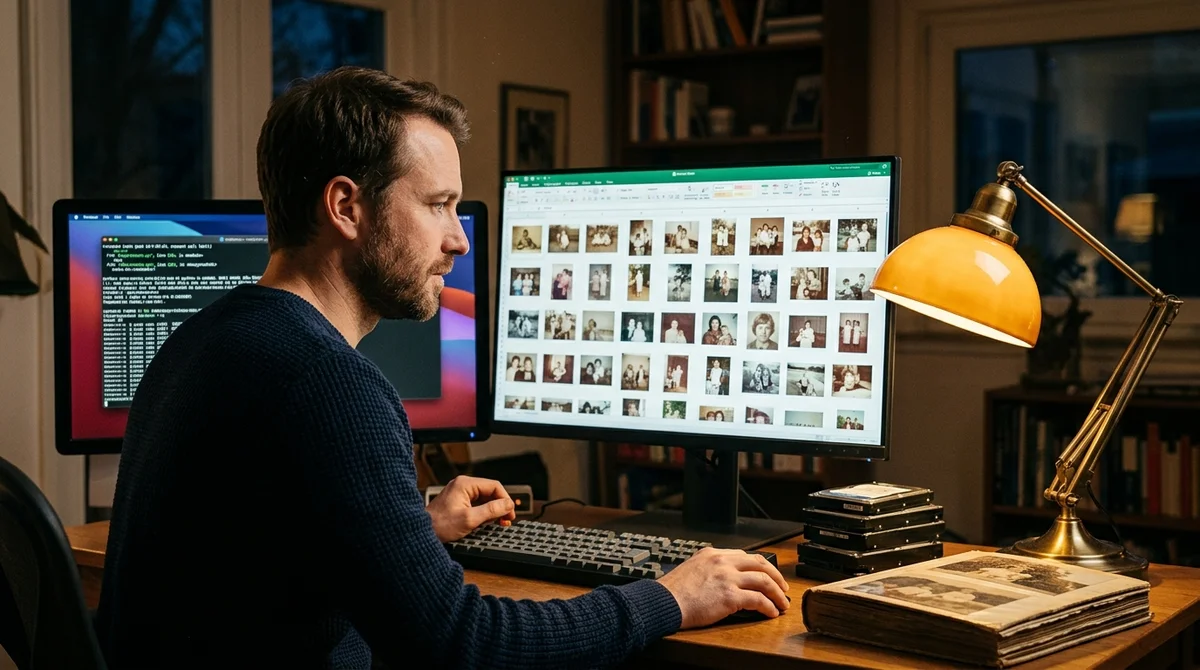
A Habr user described how they organized a photo archive of 36,000 files and 222 GB, accumulated over 20 years, in a single evening — using an AI-agent powered by local models. Along the way, they cleaned up their email inbox, which hadn't been touched since 2005.
A Problem Postponed for Years
Digital clutter accumulates imperceptibly. Smartphones create duplicates, messengers fill your gallery with screenshots, hard drives get transferred from laptop to laptop — and after 20 years, you end up with 222 GB of chaos that terrifies you to touch. Manual organization means dozens of hours of tedious work.
Most people start, make it through the second hour, and give up. The author puts it perfectly: "volume kills intent." The task feels psychologically insurmountable not because it's complex — but because of its scale.
Every time you open a folder containing thousands of unstructured photos, your brain refuses to engage. The solution was an AI-agent — a program that handles all the tedious work itself while the owner does something else.
How the Agent Works
The agent operates locally — no personal photos are sent to external servers. This is a deliberate choice: family photos don't become training data for other people's models, and privacy stays intact. The work unfolds in several stages:
- Scanning all folders, including old backups and forgotten drives
- Finding duplicates — by content hash and EXIF metadata
- Determining photo date and location from camera data
- Classifying content through a vision-model: people, nature, documents, screenshots
- Removing garbage — dark frames, accidental pocket shots, obvious duplicates
- Organizing by structure: year → event → content type
The agent doesn't just move files — it makes decisions about what to keep and what to discard, based on visual analysis. The human-in-the-loop principle remains: final decisions on ambiguous cases stay with the user, but now there are only a handful instead of thousands.
Email from 2005
In parallel, the email inbox was processed — a mailbox untouched since 2005. Same story: massive volume, no organization, everything lumped together. Newsletters, notifications, important conversations, financial receipts — all mixed up over two decades. The agent went through the messages, identified important threads, deleted spam and automated notifications, and organized documents in separate folders.
"There are tasks that never get done.
Not because they're complex, but because volume kills intent around hour two," the author writes.
In one evening — a twenty-year-old archive, cleaned up.
Local Models as the Key
The entire stack uses open models on consumer hardware. A vision-model classifies images by content, a local LLM handles the agent's logic and makes structural decisions. No API keys, no subscriptions, no dependence on external services. Anyone with a modern laptop with 16+ GB RAM can replicate this. You don't need an expensive GPU — local models like LLaVA or Ollama run fine on standard hardware. The code and approach from the article adapt to any collection.
What It Means
This case demonstrates a new class of AI-agent applications: not office tasks or coding, but clearing through personal digital heritage accumulated over years. Most people have such archives, but never get around to organizing them. The technologies are already available and work on consumer hardware. The next logical applications — old documents and scans, messenger conversations, cataloging personal libraries.
Want to stop reading about AI and start using it?
AI News is a curated feed of AI/tech news. Hamidun Academy teaches you to use AI systematically in your work.