Adobe's Firefly: An Assistant That Explains Well, But Impresses Rarely
Adobe introduced Firefly AI Assistant — a chat assistant that manages design applications. It explains the process beautifully, but the results rarely…
AI-processed from The Verge; edited by Hamidun News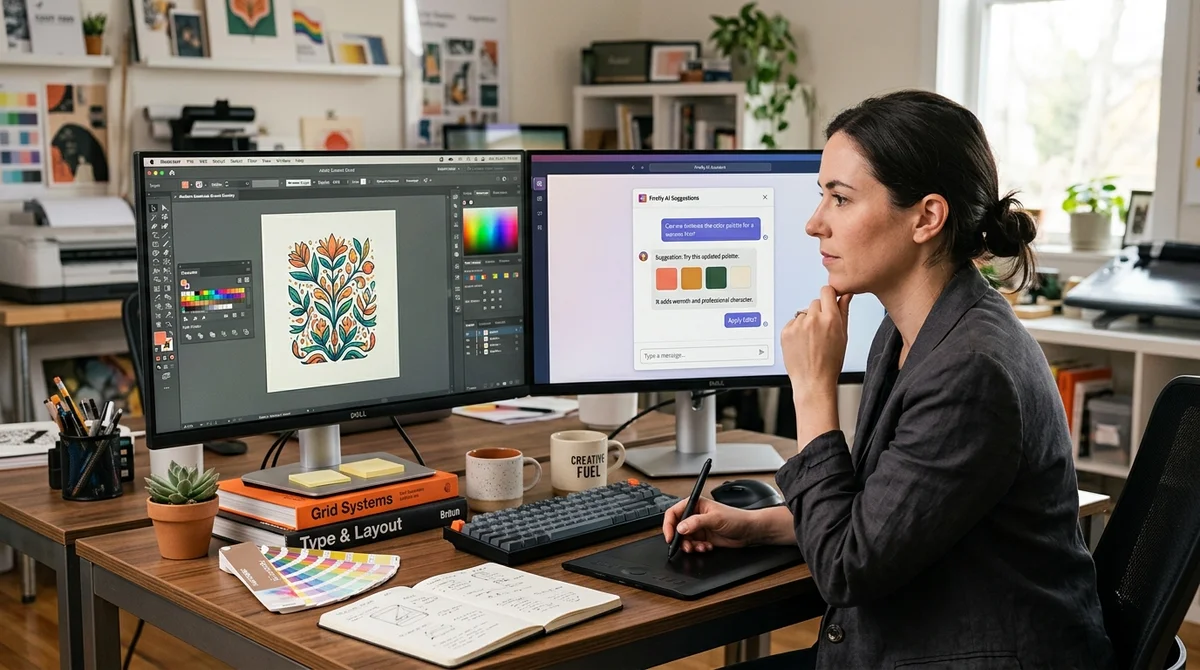
Adobe introduced Firefly AI Assistant — a chatbot that manages design applications on behalf of the user. Unlike conventional image generators, it's an assistant that preserves creative control and eliminates routine work.
Not a Generator, But an Assistant
AI image tools typically work simply: you enter text, you get a result. Adobe took a different approach. Firefly AI Assistant is a multifunctional intermediary that can manage Adobe design applications on your behalf. Instead of full autogeneration, the bot offers options and explains what it's doing. This allows you to remain in the creative process rather than simply watching as the neural network generates the final result. You still control the direction of the work, while routine tasks pass to the bot.
Beautiful Explanations, Questionable Results
What struck us during testing of Firefly AI Assistant was precisely its transparency: the bot doesn't simply make edits, but provides detailed explanations of the process. It explains why it chose one tool or another, how it applied an effect, what changed. This transparency is truly impressive. However, the final result was not always impressive. The edits work, but don't always inspire admiration. It's like an average design intern — understands the process, but execution could be better. Sometimes the result looks standard or boring, especially when a creative approach is needed.
Who Is This Useful For
This approach makes sense for designers who have ideas but don't have time for routine work. Instead of hours-long layer-by-layer editing sessions, you can entrust the bot with:
- Removing or changing the background
- Increasing contrast or saturation
- Moving composition elements
- Applying standard effects
- Organizing the color palette
For beginners without experience, this tool can be useful as a learning tool — observing how the bot solves a task and learning from its solutions.
What This Means
The trend in AI design is moving from 'a generator that creates everything' to 'an assistant that helps.' Adobe demonstrates that the future is not about replacing the designer, but about freeing them from routine work. However, the results so far show that this idea needs refinement.
Want to stop reading about AI and start using it?
AI News is a curated feed of AI/tech news. Hamidun Academy teaches you to use AI systematically in your work.